
Last updated 07-03-2026
Category:
Reviews:
Join thousands of AI enthusiasts in the World of AI!
Makedraft
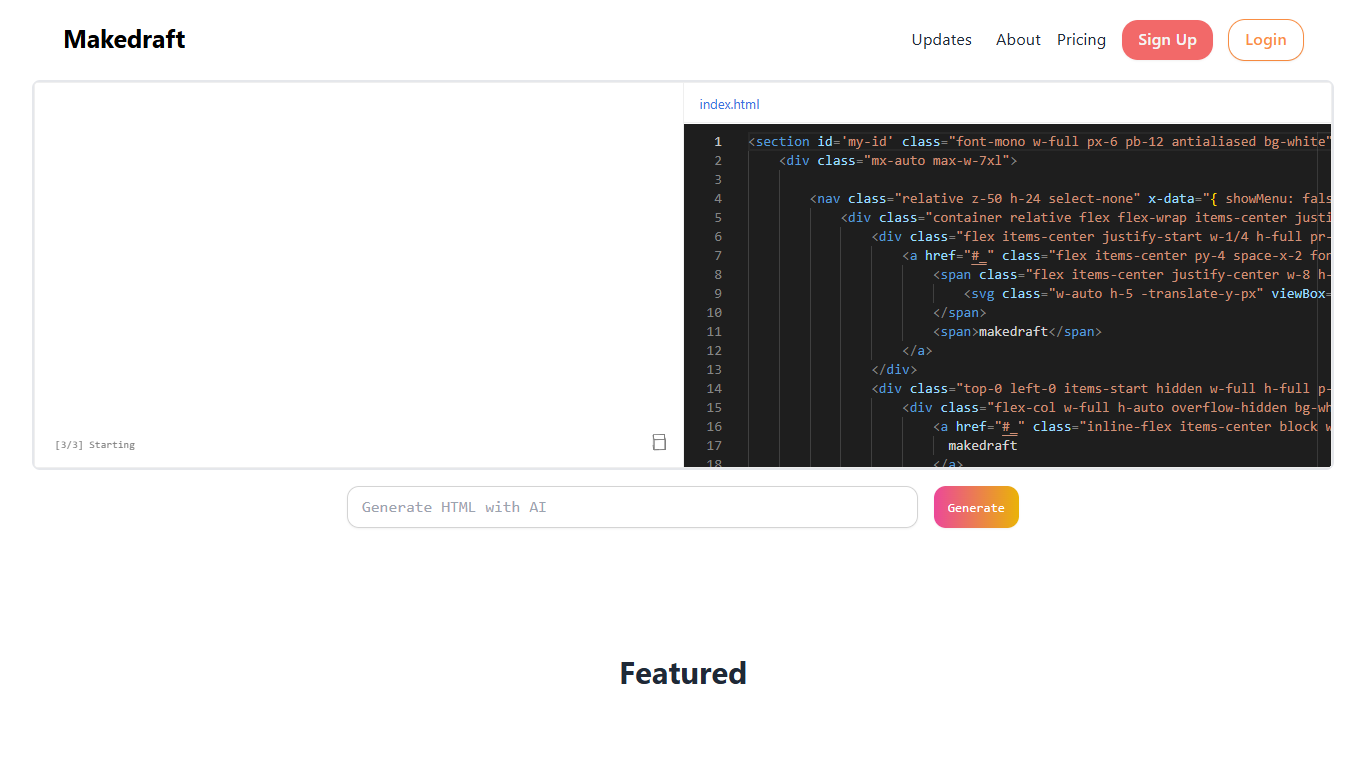
Makedraft generates frontend code from plain-language instructions inside a browser-based editor. You describe what you want, and it writes HTML you can copy into any project. The workflow splits into two modes: highlight existing code to request targeted edits, or prompt with nothing selected to spin up entirely new components.
Output ships with Tailwind CSS classes baked in, plus JavaScript and Alpine.js when needed. Vue.js support is listed as coming soon. The site runs in open beta with a sandbox editor, so you can test generations before committing code elsewhere.
It fits frontend developers, designers, and indie builders who want quick UI drafts without hand-coding every section from scratch. Commercial use of generated code is allowed, though you cannot use Makedraft output to build a competing code-generation service.
Highlight a code block and tell the AI exactly what to change in Edit Mode
Prompt with nothing selected to generate brand-new HTML components from scratch
Output includes Tailwind CSS classes ready to paste into your own project
Writes JavaScript and Alpine.js alongside HTML, with Vue.js support on the way
Sign up with GitHub or email and start generating inside the browser sandbox
Free tier includes 20 generations per month during open beta.
Edit Mode lets you refine specific sections instead of regenerating the whole component.
Generated code uses Tailwind CSS and standard CDN scripts you can drop into any project.
GitHub sign-in is available alongside email registration on the signup page.
Commercial use of generated code is permitted under Makedraft's terms.
Free plan caps you at 20 generations per month with public output.
Vue.js framework output is listed as coming soon, not available yet.
Free-tier projects may appear in Makedraft's planned public Showcase.
You need to add Tailwind and Alpine.js CDN scripts yourself before using the code.
What is Makedraft?
Makedraft is a browser tool that generates frontend code from your instructions. You can copy the HTML it produces into any project. It supports Edit Mode for targeted changes and Generate Mode for building new components.
Does Makedraft only generate HTML?
No. Makedraft also generates JavaScript and Alpine.js code alongside HTML. Vue.js output is listed as coming soon on the Makedraft homepage.
Can I use Makedraft code for commercial purposes?
Yes. Makedraft allows commercial use of generated code, but you are responsible for compliance with applicable laws. You may not compile Makedraft output to replicate a similar or competing service.
Is what I generate on Makedraft private?
On the free plan, generated code is public. Makedraft also plans a Showcase where projects can be visible. Subscribers to the Private plan get generated projects set to private by default.
What do I need to use Makedraft generated code?
Makedraft styles output with Tailwind CSS, so add the Tailwind CDN script to your page head. If the output includes Alpine.js, also add the Alpine.js CDN script before using the code.
How much does Makedraft cost?
Makedraft offers a free plan at $0 per month with 20 generations, and a Private plan at $5 per month with 150 generations and private code. Pricing is listed on makedraft.com/pricing.
Does Makedraft have a free plan?
Yes. Makedraft's free plan includes 20 generations per month at no cost. Generated code on the free tier is public. The site is currently in open beta.