
Last updated 07-29-2026
Category:
Reviews:
Join thousands of AI enthusiasts in the World of AI!
MakeMyAnime
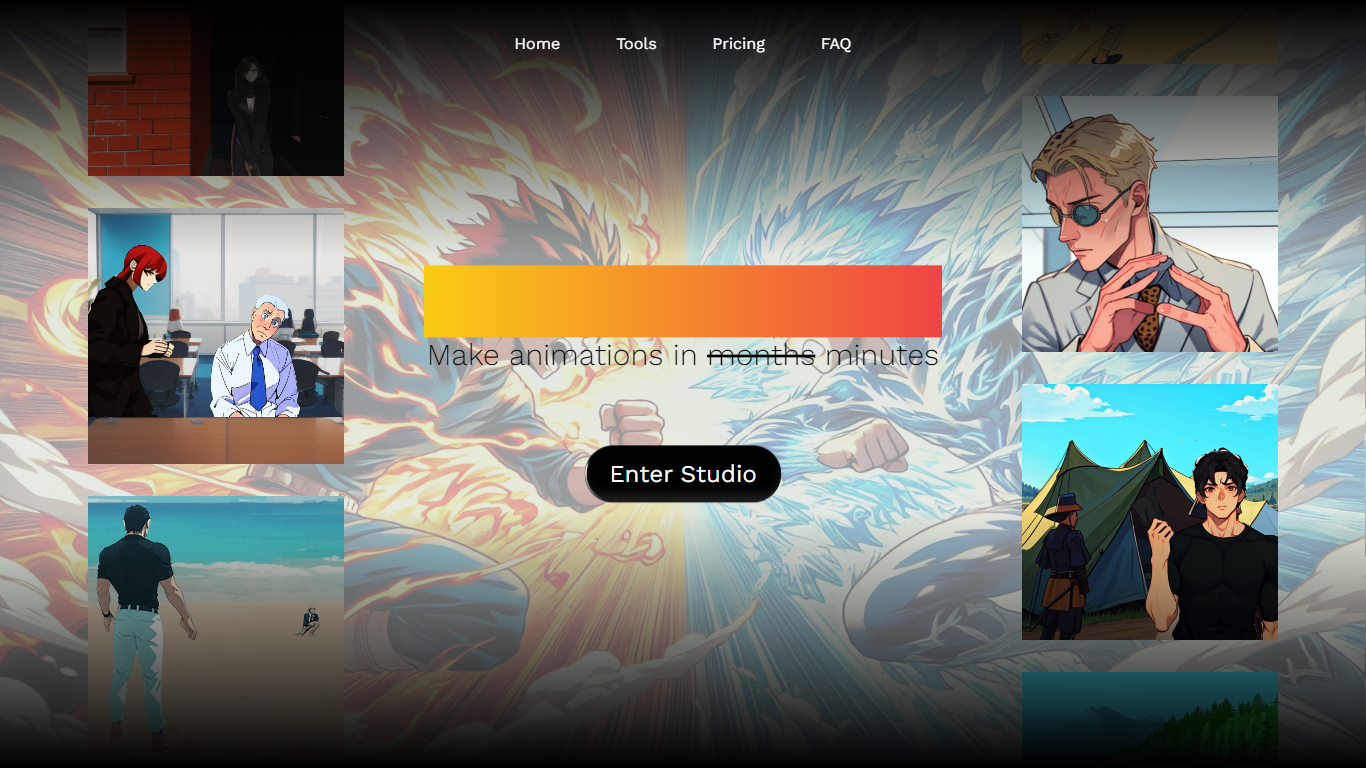
MakeMyAnime is an AI-powered platform designed to help users create anime-style animations quickly and easily. It guides you through a simple six-step process starting with character creation, followed by generating images in different poses, and then interpolating between these images to produce smooth animations. The platform supports adding custom backgrounds and replacing them to fit your scene, making it versatile for various animation projects.
This tool caters to both beginners and professionals who want to bring their anime characters to life without needing advanced animation skills. It offers a range of anime styles through Lora models, including 1990's, Cyberpunk, Studio Ghibli, and more, allowing users to customize the look and feel of their animations.
MakeMyAnime's value lies in its user-friendly workflow that combines AI-generated character design, pose referencing, and video interpolation. Users can upload reference videos or images to control animation poses, enhancing creative flexibility. The platform also integrates simple background drawing and replacement tools to complete scenes.
Technically, MakeMyAnime leverages AI models for image generation and interpolation, supporting 1024x1024 resolution images optimized for animation frames. It encourages iterative refinement, especially in background creation, to achieve desired results. The system supports uploading custom Lora style models to expand artistic options.
Overall, MakeMyAnime stands out by simplifying the anime animation process into manageable steps, making it accessible for hobbyists and content creators who want to produce unique animations without complex software. Its pay-as-you-go credit system and free starter credits lower the barrier to entry, while 24/7 support ensures users can get help when needed.
🎨 Easy Character Creation: Design unique anime characters with simple prompts and customization.
🖼️ Pose-Based Image Generation: Generate character images in different poses for animation frames.
🎞️ Smooth Video Interpolation: Create fluid animations by interpolating between key frames.
🖌️ Background Drawing & Replacement: Sketch and swap backgrounds to fit your scene easily.
📂 Custom Style Support: Upload and use various Lora models to apply different anime art styles.
Simple step-by-step animation creation process
Supports multiple anime art styles via Lora models
Allows uploading custom styles for personalization
Flexible pay-as-you-go pricing with free starter credits
Includes tools for background drawing and replacement
Interpolation quality depends on consistent input images
Background generation may require multiple attempts
No mention of offline or desktop app availability
How do I create an animation using MakeMyAnime?
You start by creating a character, then generate images in different poses, interpolate between them to make animation frames, and finally add or replace backgrounds.
Can I upload my own styles or models?
Yes, MakeMyAnime supports uploading custom Lora style models to apply different anime art styles to your characters and scenes.
What image resolution does MakeMyAnime support for animations?
The platform works best with 1024x1024 pixel images, which are optimized for smooth animation interpolation.
Is there a way to control the animation poses precisely?
You can upload reference videos or images to guide the poses for your character animations, giving you more control over the final result.
Do I need prior animation experience to use MakeMyAnime?
No, the platform is designed to be user-friendly and accessible even if you have no prior animation skills.
How does the pricing work on MakeMyAnime?
MakeMyAnime uses a pay-as-you-go credit system, and new users receive $1 worth of free credits to start creating animations.
Can I replace backgrounds in my animations?
Yes, you can draw simple backgrounds with the EZ Draw tool and replace existing backgrounds to customize your scenes.