
Last updated 08-21-2026
Category:
Reviews:
Join thousands of AI enthusiasts in the World of AI!
MeshGPT
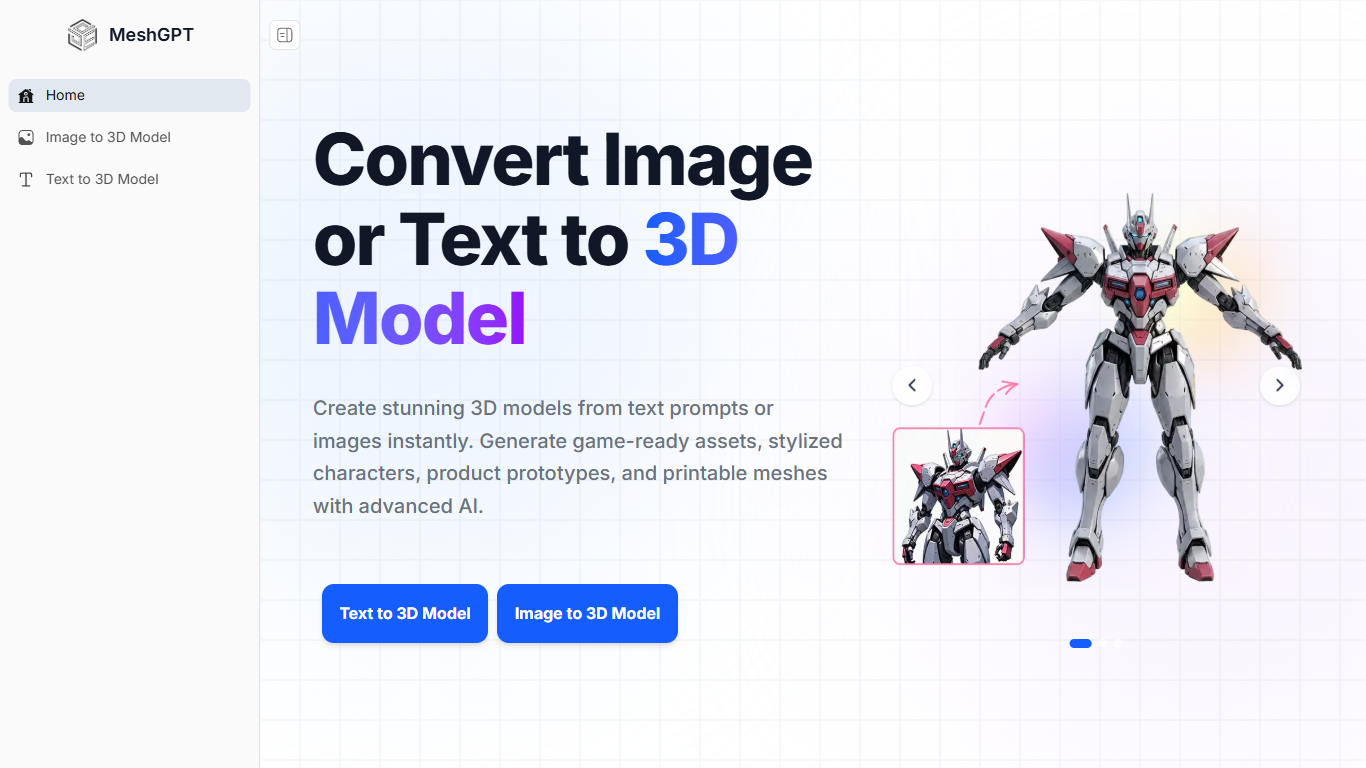
MeshGPT turns text prompts or reference images into downloadable 3D meshes through a browser workspace built for creators who do not want to sculpt from scratch. You describe an object or upload a JPG, PNG, or WebP photo, pick textured or geometry-only output, and preview the result before exporting to GLB, FBX, OBJ, STL, or other formats.
Most single-model generators focus on either text or image input. MeshGPT keeps both paths in one place, plus a file converter and a REST API for pay-as-you-go credits. Image uploads accept files up to 6MB, and text prompts can run up to 1,024 characters with optional PBR material generation.
Fast generations finish in 20 to 30 seconds, while high-detail textured models take 1 to 3 minutes. Outputs ship with clean topology and PBR maps when enabled, ready for Blender, Unity, Unreal Engine, or 3D printing workflows.
Game developers, product designers, and indie creators use MeshGPT for props, anime characters, product mockups, and printable figures. The free tier covers several generations per day with no credit card required, and commercial use is allowed on generated models.
Text to 3D and image to 3D in one browser workspace
Exports GLB, FBX, OBJ, USDZ, STL, DAE, and BLEND formats
Fast generations in 20 to 30 seconds; high-detail runs take 1 to 3 minutes
Optional PBR materials with textured or geometry-only output modes
Image uploads accept JPG, PNG, and WebP files up to 6MB
REST API with pay-as-you-go credits for developer integrations
Combines text, image, and file conversion workflows in one site
Exports to seven industry-standard 3D formats
Free daily generations with no credit card required
Optional PBR textures and geometry-only modes
Commercial use permitted on generated assets
High-detail textured models can take up to 3 minutes per generation
Free tier limits how many models you can create each day
API usage requires separate pay-as-you-go credits
Is MeshGPT free to use?
Yes. MeshGPT includes a free tier with several daily generations. No credit card is needed to start on meshgpt.io, and basic text-to-3D and image-to-3D features are included.
How long does MeshGPT take to generate a model?
MeshGPT typically completes fast models in 20 to 30 seconds. High-quality generations with detailed textures and geometry settings take 1 to 3 minutes depending on the options you select.
Which file formats can I export from MeshGPT?
MeshGPT exports GLB for web and AR, FBX for game engines, OBJ as a universal format, USDZ for Apple AR, STL for 3D printing, DAE (Collada), and BLEND for Blender.
What image formats does MeshGPT accept?
MeshGPT supports JPG, PNG, and WebP uploads for image-to-3D conversion. Files must be 6MB or smaller, and high-resolution images with clear subjects produce the best meshes.
Can I use MeshGPT models commercially?
Yes. MeshGPT grants commercial rights to models you generate. You can use them in games, apps, marketing materials, product visualizations, and other paid projects.
Does MeshGPT offer an API?
Yes. The MeshGPT REST API provides programmatic access to 3D generation, AI texturing, and remeshing. Developers pay with credits on a pay-as-you-go basis through simple REST endpoints.
Do I need 3D modeling skills for MeshGPT?
No. MeshGPT is built for users without sculpting experience. You write a text prompt or upload a photo, choose output options, and download a production-ready mesh without manual modeling.