
Last updated 08-13-2026
Category:
Reviews:
Join thousands of AI enthusiasts in the World of AI!
One Click Article Creator By BuildAI.space
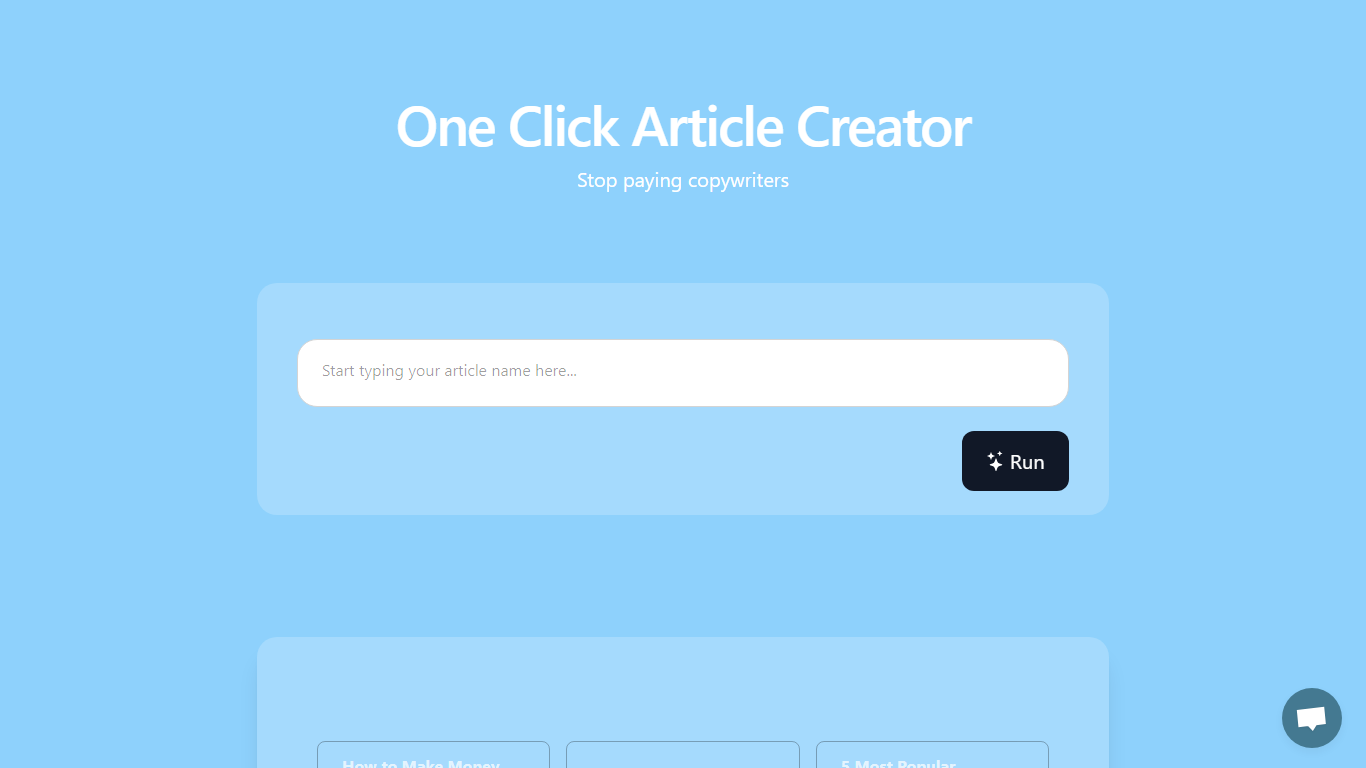
One Click Article Creator on BuildAI.space turns a short topic prompt into a blog draft when you press Run. The live app shows sample headlines like "How to Make Money Online" and "5 Most Popular products on Amazon," which points to quick listicle-style posts rather than deeply researched long reads.
Full copywriting suites usually ask for outlines, tone sliders, and SEO fields before they write anything. This BuildAI app keeps the screen minimal: enter a topic, hit Run, then read or refine the output in the on-page chat. That trade-off fits bloggers who want a fast first draft without configuring another writer dashboard.
Freelancers, affiliate publishers, and small marketing teams that crank out roundup posts are the natural fit. If you need citations, strict brand voice controls, or export to WordPress, you will still move the draft into your normal editor.
Draft articles from a topic prompt with a single Run button
Sample topics include listicles like "5 Most Popular products on Amazon"
Built-in chat panel for follow-up edits on the same page
Runs inside the BuildAI.space browser app with no install
Hosted on buildai.space infrastructure with Stripe payment hooks on the platform
Run button workflow avoids long outline forms before drafting
On-page chat lets you revise without switching tools
Example topic chips clarify the listicle formats it targets
Browser-only access with no local install
App page shows almost no pricing, export, or word-limit details
Sample prompts skew toward generic SEO listicles, not cited research
Sparse UI leaves quality controls to the underlying BuildAI platform
What is One Click Article Creator?
One Click Article Creator By BuildAI.space is a hosted app that drafts articles from a topic when you click Run. The page shows example prompts such as money-making guides and Amazon product roundups.
How does the Run button work?
In One Click Article Creator By BuildAI.space you enter or pick a topic, press Run, and the draft appears in the on-page chat. No separate export step is shown on the app screen.
Does One Click Article Creator cost money?
One Click Article Creator By BuildAI.space does not display its own prices on the app page. Billing runs through the BuildAI.space platform, which handles subscriptions separately.
Do I need coding skills?
No coding is required for One Click Article Creator By BuildAI.space. The interface is just the Run control and chat panel inside the BuildAI app shell.
What article formats does it target?
One Click Article Creator By BuildAI.space highlights list-style sample prompts, including titles like "10 Best places for living" and product roundup headlines.
Can I keep chatting after a draft?
Yes. One Click Article Creator By BuildAI.space includes a Chat section next to Run so you can ask follow-up questions on the same page.
Who operates the app?
One Click Article Creator By BuildAI.space is hosted on BuildAI.space. Platform terms name the operator as BuildAI.Space LTD.