
Last updated 08-21-2026
Category:
Reviews:
Join thousands of AI enthusiasts in the World of AI!
OpusClip
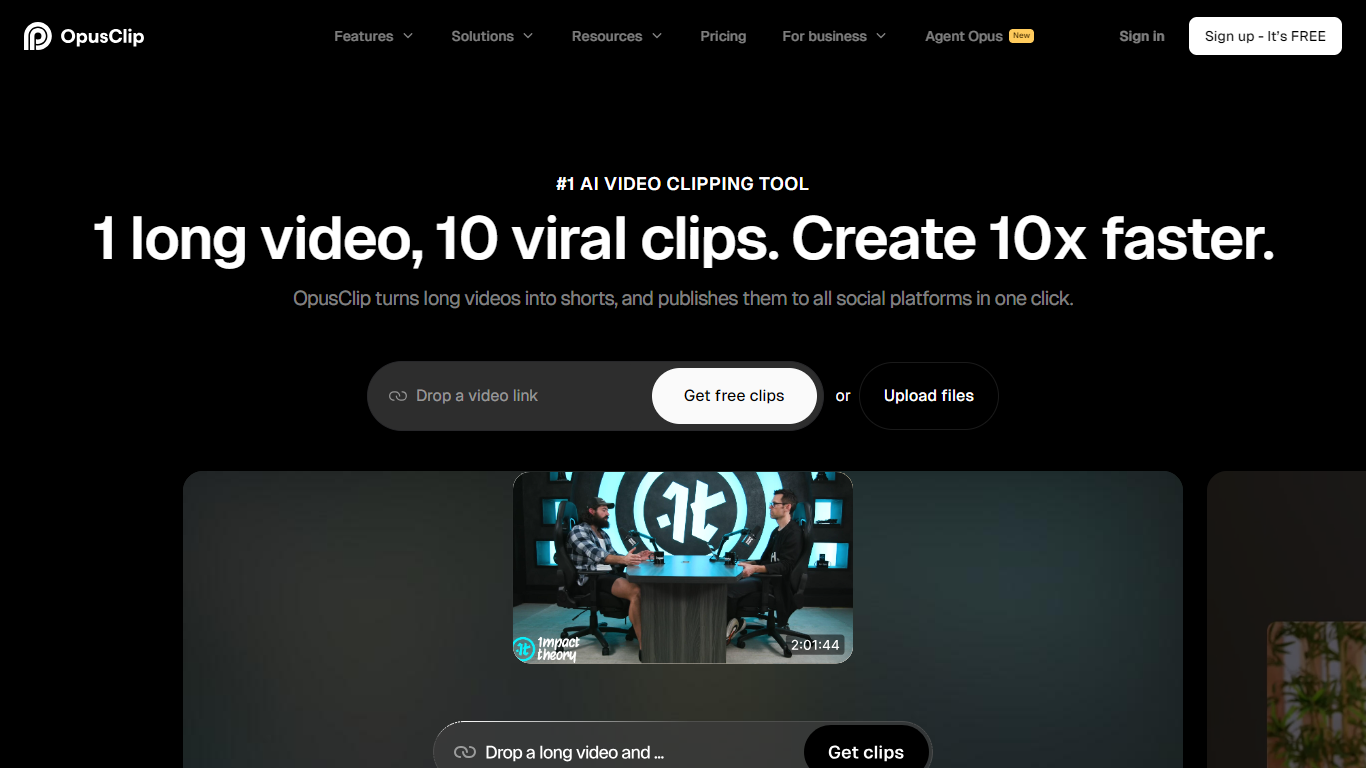
OpusClip turns long-form videos into short clips ready for TikTok, YouTube Shorts, and Instagram Reels, then lets you publish them across platforms from one dashboard. It is built for creators, podcasters, and marketing teams who want to repurpose existing footage without hiring an editor or spending hours in a timeline.
Most clip tools hunt spoken keywords in a transcript. OpusClip's ClipAnything model reads visual, audio, and sentiment cues across the full video, so it can pull highlights from sports, vlogs, and footage with little dialogue, and you can steer it with natural-language prompts instead of scrubbing a timeline by hand.
Podcasters use it to pull quotable segments from hour-long episodes. YouTubers and social media managers use it to keep a steady short-form posting schedule from one long upload. Agencies and media teams use team workspaces, brand templates, and XML export to hand clips to editors in Premiere Pro or DaVinci Resolve.
ClipAnything finds highlight moments using visual, audio, and sentiment cues
Import from YouTube, Zoom, Google Drive, Twitch, and 10+ other sources
Animated captions in 20+ languages with emoji and keyword highlights
ReframeAnything tracks moving subjects across 9:16, 1:1, and 16:9 layouts
Schedule and post clips to TikTok, YouTube Shorts, and Instagram Reels
Export projects to Adobe Premiere Pro or DaVinci Resolve via XML
ClipAnything handles non-talking-head footage like sports, vlogs, and TV clips, not just podcasts.
Free tier includes 60 monthly credits with no credit card required to start.
Pro plan exports XML projects to Premiere Pro and DaVinci Resolve for further editing.
Supports 20+ languages for transcription and animated captions.
Built-in scheduler posts clips to TikTok, YouTube Shorts, and Instagram Reels.
Free plan clips carry a watermark and exports expire after 3 days.
Starter plan is monthly-only with no annual billing option on the pricing page.
Business-tier features like SSO and CMS integration require a custom sales quote.
Does OpusClip have a free plan?
Yes. OpusClip offers a free-forever plan with 60 processing credits refreshed each month. New users also get a 7-day Pro trial with 90 minutes of video processing and no credit card required.
What video sources does OpusClip support?
On paid plans, OpusClip accepts links from YouTube, Google Drive, Vimeo, Zoom, Rumble, Twitch, Facebook, LinkedIn, Twitter, Loom, Riverside, StreamYard, and public MP4 URLs. Free users can upload local files up to 10GB per video.
What languages does OpusClip support?
OpusClip supports English, German, Spanish, French, Portuguese, Italian, Dutch, Russian, Polish, Indonesian, Ukrainian, Swedish, Turkish, Norwegian, Croatian, Romanian, Slovak, Greek, Danish, Finnish, Hungarian, Czech, Japanese, Korean, Vietnamese, and additional languages.
How does ClipAnything differ from basic clipping?
ClipAnything is OpusClip's multimodal clipping model. It analyzes visuals, audio, and sentiment to clip any genre, including sports, vlogs, and footage with little dialogue. You can also use natural-language prompts to find specific scenes, not just keywords from the transcript.
Can OpusClip post directly to social media?
Yes. Starter plans and above can post clips to YouTube Shorts, TikTok, and Instagram Reels from OpusClip. Pro and Business plans add a social media scheduler and support for multiple profiles per platform.
How much does OpusClip Pro cost?
OpusClip Pro is $29 per month on monthly billing or $14.50 per month billed annually at $174 per year. Pro includes 3,600 credits per year, a team workspace with 2 seats, AI B-roll, social scheduling, and XML export to Premiere Pro and DaVinci Resolve.
Does OpusClip add captions automatically?
Yes. OpusClip adds animated captions automatically with over 97% accuracy. You can edit the text, apply caption templates, and use speaker-based colors on higher-tier plans.