
Last updated 10-08-2026
Category:
Reviews:
Join thousands of AI enthusiasts in the World of AI!
Oylo
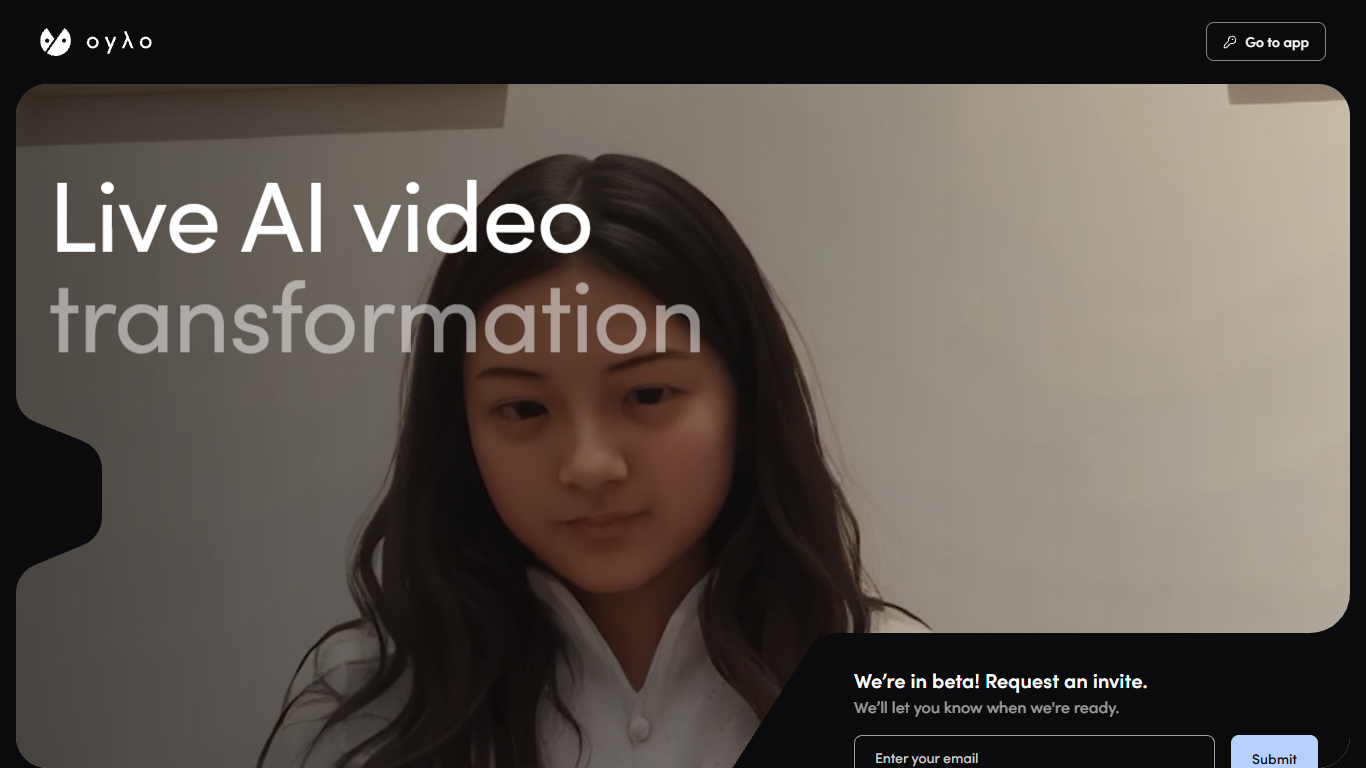
Oylo turns a live camera feed into stylized video on the fly, built for stages, galleries, and creators who cannot wait on a render farm. You point a camera, write a prompt, and the output keeps moving with the room. It is aimed at live shows, immersive walls, and streamers who want their face or feed to morph in real time.
Most generative video tools export clips you edit later. Oylo pushes prompts into a live pipeline so the audience sees the effect as it happens, and the homepage tagline is explicit: no rendering, just playing. That design fits VJs and installation artists more than teams batching finished social clips.
You can run Oylo from a browser, a phone, or inside Resolume Arena with built-in or remote cameras. Event crews can drive crowd-facing visuals from the booth, while streamers can drop the look onto every frame of their broadcast feed.
The marketing site lists a beta invite form and routes signed-in users to app.oylo.io. Public pages do not list plan prices or a full feature spec sheet.
Feeds Resolume Arena alongside browser and mobile builds
Pairs Resolume Arena routing with prompt-controlled effects
3 runtimes: browser, mobile, and Resolume Arena
Touches every frame for on-camera stream transformations
Beta signups on oylo.io unlock access at app.oylo.io
Live output avoids render-and-upload delays when the audience is already watching.
Resolume Arena support slots into common VJ touring setups without replacing the whole toolchain.
Browser and mobile options cover quick demos when you are away from a full booth rig.
Beta access requires an email invite from oylo.io rather than instant open registration.
No public pricing page or plan matrix is published on the marketing site.
oylo.io does not document APIs, export codecs, or supported streaming protocols.
How do I get access to Oylo?
Oylo asks visitors on oylo.io to request a beta invite by email. The site also links to app.oylo.io for people who already have access, but the homepage form is the public entry point while beta lasts.
What platforms does Oylo support?
Oylo lists browser, mobile, and Resolume Arena as supported environments on its homepage. You can use built-in device cameras or remote cameras depending on how you wire the show.
Does Oylo work with Resolume Arena?
Yes. Oylo names Resolume Arena alongside browser and mobile as a place to run the tool, which lets VJs keep familiar arena routing while feeding AI-transformed video into a live set.
Can streamers use Oylo on camera?
Oylo markets a streamer workflow where you drop the tool into a stream and transform on camera in real time on every frame. The site positions that use case next to live shows and installation work.
Does Oylo publish pricing on its website?
No. Oylo's oylo.io pages describe beta access and use cases but do not list subscription tiers, credit packs, or dollar amounts. Plan details are not documented on the public marketing site.
Is Oylo still in beta?
Oylo homepage states it is in beta and asks for an email invite. The footer repeats the beta call-to-action, so public signup is invite-based rather than a wide open launch.