
Last updated 08-12-2026
Category:
Reviews:
Join thousands of AI enthusiasts in the World of AI!
Pimosa
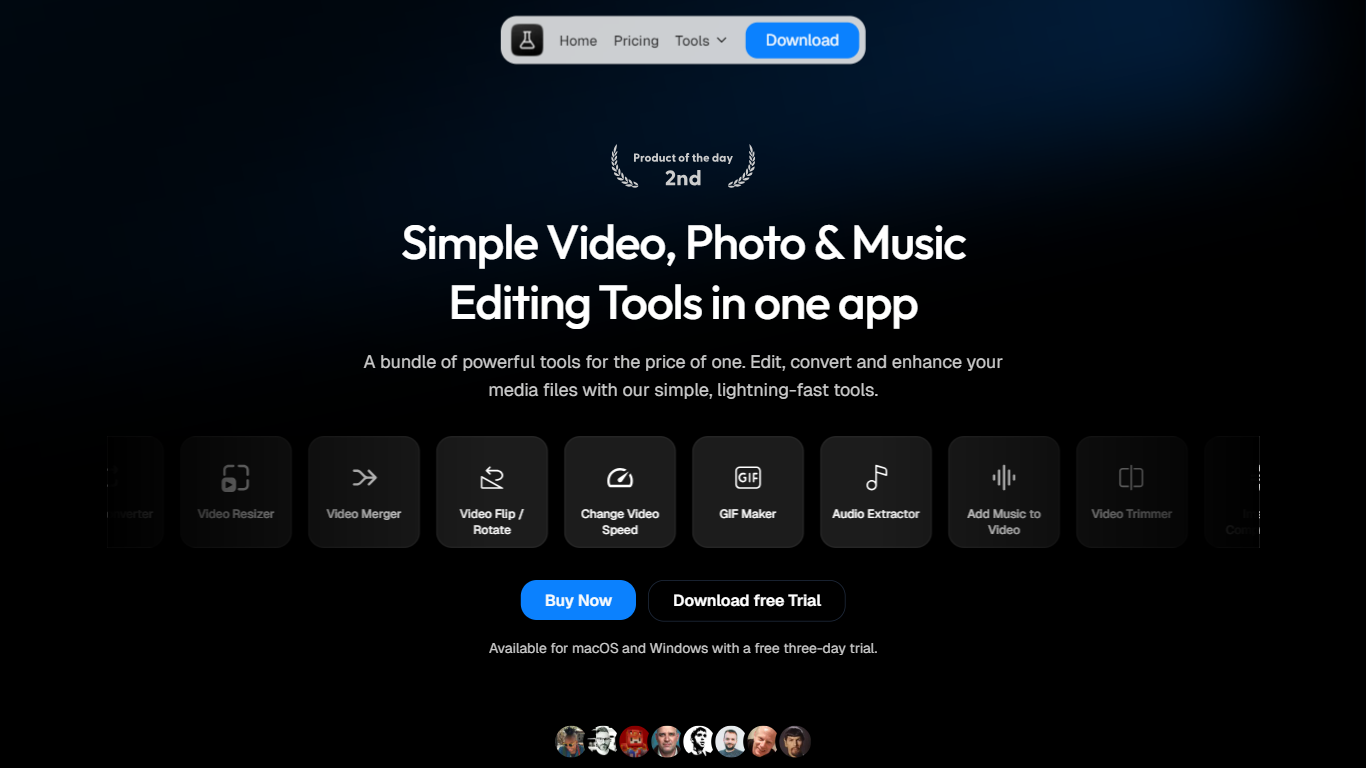
Pimosa is a desktop video editing and media toolkit for Mac and Windows that packs 25+ offline tools into one install. You can compress, convert, trim, merge, crop, and subtitle video, plus handle photos, audio, GIFs, and PDFs, all with drag-and-drop batch workflows that never upload your files.
Where most video editors chase timeline complexity, Pimosa targets quick file jobs you would otherwise spread across separate converters and compressors. The trade-off is intentional: you get fast local batch processing and social-format cropping (9:16, 1:1, 16:9) rather than a full nonlinear editor with layers and effects stacks.
It fits creators, photographers, and anyone who regularly resizes clips for TikTok or Reels, shrinks 4K exports, or batches image and audio conversions without opening a browser uploader. A separate iPhone app mirrors core compress-and-trim workflows for freeing storage from large 4K photos and videos while keeping metadata intact.
25+ offline tools covering video, audio, image, GIF, and PDF tasks in one ~80 MB desktop app
Free 3-day desktop trial on macOS (Apple Silicon) and Windows 10/11 x64 before license activation
Lifetime Personal license at $29 for one device with lifetime updates and included iPhone app access
Video cropper batches entire clips to 9:16, 1:1, or 16:9 for TikTok, Reels, and Shorts in one pass
Subtitle tools extract captions to SRT or ASS and can burn new subtitles into exported video
iPhone app compresses 4K videos and photos locally to save more than 70% storage while keeping metadata
One offline app replaces dozens of single-purpose converters and compressors.
Lifetime licenses avoid recurring subscription fees common in video SaaS tools.
Batch processing and social aspect-ratio cropping speed up repetitive export jobs.
Local processing keeps large 4K files off cloud upload queues.
Desktop tools require a paid license key after the 3-day trial ends.
Windows build supports 64-bit x64 only, not 32-bit systems.
Not a full timeline editor for complex multi-track video projects.
Does Pimosa offer a free trial?
Yes. Pimosa includes a free 3-day desktop trial on Mac and Windows so you can test the offline toolkit before buying a license. The iPhone app is free for a limited time, though Pimosa notes a license key will be required in a future mobile update.
Is Pimosa an online video editor?
No. Pimosa runs fully offline on your Mac or Windows PC after install, so files are processed locally with no upload limits. An internet connection is only needed for updates and bug fixes, not for editing or conversion jobs.
What does Pimosa cost after the trial?
Pimosa sells one-time licenses: $19 per year on one device, $29 lifetime Personal on one device, or $49 lifetime Extended on up to three devices. All paid plans include a 7-day money-back guarantee and lifetime updates on lifetime tiers.
What platforms does Pimosa support?
Pimosa desktop requires macOS 10.14 or later on Apple Silicon or Windows 10/11 64-bit. Pimosa also offers an iPhone-only iOS 15+ app with essential video and image compression tools that mirror core desktop workflows.
What tools are included in Pimosa?
Pimosa bundles 25+ utilities such as video compressor, converter, resizer, merger, cropper, subtitle extractor, GIF maker, audio converter, image editor, and PDF merge, split, compress, and encrypt tools. Each category shares built-in trim editors for quick clip adjustments.
How private is Pimosa with my files?
Pimosa processes media entirely on your device, so videos, photos, and audio never leave your computer during editing or conversion. The product homepage highlights local batch processing with no upload limits as a core privacy benefit.