
Last updated 12-03-2025
Category:
Reviews:
Join thousands of AI enthusiasts in the World of AI!
Pixflux AI
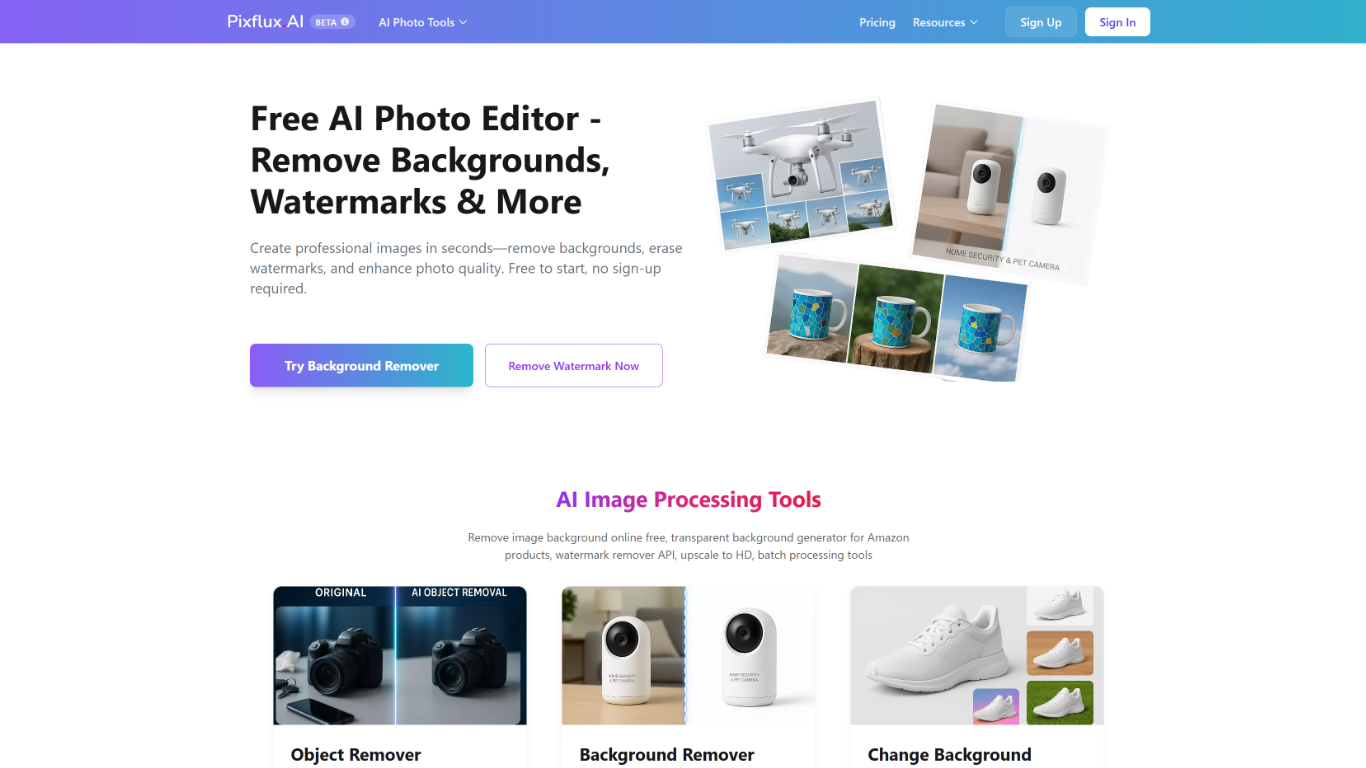
Pixflux.AI is an AI-powered photo editing platform designed to simplify and accelerate image processing tasks. It offers tools to remove backgrounds, erase watermarks, enhance photo quality, and remove unwanted objects quickly and efficiently. The platform is browser-based and requires no sign-up to start, making it accessible for immediate use.
The primary audience includes e-commerce sellers, content creators, photographers, and marketing professionals who need to produce high-quality images for product listings, social media, and promotional materials. Pixflux.AI helps these users improve image clarity, consistency, and appeal, which can boost sales and reduce time spent on manual editing.
What sets Pixflux.AI apart is its combination of multiple AI-driven editing tools in one platform, including background removal with natural edges, watermark removal that preserves image details, photo enhancement features like sharpening and denoising, and batch processing capabilities for handling multiple images simultaneously. This integration supports efficient workflows and professional results without requiring advanced photo editing skills.
The platform supports various image formats and offers transparent PNG downloads suitable for e-commerce platforms like Amazon and Shopify. Its AI algorithms focus on maintaining natural edges and details, ensuring that edits look clean and professional. Pixflux.AI also emphasizes security by using encryption to protect user data during processing.
Pixflux.AI provides flexible pricing plans tailored to different usage levels, including a free tier with daily processing credits. This makes it suitable for both occasional users and businesses with high-volume image editing needs. The tool is optimized for e-commerce image standards, helping sellers create consistent and attractive product photos.
Overall, Pixflux.AI delivers a practical, easy-to-use solution for enhancing images with AI, saving time and costs while improving visual quality for various online and marketing applications.
🖼️ AI Background Removal: Quickly removes image backgrounds with clean, natural edges for professional results.
🚫 Watermark Remover: Erases watermarks and logos without damaging image quality or leaving artifacts.
✨ Photo Enhancer: Sharpens, denoises, and upscales images to improve clarity and restore old photos.
🧹 Object Remover: Removes unwanted objects or people seamlessly, filling backgrounds naturally.
📦 Batch Processing: Processes multiple images at once to save time and increase productivity.
No sign-up required to start using the free tools immediately.
Supports batch processing to handle multiple images efficiently.
Maintains high image quality with natural edges and detail preservation.
Offers multiple AI editing tools in one integrated platform.
Optimized for e-commerce platforms like Amazon and Shopify.
Some object removals may appear unnatural and require manual adjustment.
Free tier has daily processing limits which may restrict high-volume users.
Advanced features and higher usage require paid subscription plans.
Is the background remover free to use and do I need to create an account?
Yes, Pixflux.AI's background remover is free to start and does not require any sign-up or account creation.
How can I change a photo background to white or my brand color quickly?
You can use the AI Background Changer tool to swap backgrounds to white, black, blue, or custom brand colors while keeping edges natural.
Does removing watermarks affect the image quality?
No, the AI watermark remover cleans watermarks without harming image quality or leaving visible artifacts.
What should I do if object removal results look unnatural?
If object removal appears unnatural, try reprocessing the image or use manual touch-ups as the AI fills backgrounds seamlessly but may need adjustments.
Can I process multiple images at once?
Yes, Pixflux.AI supports batch processing to efficiently edit multiple images simultaneously, saving time and effort.
What image formats does Pixflux.AI support for editing?
The platform supports JPG, PNG, and WEBP formats up to 10MB for optimal processing.
How does Pixflux.AI help e-commerce sellers improve product images?
Pixflux.AI automates background removal, watermark erasing, and image enhancement to create consistent, high-quality product photos that boost sales and reduce editing time.