
Last updated 08-11-2026
Category:
Reviews:
Join thousands of AI enthusiasts in the World of AI!
Plate Notes
Plate Notes is a nutrition tracker and food diary app for iPhone and iPad built around a timeline instead of rigid breakfast-lunch-dinner slots. You log full meals with calories and macros, scan barcodes, track water intake, or drop a quick text note when you ate something but do not have time for a full entry.
Most calorie counters push you into fixed meal categories and guilt you for incomplete logs. Plate Notes lets you turn widgets off entirely and focus on mindful eating, or show water and macro progress on your home screen when you want the numbers visible. The Notes feature is the differentiator: a one-line entry still lands on your timeline so nothing gets forgotten.
The app is free on the App Store and runs on iOS 15.1 or later. It suits people who want light-touch food awareness without the rigidity of traditional diet apps, including busy professionals, casual health trackers, and anyone who finds standard meal logging too demanding.
Timeline-based meal diary logs food by time of day, not fixed meal categories
Quick Notes let you jot what you ate without entering calories or macros
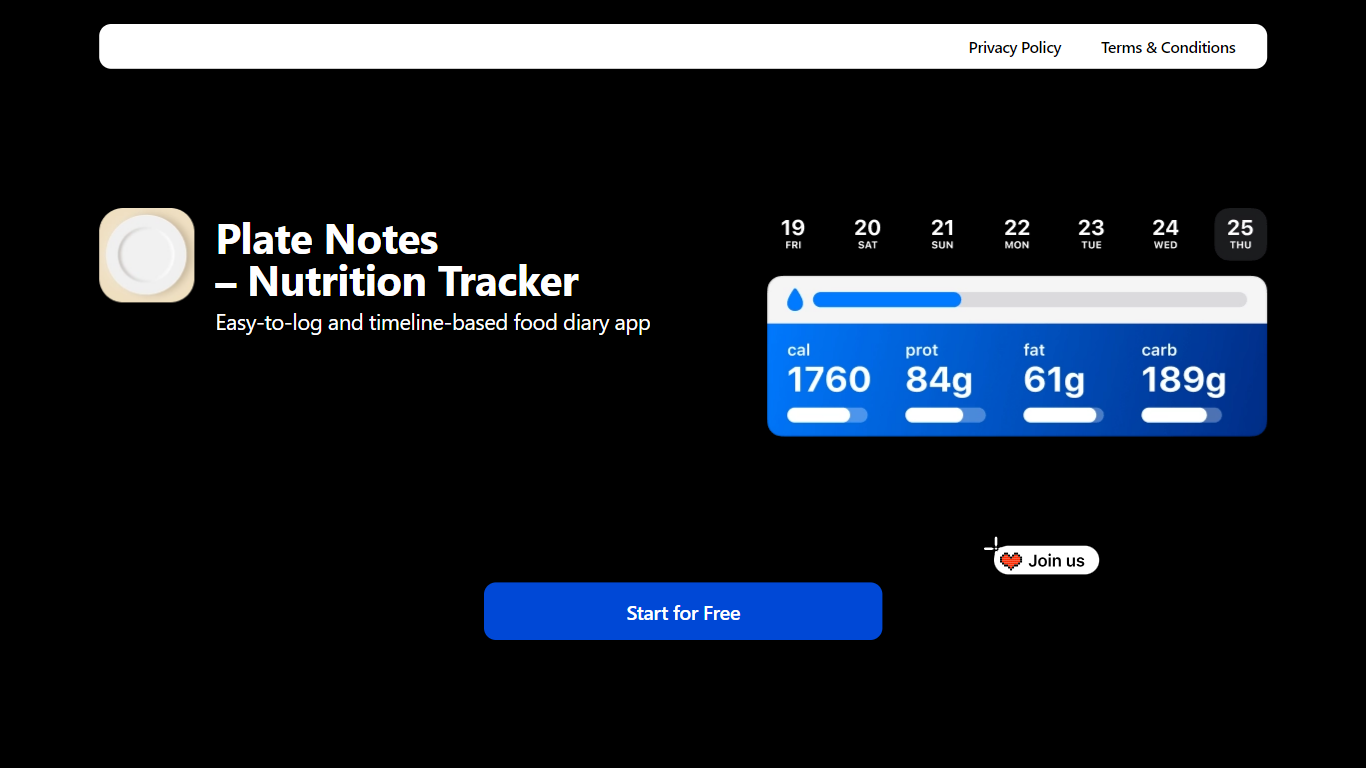
Home screen widgets show daily water intake and macronutrient progress
Barcode scanner and food search for full meal logging with calorie and macro breakdown
Statistics and insights track eating patterns over time
App size is 48.6 MB; requires iOS 15.1 or later on iPhone and iPad
Free with no subscription tiers listed on the App Store.
Quick Notes lower the barrier when you cannot log a full meal.
Widgets can be disabled to focus on mindful eating without calorie numbers.
iOS and iPad only; no Android version is listed.
Requires iOS 15.1 or later, excluding older devices.
Small user base with only 3 App Store ratings as of the latest listing.
Is Plate Notes free?
Yes. Plate Notes is free to download on the App Store for iPhone and iPad. The listing shows no in-app purchase tiers, and the website promotes a free start with no subscription mentioned.
What platforms does Plate Notes support?
Plate Notes runs on iPhone and iPad with iOS 15.1 or later. It also lists compatibility with Mac (Apple M1 or later, macOS 12.0+) and Apple Vision, but it is designed primarily for iPhone and iPad.
How does Plate Notes differ from other calorie counters?
Plate Notes uses a timeline instead of breakfast, lunch, and dinner slots. You can log a full meal with macros, scan a barcode, or write a quick Note when you lack time, and widgets can be turned off for mindful eating without numbers.
Can Plate Notes track water intake?
Yes. Plate Notes includes a water tracker alongside calorie and macronutrient logging. Home screen widgets can display your daily water intake alongside macro progress.
Does Plate Notes have a barcode scanner?
Yes. Plate Notes lets you scan barcodes or search for foods when logging a full meal. Quick Notes are available when you want to record what you ate without scanning or entering nutrition details.
Who developed Plate Notes?
Plate Notes is developed by Vladimir Schneider and published on the App Store under the Health and Fitness category. Support contact is [email protected].