
Last updated 07-29-2026
Category:
Reviews:
Join thousands of AI enthusiasts in the World of AI!
Receiptor AI
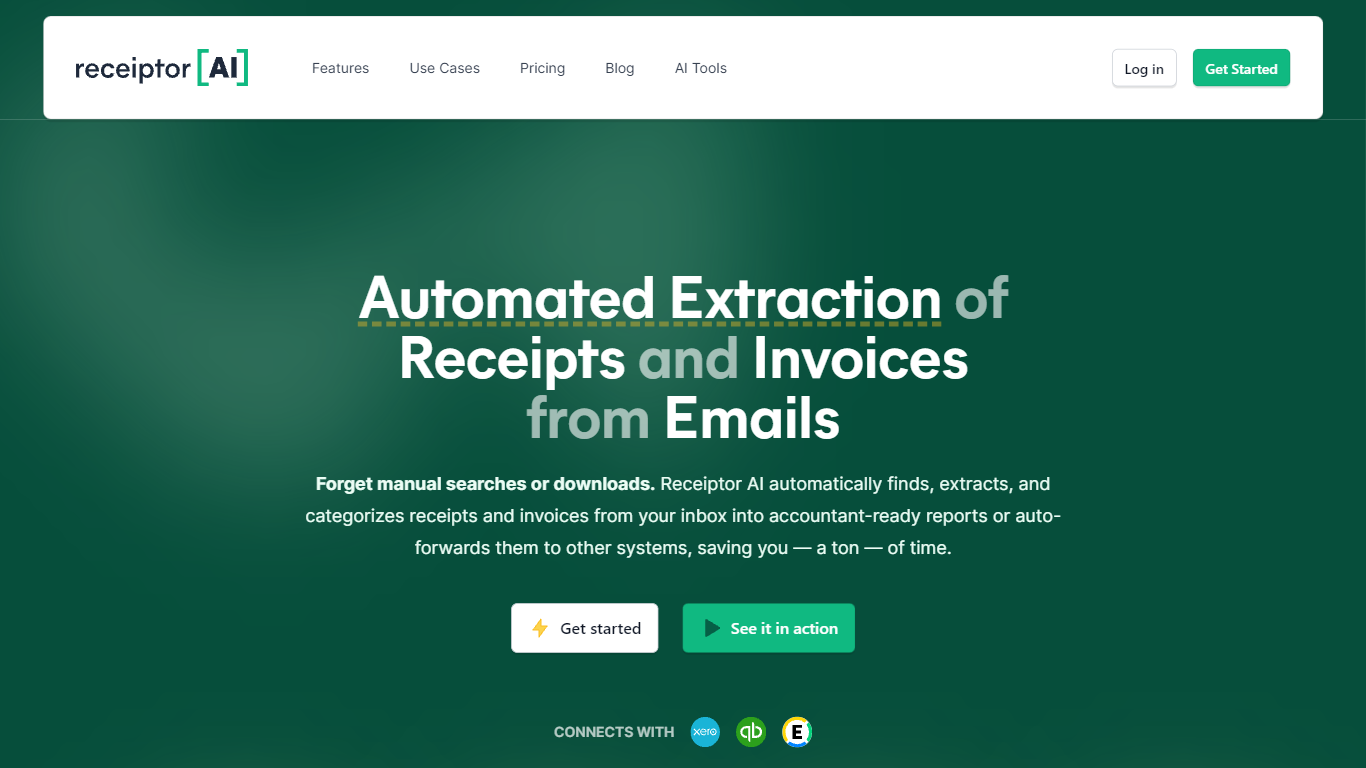
Receiptor AI automates receipt and invoice extraction from emails, WhatsApp, and bulk uploads. It turns hours of manual bookkeeping into minutes of automated work by connecting to your Google, Microsoft, or WhatsApp accounts to scan for receipts in real time. The tool organizes documents with AI-powered categorization based on actual purchase context, not just keywords.
Receiptor AI handles multi-currency receipts, converts values for consistent reporting, and supports retroactive extraction to scan years of past emails for missed documents. It also detects recurring subscriptions with monthly, quarterly, or annual cost projections, making it easier to track expenses over time.
The tool integrates directly with accounting software like QuickBooks, Xero, and Expensify, as well as cloud storage platforms such as Google Drive and Dropbox. Users can export reports in CSV, PDF, or ZIP formats, or forward documents to any email address. Workflow automations let you set rules to categorize, export, or route receipts automatically based on events or schedules.
Security and privacy are built into the product. Receiptor AI only accesses emails containing receipts or invoices, never stores message content, and follows Google’s API Services User Data Policy. It has completed a Cloud Application Security Assessment (CASA) and is validated by the App Defense Alliance, meeting Tier 2 security requirements.
Designed for businesses of all sizes, Receiptor AI is especially useful for small businesses, freelancers, and accountants. It saves users an average of 5+ hours per week by automating repetitive tasks, reducing manual errors, and delivering cleaner financial records for tax preparation and audits. The platform supports multiple entities within the same email source, automatically separating and categorizing receipts by company or department. This makes it ideal for businesses managing multiple brands or subsidiaries.
📧 Email & WhatsApp Extraction – Automatically finds and extracts receipts from emails, attachments, and embedded links across connected sources like Gmail, Outlook, and WhatsApp.
🤖 AI-Powered Categorization – Uses real purchase context to categorize expenses accurately, not just keywords, reducing manual review time.
🔄 Retroactive Email Analysis – Scans years of past emails to recover missed receipts and invoices, perfect for tax season or cleaning up backlogs.
📊 Recurring Expense Detection – Auto-detects subscriptions and recurring charges with cost projections for monthly, quarterly, or annual billing cycles.
🔒 Security-First Processing – Only accesses receipt-related emails, never stores message content, and meets Tier 2 security standards with CASA and App Defense Alliance validation.
Saves 5+ hours per week on average by automating receipt extraction and categorization
Supports multi-currency receipts and converts values for consistent reporting
Meets high security standards with CASA Tier 2 validation and App Defense Alliance compliance
Detects recurring subscriptions with monthly, quarterly, or annual cost projections
Retroactive email scanning requires a separate one-time purchase, not included in subscriptions
Pricing for high-volume retroactive scans can become expensive depending on email count
Does Receiptor AI save my emails in its database?
No, Receiptor AI does not save any message content in its database. It only stores message IDs to track which emails have been processed and which haven’t.
Can Receiptor AI analyze my previous emails for receipts?
Yes, Receiptor AI can retroactively analyze your entire email history to identify and extract receipts and invoices from past emails, regardless of time period.
What kind of information does Receiptor AI extract from receipts?
Receiptor AI extracts key details such as purchase amounts, categories, dispute deadlines, vendor names, dates, and tax information from receipts and invoices.
Does Receiptor AI help with tax preparation?
Yes, Receiptor AI generates spreadsheets with all necessary financial information, reducing missed deductions and saving time during tax season.
Can I export reports in PDF format?
Yes, Receiptor AI allows you to export reports in PDF format, along with CSV and ZIP options, making it easy to share documents with accountants or store them for compliance.
Does my subscription include scanning past emails?
Receiptor AI no, subscriptions only process new emails from the moment you sign up. To scan past emails, you need a separate one-time Retroactive Scan priced per email.
How much does a Retroactive Scan cost?
Receiptor AI pricing depends on email volume. It starts at $0.012 per email for high volumes, with tiered pricing based on the number of emails scanned.