
Last updated 07-24-2026
Category:
Reviews:
Join thousands of AI enthusiasts in the World of AI!
Redraw
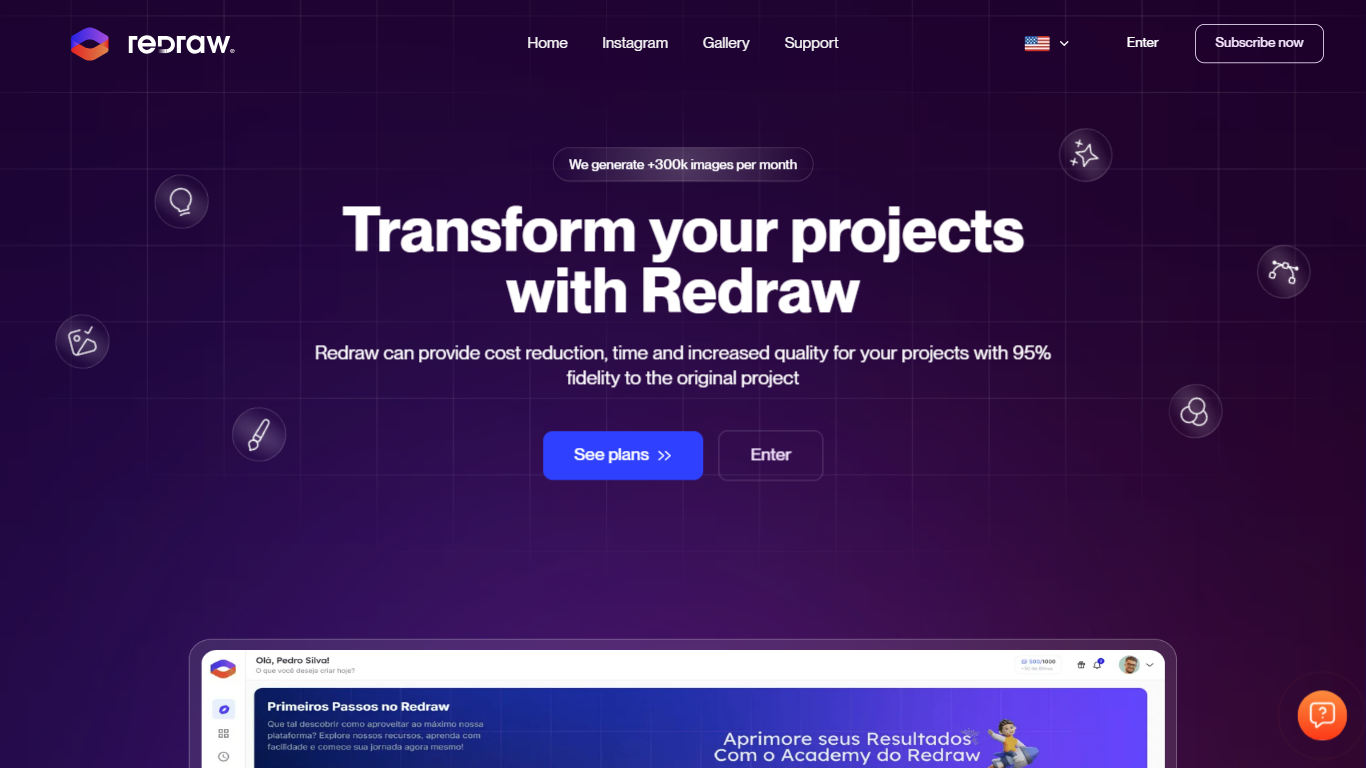
Redraw is a cloud platform that turns 3D model screenshots into photorealistic architectural renders in under 30 seconds. Built for architects, interior designers, engineers, and real estate professionals, it runs entirely in the browser without local GPU hardware or complex prompt writing.
The platform pairs proprietary rendering models trained on architecture with a hub of external AI tools such as ChatGPT, Kling, Gemini, Topaz, and Magnific. Upload a capture from SketchUp, Revit, ArchiCAD, or any 3D software to generate interior or exterior renders, improve existing outputs, edit regions with a brush tool, create 3D objects, and turn still images into videos from one coin-based workspace.
Redraw was founded in Brazil in 2022 and is developed by Thark Group under Redraw ai solutions LLC. The company reports 200,000+ registered users, 10,000+ paying subscribers, and more than 800,000 images generated monthly. A free SketchUp plugin called Redraw Capture helps users optimize camera, lighting, and composition before sending scenes to the web app.
Upload a 3D scene screenshot and get photorealistic interior or exterior renders in about 20 to 40 seconds without writing prompts
Enhance renders from Lumion, V-Ray, Enscape, or other software by fixing textures, lighting, and materials while preserving project fidelity
Generate textured 3D objects from images or text and export .glb blocks for SketchUp, Revit, ArchiCAD, and 3ds Max
Access external AI models like ChatGPT, Kling, Gemini, Topaz, and Magnific inside one workspace instead of paying for separate subscriptions
Use the free Redraw Capture SketchUp plugin to set camera, lighting, mirrors, and scene presets before exporting directly to Redraw
Produces photorealistic renders from 3D screenshots in under 30 seconds with no local GPU
Proprietary models trained for architecture aim to preserve geometry and project fidelity
Bundles multiple external AI tools into one coin-based subscription
Free SketchUp plugin helps optimize camera, lighting, and composition before rendering
Runs in the browser on any device with cloud processing
Interface and support available in Portuguese, English, and Spanish
Coin-based pricing can add up for studios with heavy daily output
Free Test plan uses a slower queue with up to 2 minutes per render
Best results still depend on a well-prepared 3D model or capture
Some advanced external AI integrations cost more coins per generation
Is Redraw free to use?
Yes. Redraw offers a free Test plan with 10 coins and no credit card required. Paid plans start at per month and include more monthly coins, faster queues, and higher resolution exports.
Do I need a powerful computer to use Redraw?
No. Redraw runs fully in the cloud through the browser, so rendering happens on Redraw servers rather than your local GPU. You can use it from Windows, Mac, or mobile devices with an internet connection.
What 3D software does Redraw work with?
Redraw accepts screenshots or exports from SketchUp, Revit, ArchiCAD, Rhino, Blender, 3ds Max, AutoCAD, and other tools that produce 3D views. It also supports hand-drawn sketches and outputs from traditional renderers like Lumion and Enscape.
How long does it take to generate a render?
Most renders finish in about 20 to 40 seconds on paid plans, depending on the tool and time of day. The free Test plan can take up to 2 minutes per generation.
Does Redraw have a SketchUp plugin?
Yes. Redraw Capture is a free, Trimble-signed SketchUp extension that optimizes camera, lighting, mirrors, and scene composition before sending captures straight to Redraw. It works with SketchUp 2017 and newer.