
Last updated 08-22-2026
Category:
Reviews:
Join thousands of AI enthusiasts in the World of AI!
Remove Meta AI Watermark Online
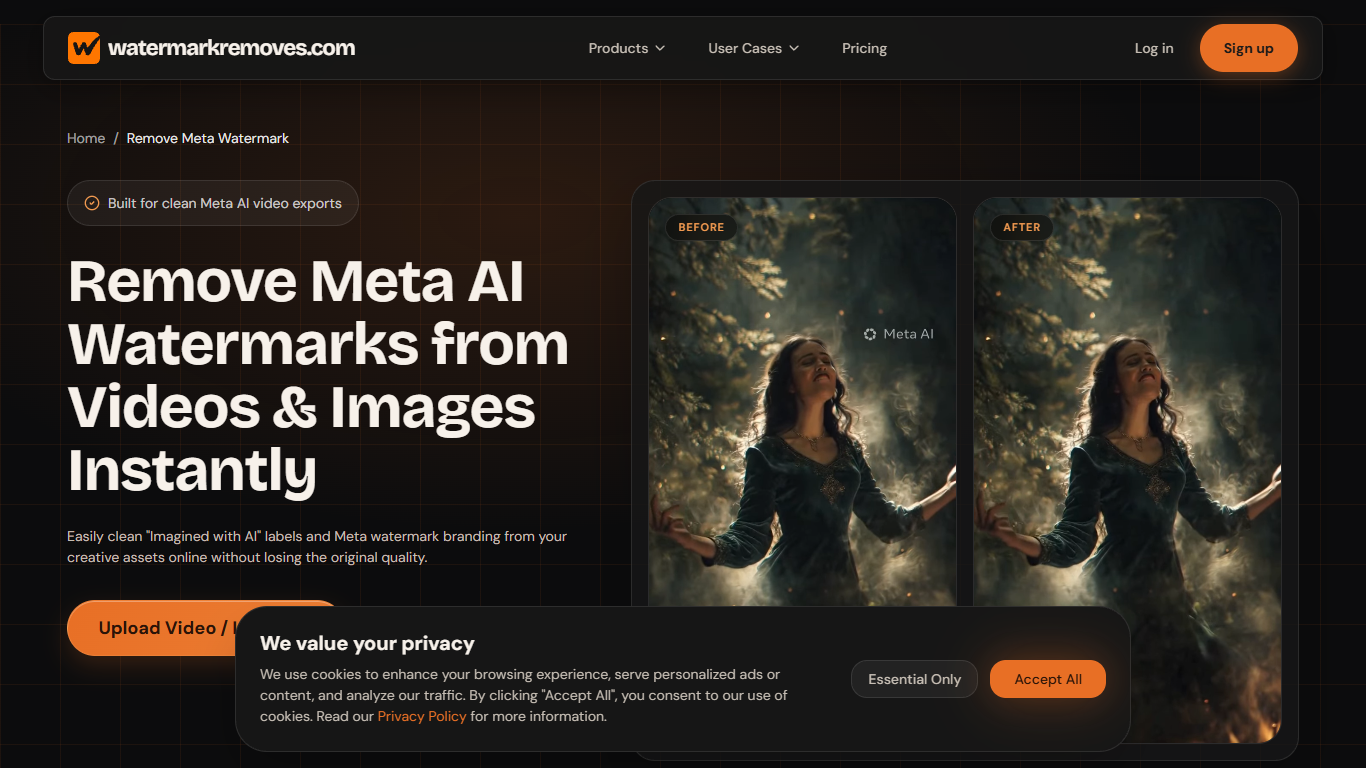
Remove Meta AI Watermark Online strips "Imagined with AI" labels and Meta branding from videos and images through a browser upload at Watermarkremoves.com. You drag in an MP4, MOV, PNG, or JPG file, let the tool reconstruct the watermark area, then preview and download a clean export without opening a full video editor.
Blur-and-crop removers leave obvious patches. This page uses inpainting to refill watermark pixels so resolution, texture, and frame rate stay intact, and it targets Meta overlays specifically rather than acting as a general editing suite. Credits are pay-as-you-go, never expire, and work across other Watermarkremoves.com removers for Sora, Veo, and generic image or video marks.
Social media managers, designers, and marketers use it when Meta-generated clips need to ship to TikTok, YouTube, or client decks without bottom-third AI labels. Files process in a personal workspace you can delete anytime, and the $1 starter pack lowers the cost of testing a short reel before buying larger credit bundles.
Supports MP4, MOV, M4V, MKV video up to 500 MB and 10 minutes
Handles PNG and JPG images alongside WebM exports
Inpainting rebuilds watermark pixels instead of blurring the frame
Credits start at $1 for 40 removals and never expire
Works across other Watermarkremoves.com AI watermark tools
Personal workspace stores files until you delete them
Inpainting preserves detail better than blur or crop workflows
Credit packs have no subscription and credits never expire
$1 starter pack makes it cheap to test one clip
Focused page gets uploads started above the fold
Same credits work on other AI watermark removers on the site
No free tier beyond the paid $1 starter offer
This page removes Meta AI marks only, not every watermark type
Video uploads cap at 500 MB and 10 minutes per file
Can Remove Meta AI Watermark Online keep video quality?
Yes. Remove Meta AI Watermark Online reconstructs only the watermark pixels with inpainting, preserving the original resolution, texture, and frame rate instead of blurring or cropping the clip.
Which file formats does the Meta watermark remover accept?
Remove Meta AI Watermark Online accepts MP4, MOV, M4V, and MKV video up to 500 MB and 10 minutes, plus PNG and JPG images. WebM uploads are also listed on the upload page.
How does Watermarkremoves.com pricing work?
Watermarkremoves.com sells one-time credit packs with no subscription. The starter offer is $1 for 40 credits, larger packs run up to $150 for 5,000 credits, and unused credits never expire across the site.
Are uploads on Watermarkremoves.com private?
Yes. Remove Meta AI Watermark Online processes files securely, saves them in your personal workspace history, and lets you permanently delete uploads whenever you want.
Does this tool work on mobile browsers?
Yes. Remove Meta AI Watermark Online runs in the browser on phones and desktops, with the upload area placed above the fold for quick access.
Can Watermarkremoves.com remove other AI watermarks?
This page focuses on Meta AI marks, but Watermarkremoves.com also hosts separate removers for Sora 2, Veo, and generic image or video watermarks that share the same credit balance.