
Last updated 08-22-2026
Category:
Reviews:
Join thousands of AI enthusiasts in the World of AI!
Remove Text from Video
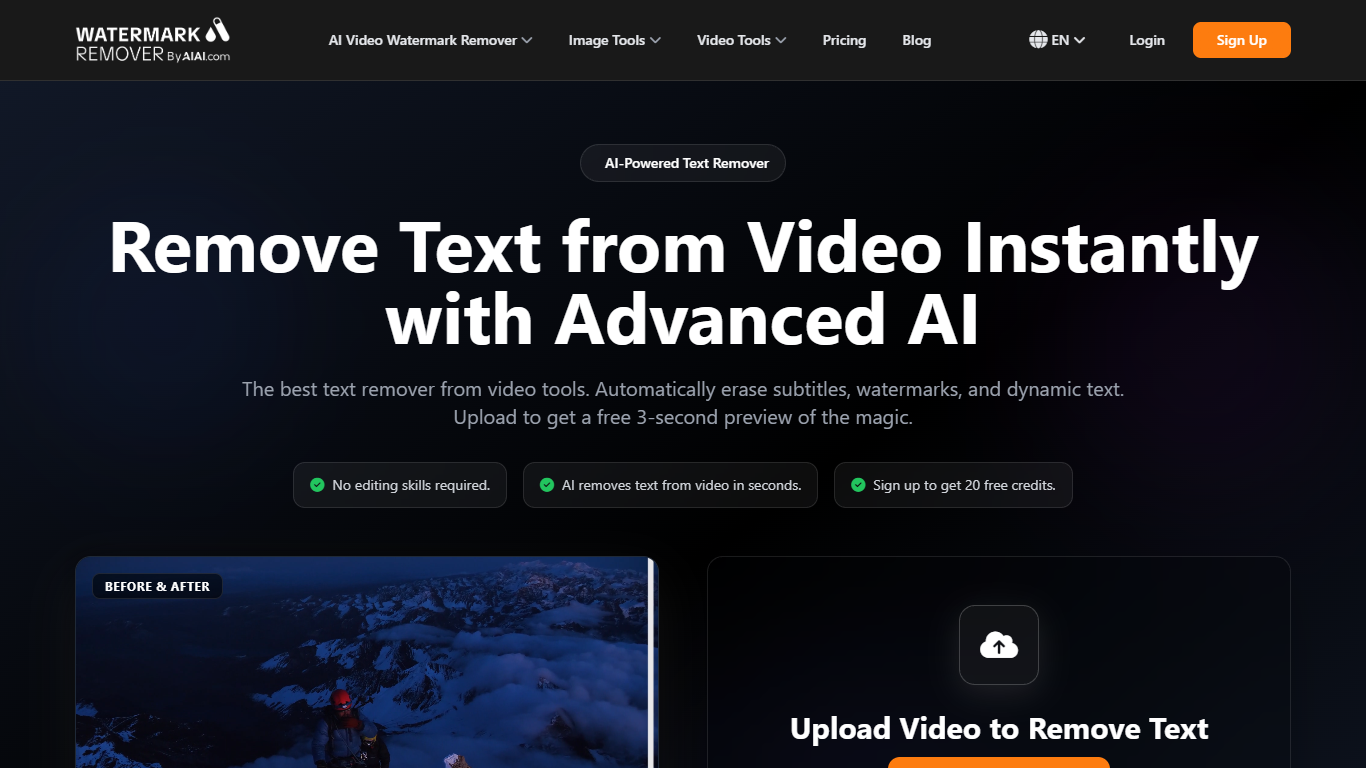
Remove Text from Video runs in the browser on AIAI.com and erases hardcoded subtitles, usernames, timestamps, lower-thirds, and other on-screen text from footage you own. Upload MP4, MOV, M4V, MKV, or WEBM files up to 500MB, and deep-learning inpainting reconstructs the background instead of smearing a blur patch over the text area.
Generic blur tools leave a foggy rectangle that screams edited. This page uses temporal video inpainting that reads surrounding frames, tracks moving text, and fills gaps with regenerated texture, which matters when you are cleaning TikTok clips, news lower-thirds, or screen recordings where the text shifts every frame.
Creators repurposing short-form video, editors fixing licensed B-roll, and marketers updating their own archive footage use it when After Effects masking would take hours. You get a 3-second preview without paying, 20 signup credits for full exports, and batch uploads of up to 10 files at once.
Supports MP4, MOV, M4V, MKV, and WEBM uploads up to 500MB and 10 minutes long
Batch upload handles up to 10 video files in one session
AI inpainting rebuilds backgrounds behind static and moving text overlays
Free 3-second preview before spending credits on the full export
New accounts receive 20 free credits with no credit card required
Tracks text through frames for usernames, timestamps, and lower-thirds on short-form clips
Inpainting rebuilds texture instead of leaving an obvious blur over removed text.
3-second preview and 20 signup credits let you test quality before buying packs.
Batch mode accepts up to 10 files and major formats including MKV and WEBM.
Full exports require credits; the free preview covers only the first 3 seconds.
Text over faces, fast motion, or heavy compression can still show visible artifacts.
Credit pack prices load dynamically on the pricing page and may change without notice.
Can I use Remove Text from Video for free?
Remove Text from Video lets you upload a clip and preview a 3-second cleaned sample at no cost. New users also get 20 free credits on registration, which Remove Text from Video applies toward full-length exports without entering a credit card.
What video formats does Remove Text from Video accept?
Remove Text from Video accepts MP4, MOV, M4V, MKV, and WEBM files up to 500MB each and about 10 minutes in length. You can queue up to 10 files in one batch upload on the same page.
What text can Remove Text from Video erase?
Remove Text from Video targets hardcoded subtitles, usernames, date stamps, news lower-thirds, camera labels, and other fixed screen text. Results are strongest when the background behind the text stays detailed and relatively stable.
How does Remove Text from Video differ from blurring?
Remove Text from Video uses AI video inpainting that analyzes nearby frames and regenerates texture behind the text. Unlike Gaussian blur, Remove Text from Video aims to make the edit invisible rather than leaving a muddy patch over the caption area.
How much do Remove Text from Video credits cost?
Remove Text from Video runs on AIAI credit packs sold on the pricing page, with packs such as 100 credits for $5, 300 for $13.50, 500 for $22.50, 1,000 for $40, and 2,000 for $80. Credits do not expire after purchase.
Is it legal to remove text with Remove Text from Video?
Remove Text from Video is intended for videos you created, own, or have permission to edit. You are responsible for copyright, licensing, and platform rules before using Remove Text from Video on third-party footage or attribution marks.