
Last updated 07-18-2026
Category:
Reviews:
Join thousands of AI enthusiasts in the World of AI!
Seedance 2.0
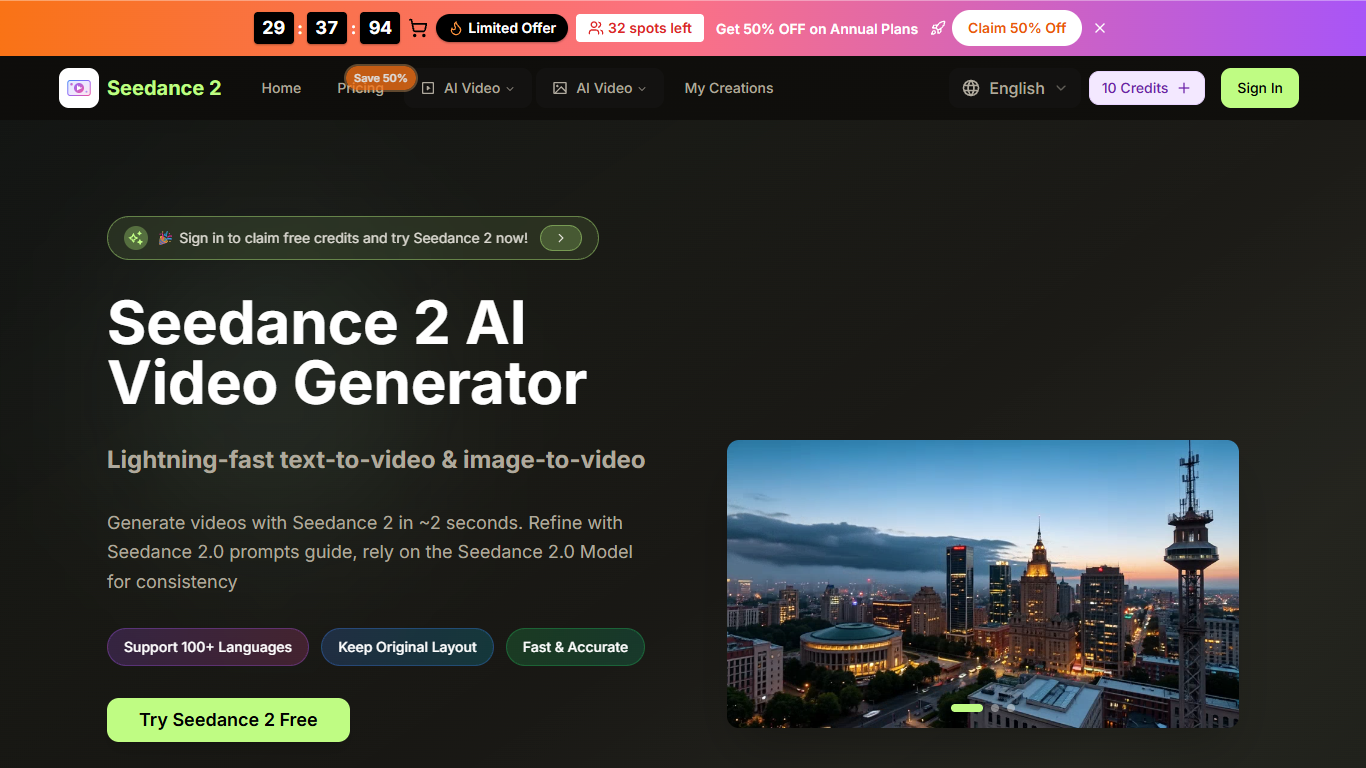
Seedance 2.0 is a browser-based AI video generator built around ByteDance's Seedance 2.0 model. You describe a scene in text or upload a still image, and the platform turns that input into short video clips without opening a traditional editing timeline.
The studio supports both text-to-video and image-to-video workflows. You can set aspect ratio, resolution up to 1080p, and clip length up to 10 seconds before generating. Seedance 2.0 also advertises character consistency, so faces, clothing, and expressions can stay aligned when you produce a series of related clips.
It targets creators, marketers, and small teams who need fast social clips, product visuals, or storyboard-style motion from a prompt. The site runs in the browser, offers free starter credits after sign-in, and sells monthly or annual subscription plans with larger credit pools for heavier use.
Turns text prompts or uploaded images into short AI video clips from one browser studio
Supports six aspect ratios, 720p or 1080p output, and 5 or 10 second clip lengths
Keeps characters consistent across multiple generations for series-style content
Includes smart prompt expansion and a prompts guide to refine generation instructions
Runs additional video models such as Seedream, Veo 3, Sora 2, Wan 2.5, and Seedance on paid plans
Offers AI video enhancer and background remover tools alongside generation
Supports 100+ languages for prompt input and interface localization
Covers both text-to-video and image-to-video in one browser studio.
Flexible output controls for aspect ratio, resolution, and clip length.
Free starter credits let you test generation before subscribing.
Paid plans include commercial usage rights and higher monthly credit limits.
Usage is capped by credits, and monthly subscription credits do not roll over.
Several premium features such as no watermark and extra models are limited to higher annual plans.
No native mobile app; access is browser-only.
Marketing copy on legal pages still references image generation, which can make capabilities harder to verify.
Is Seedance 2.0 free to try?
Yes. You can sign in to claim free starter credits and generate videos before buying a plan. Paid subscriptions add larger monthly credit pools and commercial usage rights.
What video formats and lengths does Seedance 2.0 support?
The generator lets you choose aspect ratios including 16:9, 9:16, 4:3, 3:4, 21:9, and 1:1. Output can be 720p or 1080p, and clip duration can be set to 5 or 10 seconds.
Can I use Seedance 2.0 videos commercially?
Paid plans include a commercial use license, so generated videos can be used for business, marketing, and social media. Free trial output may have usage restrictions.
How does the credit system work?
Seedance 2.0 runs on credits that refill each billing cycle for subscription plans. Monthly plan credits do not roll over, yearly plan credits stay valid for the subscription term, and one-time credit packs never expire.
Does Seedance 2.0 have a mobile app?
No dedicated mobile app is offered. The service is browser-based and works on desktop and mobile browsers.