
Last updated 08-14-2026
Category:
Reviews:
Join thousands of AI enthusiasts in the World of AI!
SendShort
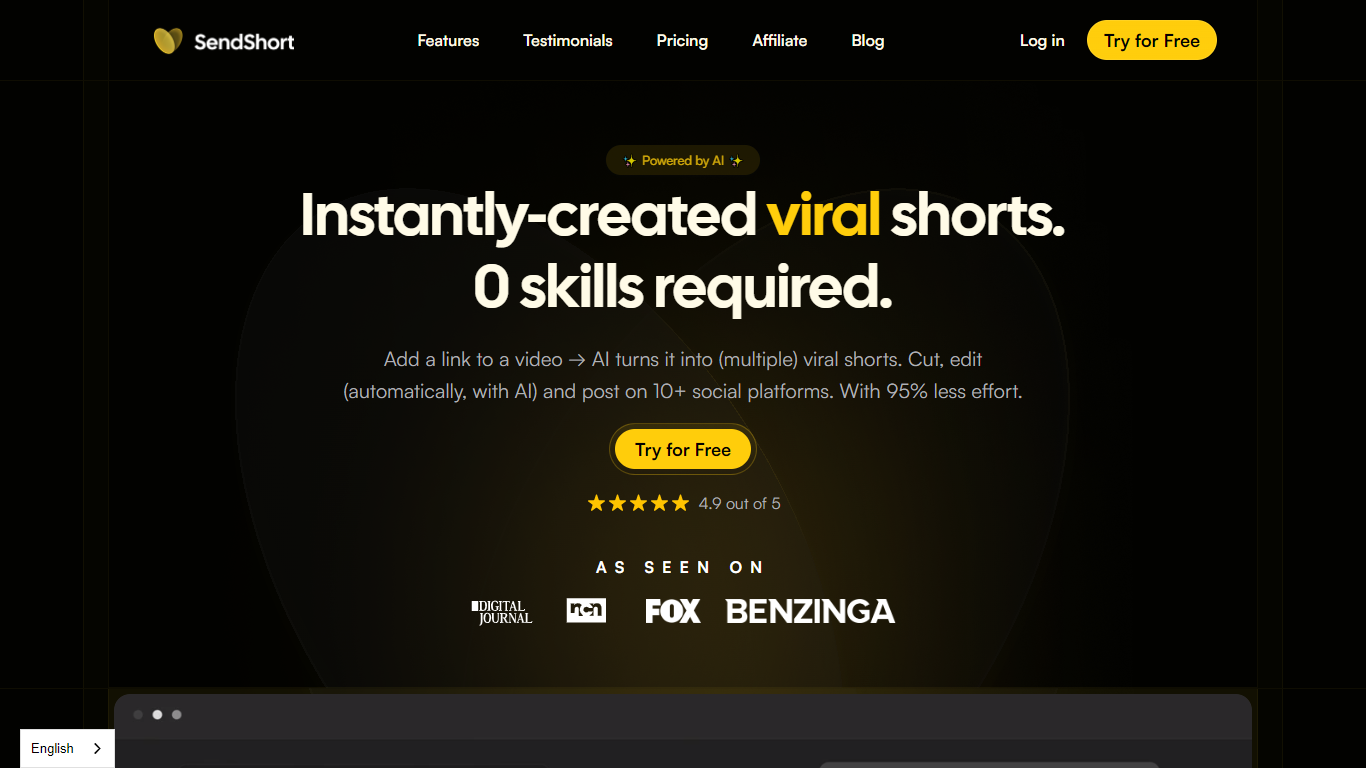
SendShort turns long uploads or YouTube links into vertical clips, faceless story videos, and scheduled social posts from one dashboard. You paste a source video or pick a template, and it auto-crops to 9:16, adds captions, B-roll, hooks, and exports ready for TikTok, YouTube Shorts, and Reels.
Where clip-only tools stop at repurposing, SendShort also builds faceless videos from prompts, runs automated video series, and publishes to multiple platforms. Long-to-short clipping, caption styling with 37 fonts, subtitle translation, and direct scheduling live in the same editor rather than across separate apps.
SendShort fits creators, agencies, and brands posting daily shorts who want clipping, faceless generation, and publishing in one place. The Starter plan caps output at 20 shorts per month, so high-volume repurposing teams typically need Professional or Business.
Paste a YouTube link or upload a file and SendShort auto-extracts multiple shorts from one long video
Auto captions with 97% accuracy and 37 subtitle fonts, plus emoji subtitle styles
Translate subtitles across 48 languages supported on the site FAQ list
Business plan allows unlimited monthly shorts with up to 10-minute source videos and 4K export
Schedule and publish shorts directly to TikTok and YouTube Shorts from the built-in scheduler
Generate faceless videos from prompts with AI images, voiceovers, and automated series posting
Auto B-roll inserts stock or AI-generated footage matched to your script
Clipping, faceless generation, captions, and scheduling share one editor instead of separate tools.
Starter tier includes 20 shorts monthly with no watermark at $19 per month.
Subtitle translation covers 48 languages from a single click.
Business plan removes monthly short limits and supports 10-minute source videos with 4K export.
Free trial includes 3 videos with no credit card required.
Long-to-short AI clipping is locked behind Professional and Business plans.
Starter caps videos at 1 minute 30 seconds and allows only 3 faceless videos per week.
4K export and content analytics require the $59 per month Business plan.
No desktop app; editing runs in the browser at app.sendshort.ai.
Is SendShort free to try?
SendShort offers 3 free videos at signup with no credit card required. After that, paid plans start at $19 per month for the Starter tier, which includes 20 shorts monthly.
How much does SendShort cost?
SendShort Starter is $19 per month ($15 billed yearly), Professional is $29 ($23 yearly), and Business is $59 ($47 yearly). Yearly billing saves 20% across all tiers.
What is SendShort used for?
SendShort creates, edits, and schedules short-form video. You can clip long videos into multiple shorts, generate faceless story videos, add captions and B-roll, translate subtitles, and publish to TikTok or YouTube Shorts.
What languages does SendShort support?
SendShort supports 48 languages for video creation and subtitle translation, including English, French, Spanish, German, Japanese, Korean, Arabic, and Portuguese.
How does SendShort turn long videos into shorts?
SendShort accepts a local file or YouTube link, detects key moments, and outputs multiple vertical clips. The Professional plan allows 3-minute sources and the Business plan supports up to 10-minute videos with unlimited shorts.
Can SendShort post videos automatically?
SendShort includes a video maker and scheduler that posts shorts to TikTok and YouTube Shorts. The Business plan adds automatic publishing across multiple social platforms from one dashboard.