
Last updated 07-02-2026
Category:
Reviews:
Join thousands of AI enthusiasts in the World of AI!
SnapSummary
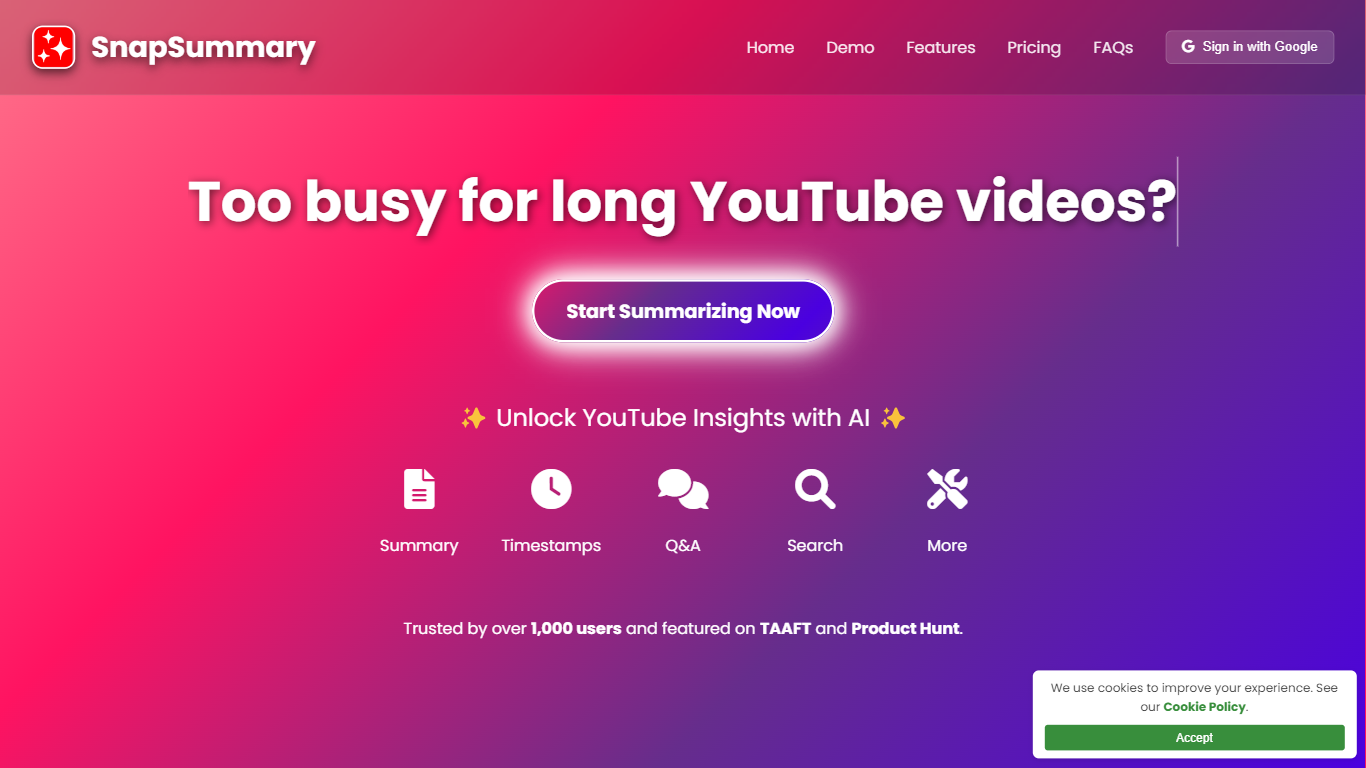
SnapSummary turns long YouTube videos into something you can actually use. Paste a link and get a concise summary, timestamp highlights, or answers to specific questions about what was said. It is built for anyone who watches educational content, podcasts, news clips, or tutorials but does not have time to sit through every minute.
The tool works with any public YouTube video that has subtitles, across all languages. Beyond a basic overview, you can pull key takeaways, chapter titles, ELI5 explanations, pros and cons, resource links mentioned in the video, and more than a dozen other analysis types. A Chrome extension adds the same summarization to web pages and YouTube without leaving your browser.
SnapSummary runs in the browser on desktop and mobile. On mobile, you can add it to your home screen and share directly from the YouTube app. Sign in with Google to get started. The site reports over 1,000 users and has been featured on Product Hunt and There's An AI For That.
Paste a YouTube link and get a full summary in seconds without watching the whole video
Timestamp summaries let you jump to the parts that matter instead of scrubbing blindly
Ask questions about the video and get answers pulled from the actual content
Search for specific terms mentioned anywhere in a video transcript
Chrome extension summarizes web pages and YouTube videos from your browser toolbar
Free tier with initial and weekly credits to try before paying.
Works on mobile via home screen install and YouTube share integration.
Supports multilingual summaries for any public YouTube video with subtitles.
Only works with YouTube videos that have subtitles available.
Chrome extension is free now but the site notes higher limits may become paid later.
Is SnapSummary free to use?
Yes. The free plan includes 5 initial credits and 1 weekly credit with access to current features. Paid plans start at $5 per month for 20 weekly credits, and an unlimited plan is available at $10 per month for personal use.
What types of YouTube videos can SnapSummary summarize?
Any public YouTube video with subtitles, in any language. The site lists educational content, news, podcasts, tutorials, and entertainment as common use cases.
Does SnapSummary work on mobile?
Yes. SnapSummary is mobile-friendly. You can add it to your home screen on iOS or Android and share videos directly from the YouTube app into SnapSummary.
Does SnapSummary have an API?
Yes. SnapSummary offers a POST API at snap-summary.com/summarize with summary types including overall, detailed timestamps, key timestamps, transcript, and search. Contact [email protected] to obtain a user ID.
Where can I get support for SnapSummary?
Join the SnapSummary Discord community for support, feedback, feature requests, and updates. You can also email [email protected].