
Last updated 07-17-2026
Category:
Reviews:
Join thousands of AI enthusiasts in the World of AI!
Solace Vision
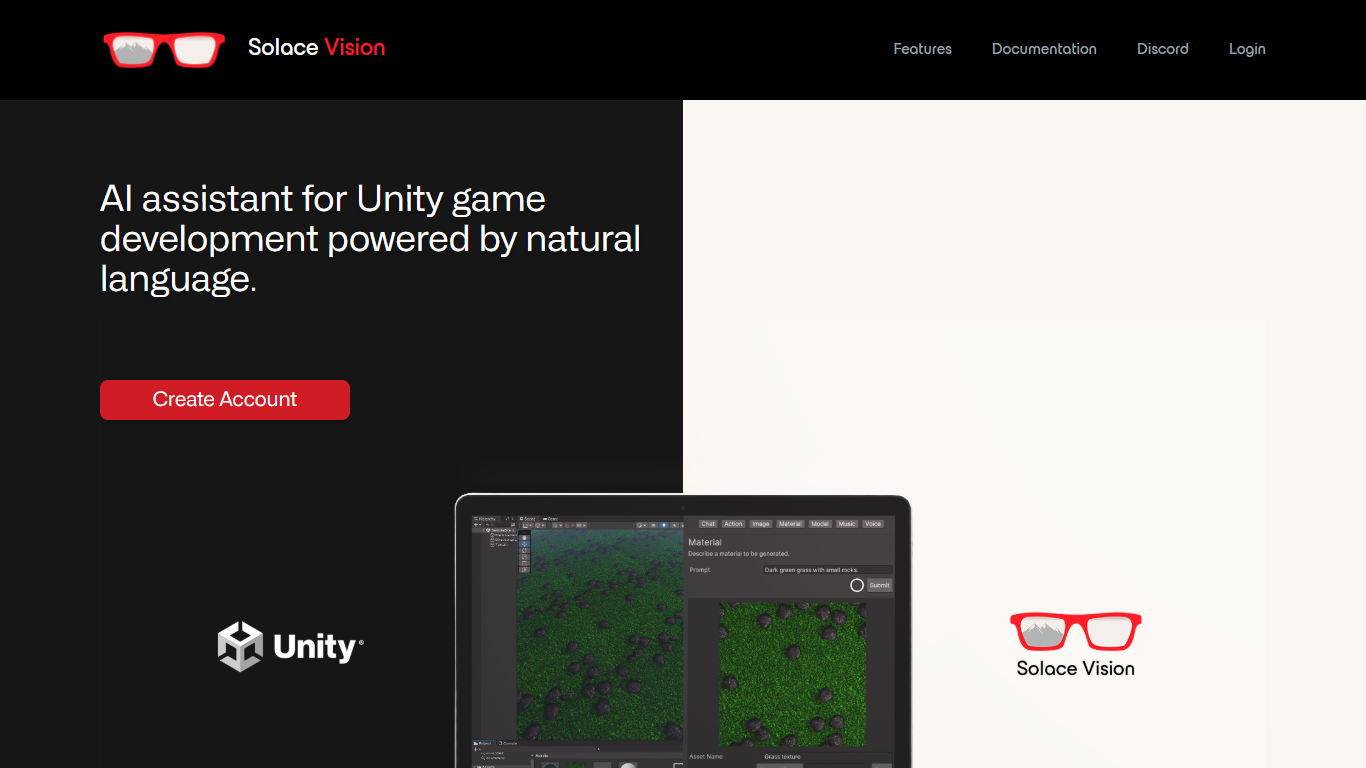
Solace Vision is a natural language assistant built for Unity game development. You install its plugin in the Unity editor, connect an API key from the web dashboard, and run text prompts to generate scripts, automate scene actions, look up documentation, create 2D assets, and produce character voice lines without leaving your project.
The plugin covers a wide range of text-driven workflows inside Unity. It can write C# scripts from plain English, place game objects around a scene, summarize Unity docs, debug pasted code, generate sprite sheets and concept art, and turn dialogue into speech. Text-to-3D, text-to-music, and sound generation are listed on the site as coming soon.
Solace Vision targets Unity developers who want faster iteration on gameplay code, scene setup, and creative assets. It supports Unity 2021.3.0 and later, installs from the Unity Asset Store or Package Manager, and offers a free tier alongside paid plans managed through the web dashboard.
Type a command and it runs Unity actions like placing objects across your scene
Generates C# scripts on the fly, from player movement to procedural terrain
Answers Unity documentation questions and debugs pasted code inside the editor
Creates 2D sprite sheets, pixel art, concept art, and storyboard frames from text
Turns written character dialogue into voice lines without leaving Unity
Installs as a Unity plugin through the Asset Store or Package Manager.
Covers script generation, scene automation, docs lookup, 2D assets, and voice in one tool.
Free tier is available with paid upgrades managed from the web dashboard.
Requires Unity 2021.3.0 or later; earlier versions are not supported.
The free tier requires a verified payment card on file.
Text-to-3D, text-to-music, and sound generation are listed as coming soon, not yet available.
Does Solace Vision work inside Unity?
Yes. Solace Vision is a Unity plugin that runs inside the editor. You download it from the Unity Asset Store or import it via the Package Manager, then enter your API key from the Solace Vision web dashboard to activate it.
What Unity version does Solace Vision require?
Solace Vision supports Unity 2021.3.0 and later. The documentation recommends Unity 2021.3.22 or higher for best performance. Earlier Unity versions are not supported.
Does Solace Vision have a free plan?
Yes. Solace Vision offers a free tier alongside paid plans. You can upgrade or downgrade plans from the Solace Vision dashboard, and billing is handled through Stripe.
Why does Solace Vision require a card for the free tier?
Solace Vision requires a verified card on the free tier for anti-spam verification, easier plan changes, and to support free credits and trial extensions. Billing details are processed by Stripe and not stored by Solace Vision Inc.
How do I get support for Solace Vision?
Solace Vision directs users to its Discord server for setup help, troubleshooting, and billing questions. You can message team members or open a ticket in the support channel.
What can I generate with Solace Vision in Unity?
Solace Vision supports text-to-code, text-to-action commands, Unity documentation lookup, code debugging, text-to-2D assets, and text-to-voice dialogue. Text-to-3D, text-to-music, and sound generation are listed as coming soon on the homepage.