
Last updated 07-18-2026
Category:
Reviews:
Join thousands of AI enthusiasts in the World of AI!
Streamlabs
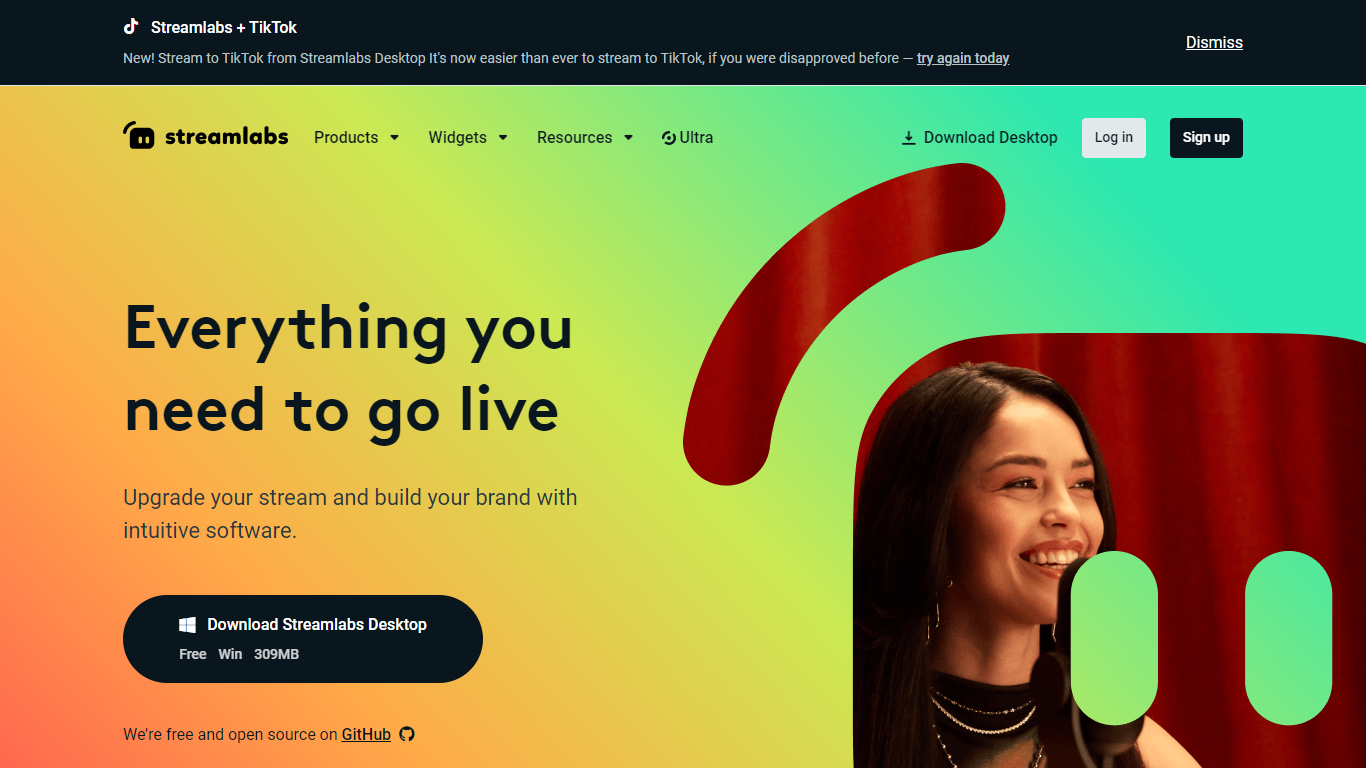
Streamlabs is an all-in-one suite for live streamers and content creators. Its flagship product, Streamlabs Desktop, is free broadcasting software for Windows and Mac built on the OBS engine. The platform also includes tools for multistreaming, stream overlays, on-stream alerts, viewer tipping, chat moderation, clip editing, and video production.
Streamlabs Desktop lets you capture webcam, games, desktop, music, and microphone in one place and go live to Twitch, YouTube, TikTok, Facebook, Kick, Instagram, X, Patreon, and custom RTMP destinations. Built-in features include customizable alert boxes, hundreds of free overlays, Collab Cam for adding guests via link, Dual Output for horizontal and vertical streaming, and a Desktop App Store with 60+ apps. Multistream sends your broadcast through Streamlabs cloud servers to multiple platforms at once, so your PC only uploads one stream.
Beyond desktop broadcasting, Streamlabs offers Mobile for iOS and Android game streaming, Console for Xbox streaming without a desktop, Talk Studio for browser-based recording with guests, Cross Clip for turning VODs into short-form clips, Podcast Editor for text-based editing, and Video Editor for collaborative browser editing. The free Starter tier covers core streaming tools with no-fee tipping. Streamlabs Ultra ($27/month or $189/year) unlocks premium features across the full product suite.
Streamlabs Desktop broadcasts to Twitch, YouTube, TikTok, Kick, Facebook, and RTMP with built-in alerts, overlays, and scenes
Multistream relays one upload through Streamlabs servers to multiple platforms without straining your bandwidth
Dual Output streams horizontal and vertical formats simultaneously with separate scenes and resolutions per layout
Collab Cam adds guests or extra cameras to your stream by sharing a simple link
No-fee tipping with customizable on-stream alert boxes, plus Cloudbot for chat moderation and engagement
Free core streaming software with alerts, overlays, tipping, and Cloudbot included.
Cloud-based multistreaming avoids uploading separate streams from your PC to each platform.
Single Streamlabs ID login accesses Desktop, Mobile, Console, Talk Studio, Cross Clip, Video Editor, and Podcast Editor.
Does not take a cut from creator tips; only standard payment processor fees apply.
Open source Streamlabs Desktop built on the OBS engine with an active GitHub repository.
Full multistreaming to unlimited platforms requires a Streamlabs Ultra subscription.
Some premium features like watermark-free exports and 250GB storage are locked behind Ultra.
Streamlabs Desktop can be resource-intensive on lower-end hardware when running many widgets and scenes.
Is Streamlabs free to use?
Yes. Streamlabs Starter is free and includes live streaming software, widgets, built-in overlay themes, alerts, a no-fee tip page, Cloudbot moderation tools, and over 300 free overlays. Streamlabs Ultra is an optional upgrade at $27/month or $189/year billed annually.
What streaming platforms does Streamlabs support?
Streamlabs supports Twitch, YouTube, Facebook, Kick, Patreon, Instagram, X (Twitter), and custom RTMP destinations. You can multistream to multiple platforms simultaneously with Streamlabs Ultra.
Does Streamlabs take a cut of tips?
No. Streamlabs does not take a cut from tips received through Streamlabs tip links. The only fees are standard processing fees imposed by the payment processor.
What is Streamlabs' relationship to OBS?
Streamlabs Desktop is built on top of the OBS engine under its open source GPLv2 license. Streamlabs Desktop is also open source, with its repository available on GitHub.
Can I stream from a console or mobile device with Streamlabs?
Yes. Streamlabs Console lets you stream from Xbox to Twitch, YouTube, Kick, and TikTok without a desktop. The Streamlabs Mobile app lets you stream games and your camera from iOS and Android devices.