
Last updated 08-22-2026
Category:
Reviews:
Join thousands of AI enthusiasts in the World of AI!
SVGConverter.AI
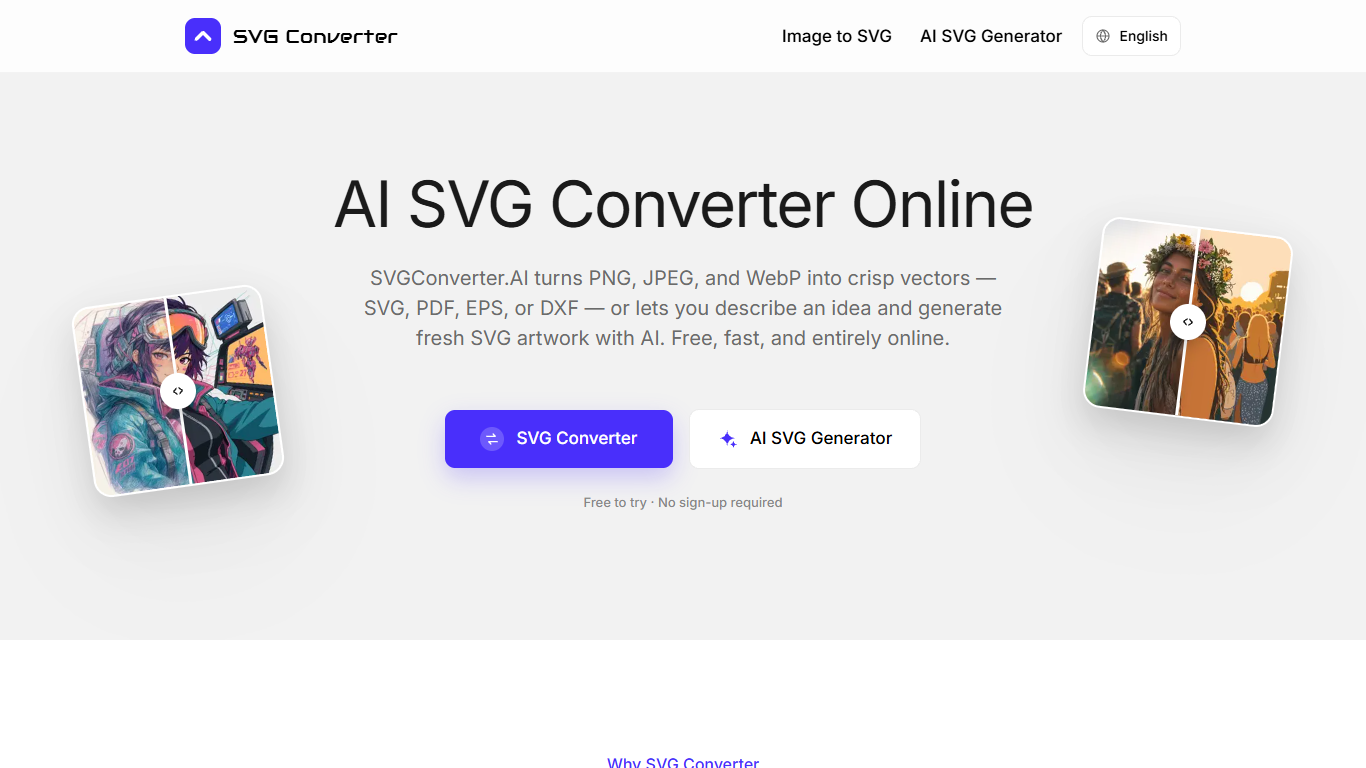
SVGConverter.AI is a browser-based SVG converter that turns PNG, JPEG, and WebP into editable vectors (SVG, PDF, EPS, or DXF), and sends SVG, PDF, EPS, and DXF the other way into PNG, JPG, WebP, AVIF, or GIF. You can also type a short prompt and get layered SVG artwork back without uploading anything. It runs in the browser with no install and no watermark on downloads.
Most free converters only cover one direction of the round trip. SVGConverter.AI handles raster-to-vector, vector-to-raster, and text-to-SVG in one place, including DXF for laser cutters and CAD. That matters when a morning logo cleanup and an afternoon product-listing export would otherwise mean bouncing between two or three bookmarks.
Brand designers, front-end engineers, and print shops use it for logo cleanups, matching icon sets, and large-format prep. Every visitor gets 3 complete uses without an account, then a single Pro plan unlocks unlimited access across every tool on the site.
Converts PNG, JPG, and WebP into SVG, PDF, EPS, or DXF in one upload
Rasterizes SVG, PDF, EPS, and DXF back to PNG, JPG, WebP, AVIF, or GIF
Text prompts return real layered SVG paths you can edit in Figma or Illustrator
DXF export feeds laser cutters, vinyl plotters, and CAD tools
3 free complete uses per visitor with no account or credit card required
Pro plan at $8.99 per month yearly removes per-conversion limits site-wide
Covers both conversion directions plus text-to-SVG in one browser bookmark.
DXF and EPS exports fit print, embroidery, and laser-cutting workflows without a second tool.
3 free complete uses let you verify output quality before subscribing.
Single Pro plan removes per-conversion limits across every tool on the site.
Photographs become stylized poster-like vectors rather than pixel-exact copies.
Only 3 free uses before a paid Pro subscription is required.
No documented API or batch desktop app for production pipelines.
Browser-only with no native mobile or desktop application.
Is SVGConverter.AI free to use?
SVGConverter.AI gives every visitor 3 complete uses without signing up or adding a card. After that, SVG Converter Pro unlocks unlimited normal website use across every tool for $8.99 per month on yearly billing or $17.99 per month on monthly billing.
What file formats does SVGConverter.AI support?
SVGConverter.AI accepts PNG, JPG, and WebP for vector output as SVG, PDF, EPS, or DXF. It also accepts SVG, PDF, EPS, and DXF for raster output as PNG, JPG, GIF, WebP, or AVIF. The AI generator creates fresh SVG files from text with no upload.
Do I need an account to use SVGConverter.AI?
No account is required for the first 3 uses. SVGConverter.AI creates a private anonymous session when you start your first job. Sign up later and that work stays connected to you. Pro subscribers manage billing through a Stripe checkout portal.
Can I edit SVGConverter.AI files in design software?
Yes. SVGConverter.AI vector downloads open in Illustrator, Affinity Designer, Figma, Inkscape, CorelDRAW, or CAD tools with editable paths, groups, and fills. Raster exports are finished images, so keep the vector as your master file.
Does SVGConverter.AI keep the files I upload?
SVGConverter.AI processes uploads over an encrypted connection. Files and results may be stored with the related job so you can retrieve them. Review the Privacy Policy before uploading confidential material.
Does SVGConverter.AI generate SVG from a text prompt?
Yes. SVGConverter.AI includes an AI SVG generator that turns a sentence into layered, editable SVG markup for icons, logos, stickers, and illustrations. You can refine the result in plain language before exporting.