
Last updated 06-28-2026
Category:
Reviews:
Join thousands of AI enthusiasts in the World of AI!
Swytchcode
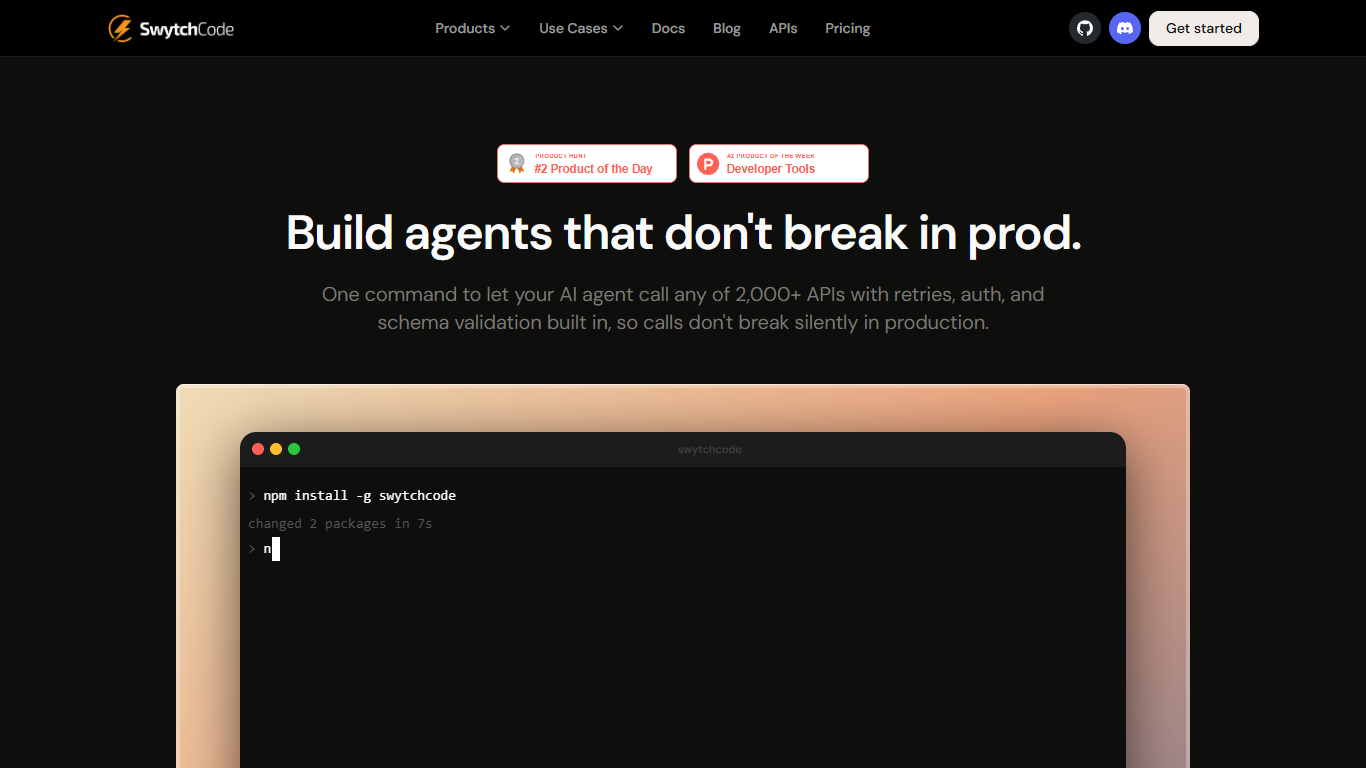
Swytchcode is a CLI that gives AI agents reliable access to more than 2,000 APIs without writing a separate SDK for each service. Install it with npm, pull a manifest, and route tool calls through validation, authentication, retries, and policy checks so integrations do not break silently in production. It is built for teams shipping agent workflows that need real API execution, not just prompt-level guesses about whether a call succeeded.
The product focuses on the tool-calling layer where agents usually fail. Schema drift can send outdated field names and return 400 errors with no record of what changed. APIs can return HTTP 200 while the response body still contains an error code your agent treats as success. Swytchcode validates requests and responses against policies before and after each execution.
Developers run swytchcode get to pull manifests and swytchcode exec to execute validated calls from agents in Cursor, Claude, and similar environments. Swytchcode also offers an embeddable docs plugin with live API sandboxes and MCP key generation for API publishers onboarding partners faster.
Call 2,000+ APIs through one CLI without per-service SDKs
Schema validation catches field drift before requests hit production
Response checks flag 200 OK bodies that still contain error payloads
Policy files support allowlists, dry-runs, and blocking dangerous calls
swytchcode getpulls manifests so you can execute in minutesEmbeddable docs plugin with live sandbox and MCP key generation
Free tier includes 1,000 execution calls per month with no credit card required.
One npm install gets you from zero to a validated API call without per-service SDK setup.
Policy controls help prevent dangerous production calls through allowlists and dry-runs.
Works with agent environments like Cursor and Claude through CLI execution.
Free and Pro plans cap monthly execution calls at 1,000 and 5,000 respectively.
Enterprise pricing requires contacting sales for custom terms and SLAs.
The public APIs hub page shows limited catalog detail beyond the supported count.
Is there a free plan for Swytchcode?
Yes. Swytchcode offers a Free plan at $0 with 1,000 execution calls per month, core CLI features, and community support. The pricing page says it is free forever and does not require a credit card to get started.
How much does Swytchcode Pro cost?
Swytchcode Pro costs $29 per month. The Pro plan includes 5,000 execution calls per month, everything in Free, email support, and priority queue access.
What APIs does Swytchcode support?
Swytchcode supports more than 2,000 APIs. The homepage lists Stripe, GitHub, Slack, and AWS as examples, and you pull manifests with `swytchcode get` before executing calls through the CLI.
How do I install Swytchcode?
Install Swytchcode globally with npm using `npm install -g swytchcode`. The homepage and pricing page also link to app.swytchcode.com and cli.swytchcode.com for getting started after install.
Is Swytchcode safe to use in production?
Swytchcode is designed for production agent workflows with policy controls, schema validation, and response checks. The homepage highlights allowlists, dry-run options, and guardrails that can stop dangerous calls such as deleting live customer data in production.
How do I contact Swytchcode support?
Swytchcode lists [email protected] on its contact page and says the team responds within 24 hours. Pro customers get email support, and Enterprise plans include dedicated Slack support.
Does Swytchcode require rewriting my agent?
Swytchcode is positioned as a CLI layer between your agent and external APIs. The homepage shows agents in Cursor and Claude calling `swytchcode exec` for validated API execution rather than replacing your existing agent framework.