10 Best Random Face Generators AI tools in 2026
Artificial Intelligence (AI) face generators represent a groundbreaking technology that leverages the power of AI to create hyper-realistic or entirely fictional faces. These generators use advanced algorithms, typically based on Generative Adversarial Networks (GANs), to synthesize human-like images from scratch or modify existing ones. The process involves training models on vast datasets of human faces to understand and replicate the nuances of human features, expressions, and emotions.
This technology finds applications in various fields, including entertainment, where it can generate characters for movies or video games, in security, by enhancing facial recognition systems, and in the design industry, where it aids in creating diverse avatars for user interfaces. AI face generators also raise important ethical and privacy concerns, particularly around consent and the potential for creating misleading or harmful content. As the technology continues to evolve, it promises to open new frontiers in digital creativity while challenging us to address its implications responsibly.
Let's dive into the top AI Random Face Generators, where technology meets imagination, creating an endless array of unique and intriguing faces with the touch of artificial intelligence.
DeepFaceLab
What is DeepFaceLab? and how does it work?
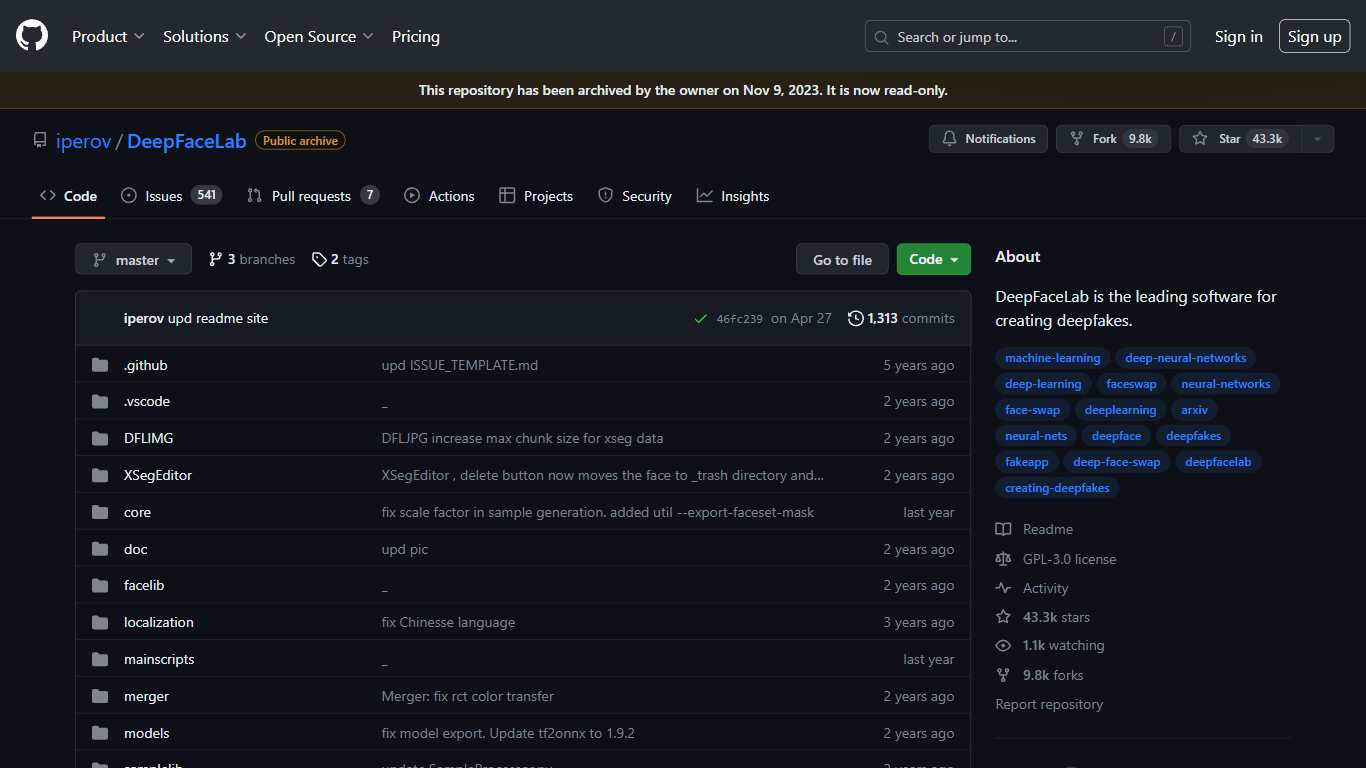
DeepFaceLab trains and runs deepfake face swaps on your own GPU through a full Python pipeline you control locally. Extract faces from source and destination videos, train a neural network model, and merge the swapped face back into footage at resolutions up to 512 pixels and beyond.
Unlike cloud deepfake apps that hide the pipeline, DeepFaceLab gives you every stage, including S3FD face extraction, XSeg masking, and model architectures like SAEHD. That depth comes with a steep learning curve: the README warns there is no one-click fix and expects comfort with After Effects or DaVinci Resolve for finishing work.
VFX artists, YouTube creators, and researchers who need local, GPU-based face replacement are the core audience. The repository was archived read-only on November 13, 2024, but the code, Windows builds, and 19,300+ GitHub stars remain accessible. The related DeepFaceLive project handles real-time streaming swaps separately.
19,300+ GitHub stars with 928 forks and GPL-3.0 open-source license
Face replacement, de-aging, and full head swap workflows with native resolution training
S3FD face extractor and XSeg editor for precise face masking
Windows builds distributed via torrent and Mega.nz; Linux port available
Built on TensorFlow with CUDA and DirectX GPU acceleration
Related DeepFaceLive project adds real-time face swap for streaming and video calls
Unboring By Reface
What does Unboring By Reface do?
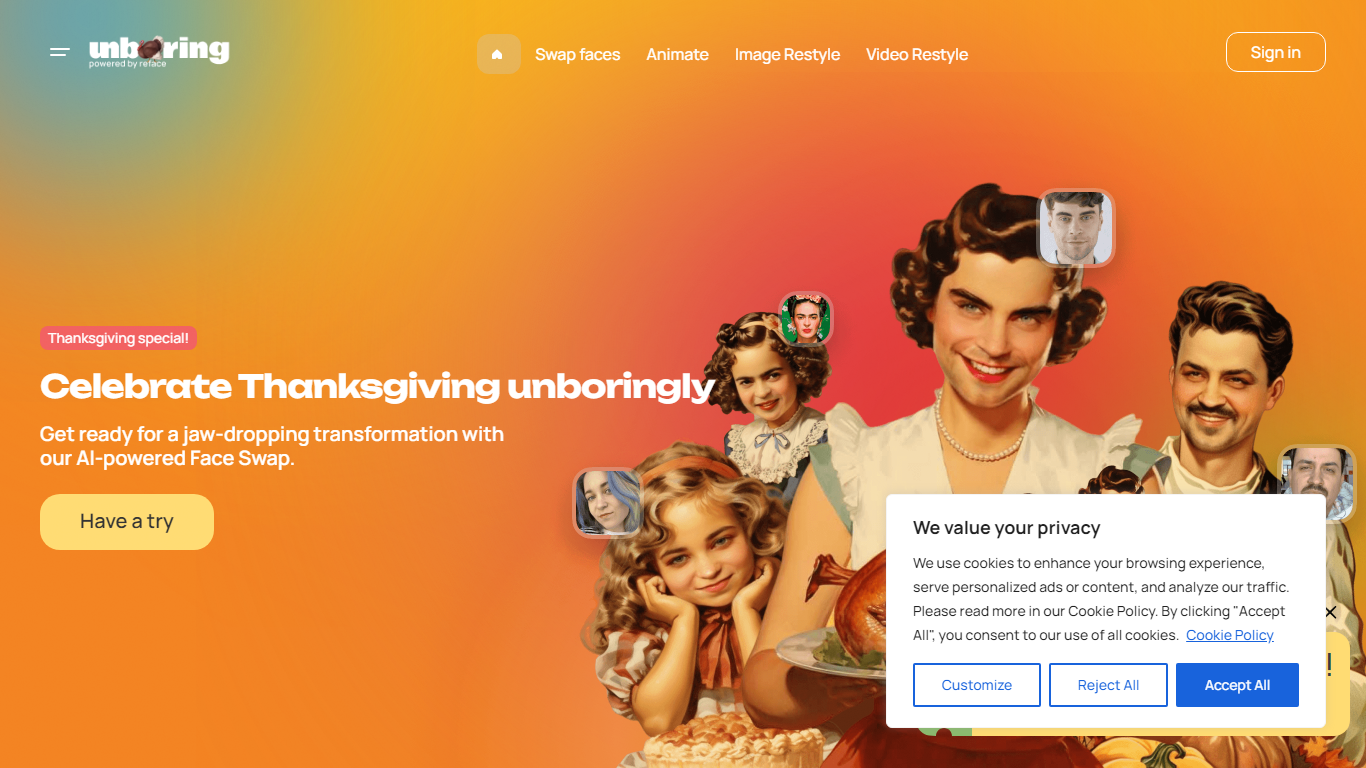
Unboring by Reface is a browser photo and video editor built around three RefaceAI tools: face swap, photo animation, and video restyle. Upload a selfie or clip, pick a template or style filter, and get a shareable result in seconds without desktop editing software.
Where most face-swap apps stop at still images, Unboring bundles singing-photo animation and cartoon video restyles (anime, claymation, inkpunk, and more) in one subscription. Reface developed its own face-swap engine over five years ago and backs the product with a catalog of hundreds of vintage photos and meme templates.
Casual creators and families use it for party videos and workplace memes. Basic runs $7.58 per month billed yearly ($90.99), while Premium at $9.99 per month ($119.99 yearly) unlocks unlimited activities and video restyle.
RefaceAI face swap works on custom photos and videos plus a catalog of hundreds of templates
Photo animation turns still portraits into singing and dancing clips with licensed song tracks
Video restyle applies 15+ filters including anime, claymation, inkpunk, and voxel styles
Basic plan at $7.58 per month (billed $90.99 yearly) with unlimited face-swap photos
Premium at $9.99 per month (billed $119.99 yearly) adds unlimited activities and video restyle
Virtual Face
Why use Virtual Face?
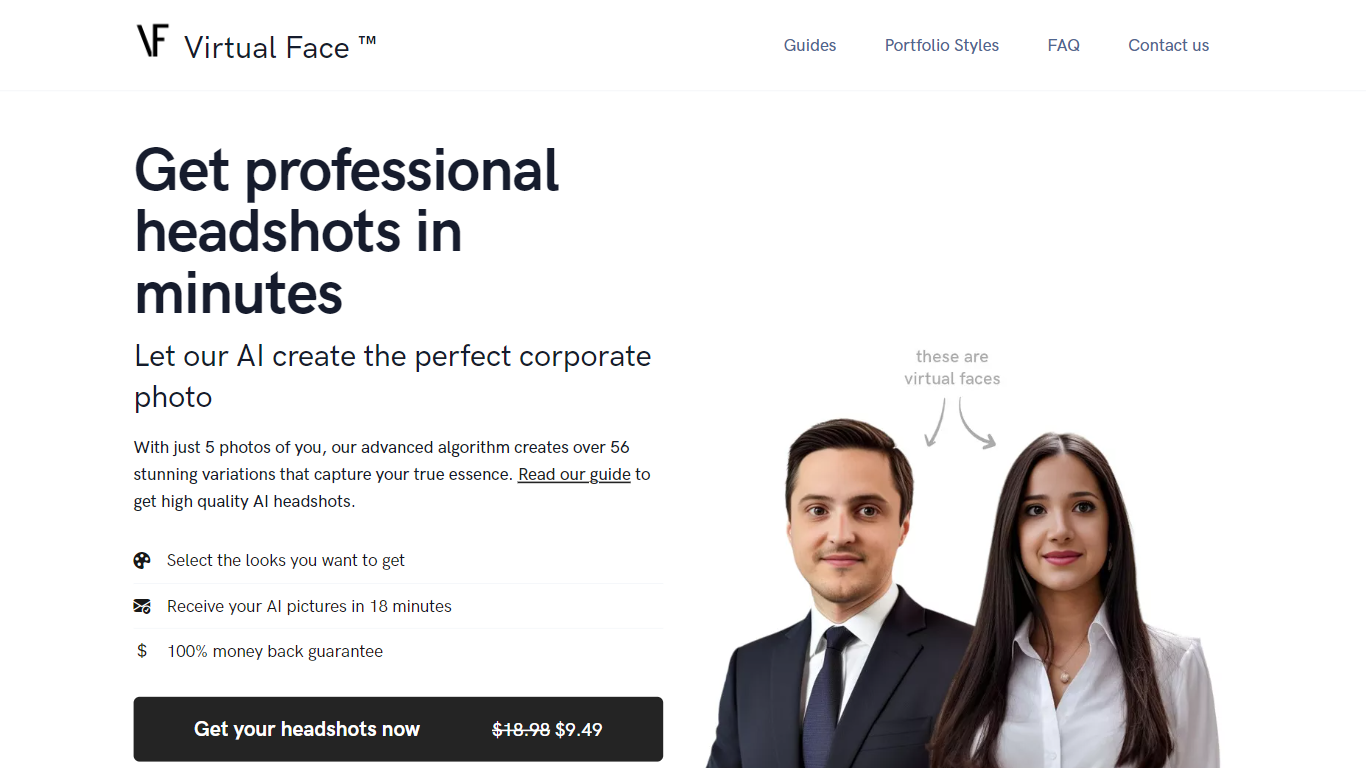
Virtual Face turns five selfies into a batch of polished corporate headshots without a studio booking. Pick portrait styles like suit in the office or sweater in the forest, upload varied photos of yourself, and the service fine-tunes a personal model that returns dozens of LinkedIn-ready images in about 20 minutes.
Headshot apps usually trade speed for generic faces. Virtual Face asks for outfit, background, and expression variety in uploads so Dreambooth-style fine-tuning learns you rather than a repeated shirt or backdrop. A 100% money-back guarantee applies when uploads meet that variation bar, which is stricter than most one-click avatar generators.
Job seekers, freelancers, and remote workers use it when they need a professional photo for LinkedIn, resumes, or team pages but lack time for a photographer. Uploaded source files are deleted after seven days, payments run through Stripe, and finished headshots belong to the customer for print or web.
Upload 5 photos and receive 56+ headshot variations in about 20 minutes
Promotional price listed at $9.49 versus a $18.98 list price on the homepage
Seven portrait style packs including suit in the city and sweater in the forest
Supports JPEG, PNG, WebP, HEIC, AVIF, and TIFF uploads
Uploaded source photos auto-delete from servers after 7 days
100% money-back guarantee when uploads show outfit and background variation
Reface
What does Reface do?
Swap your face into GIFs, clips, and photos, or generate AI avatars from a selfie, using the Reface mobile app. The company behind reface.ai builds AI-native consumer apps, and the flagship Reface product focuses on face-swap video edits and avatar creation with downloads topping 300 million across its portfolio.
Dedicated face-swap apps usually stop at one gimmick filter. Reface pairs real-time face replacement with a growing app lineup, including Revive for singing photos, Restyle for AI filters on video, and Ink AI for tattoo previews, all shipped from the same studio. That breadth matters if you want face edits plus related creative tools without juggling unrelated vendors.
Casual creators, meme makers, and social media users download Reface on iOS and Android for quick face swaps before posting. Subscriptions auto-renew through the App Store or Google Play, and reface.ai documents how to manage or cancel plans from device settings or the web dashboard.
Face-swap and AI avatar creation in the flagship Reface mobile app
Portfolio apps exceed 300 million total downloads per reface.ai
Revive turns still photos into singing videos from the same studio
Restyle applies AI filters to photos and videos via a separate app
Subscriptions auto-renew through App Store or Google Play billing
Deepswap
What is Deepswap?
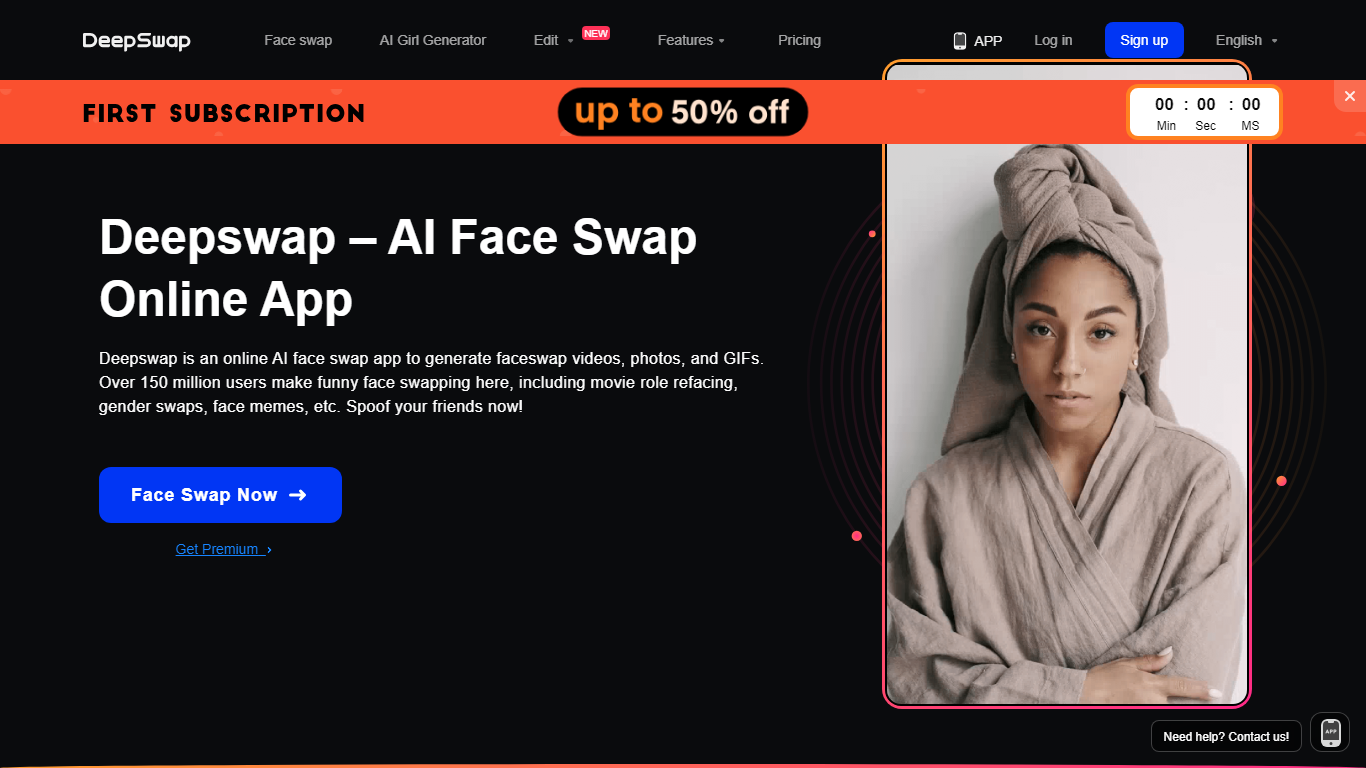
Deepswap is an all-in-one face swap workspace for video, photo, and GIF editing, with a built-in video generator and side tools for background removal, image enhancement, and cartoon effects. Upload media, pick a face, and download the swapped result from the browser or mobile app. The site also sells PRO access through a credit system that unlocks HD swaps, longer videos, and priority processing.
Most face swap sites lean on open-source models that fall apart when glasses, bangs, or side angles enter the frame. Deepswap trains private models for 16+ challenging scenes, including occlusion, expression changes, lighting shifts, and video jitter, and claims over 90% swap similarity. That focus on hard clips is the trade-off: you are paying for video swaps that survive occlusion and motion, not a lightweight photo toy.
The product targets content creators, marketers, and casual users who need movie-style role swaps, meme GIFs, headshots, or group photos without opening separate apps. Film production and online education are listed use cases on the homepage, and the FAQ notes uploads need clear frontal faces for stable tracking.
Private models claim 90%+ face swap similarity, cited as 20% above open-source alternatives
Multi-face video swap handles up to 6 faces in one clip
GPU processing turns 1 minute of video in about 10 seconds
PRO access supports face swaps on videos up to 30 minutes long
Credit rates: 1 credit per 15 seconds of video, 0.1 per photo, 1 per GIF
Trained for 16+ challenging scenes including occlusion, angles, and lighting changes
Face Swapper | icons8
What is Face Swapper | icons8? and how does it work?
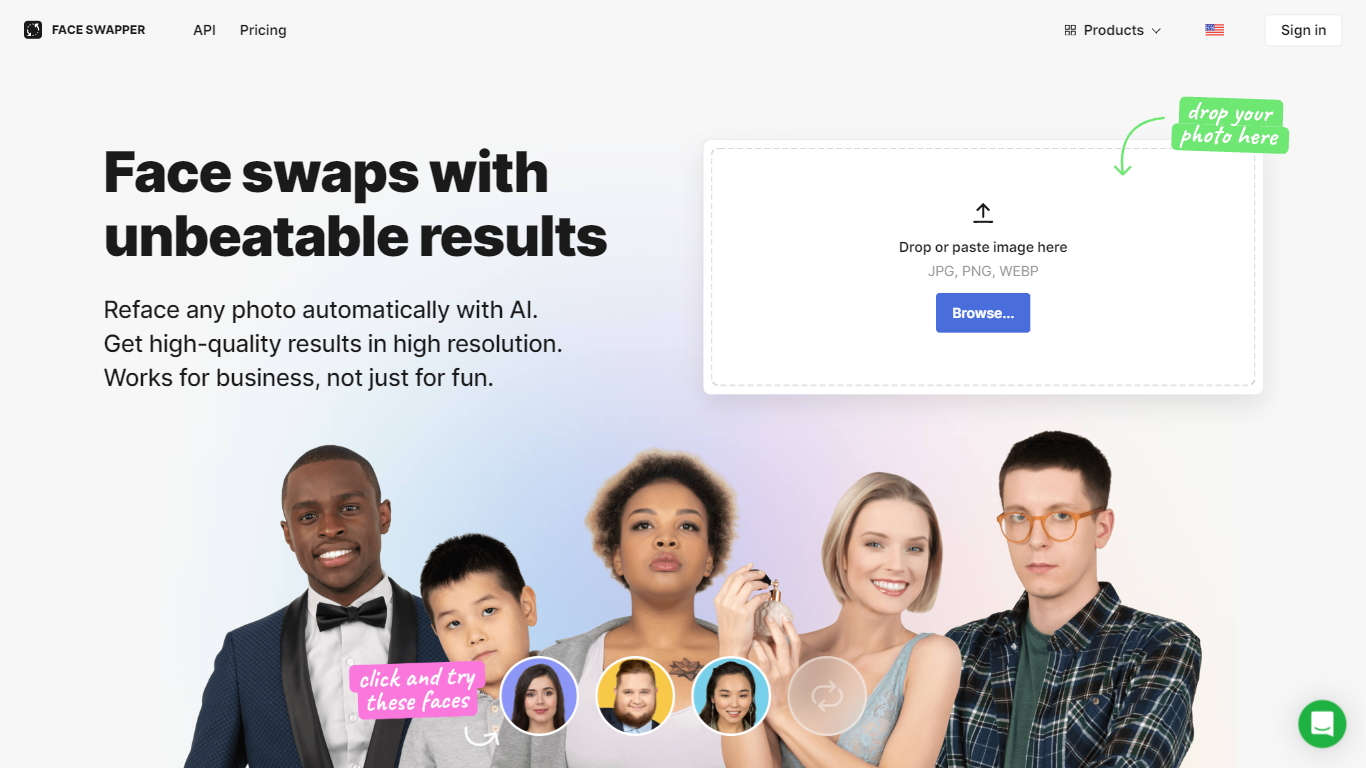
Face Swapper from Icons8 swaps faces in photos at up to 1024px resolution, handling side angles, glasses, beards, and group shots with multiple faces. Upload a source image, pick a replacement face from your files or the gallery, and get a finished swap in seconds from the browser. Marketers, meme creators, and designers use it when they need believable face replacements without opening Photoshop.
Dedicated meme swap apps chase novelty over output quality. Face Swapper targets production-grade swaps with a multiswap mode for group photos, a skin beautifier pass, and identity preservation tuned for business use cases like ad mockups and content localization, not just party photos.
Social media managers, video editors, and indie app developers are the typical buyers. Choose it when you need 1024px output, 30-day cloud storage on paid plans, and an API request form for batch workflows.
Outputs face swaps at 1024px, the highest resolution Icons8 lists for this tool
Multiswap refaces every person in a group photo, not just single-subject selfies
Handles glasses, beards, hats, and partial face occlusion without manual masking
Accepts JPG, PNG, and WEBP uploads up to 5 MB with faces up to 1024x1024 px
3-day unlimited trial when you start the annual billing plan
30-day cloud storage on paid plans so you can re-download swaps without reprocessing
Skin beautifier mode uses the same photo as both source and swap target
Face Caricature
What is Face Caricature? and how does it work?
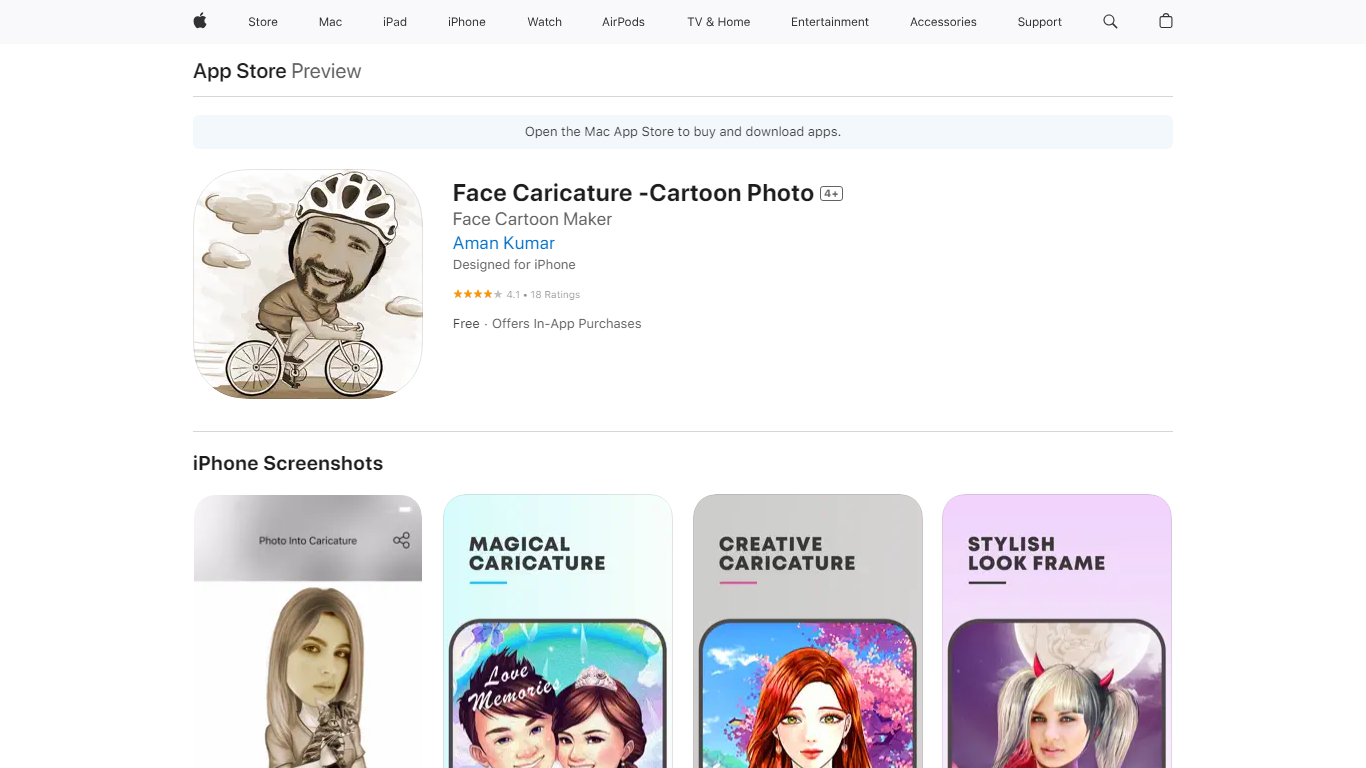
Face Caricature turns selfies and portraits into exaggerated cartoon caricatures on iPhone. You pick a photo from your camera roll or snap one in-app, and the app maps your face onto stylized caricature bodies and frames. It competes in the avatar and cartoon-photo space with face-swap and toon-filter apps on the App Store.
Where many cartoon apps apply a flat filter over your whole photo, Face Caricature leans into body templates and category packs, so the output reads more like a drawn caricature scene than a filtered selfie. The trade-off is less control over fine facial detail, which shows up in App Store reviews from users expecting a full-face redraw.
The app targets casual iPhone users who want shareable caricature images for social posts, messages, or prints. It supports direct sharing to Facebook, Twitter, Tumblr, Flickr, and email, and saves high-resolution exports suitable for printing.
Converts camera or album photos into caricatures in seconds on iPhone
Saves high-resolution caricatures suitable for printing
Includes manual avatar creator and background enhancer tools (v5.0+)
Offers 17+ caricature category packs beyond basic filters
Shares directly to Facebook, Twitter, Tumblr, Flickr, and email
Free download with weekly ($0.99), monthly ($2.99), yearly ($9.99), or one-time ($9.99) unlock options
Face Swapper
How does Face Swapper work?
Face Swapper is a browser-based photo editing site that swaps one person's face onto another in photos, videos, and GIFs. You upload a source image and a target face, then the tool returns a new file in seconds with no account required. It also covers group shots with multiple faces, batch swaps across many photos, and a separate clothes-swap mode for outfit changes.
Most face swap apps stick to still images. Face Swapper bundles photo, video, GIF, batch, and multi-face modes on one homepage, and it runs entirely free with no credits or signup gate. The trade-off is strict content rules: NSFW uploads are banned, and the public pricing page is down even though every listed tool stays free.
Casual editors, meme makers, and short-form creators use it when they want a quick gag photo or a personalized GIF without opening desktop software. Privacy-focused users get uploads purged from servers every 6 hours, which limits how long any file sits on Face Swapper infrastructure.
Accepts PNG, JPG, and WEBP uploads for photo face swaps
Swaps faces in videos, GIFs, and still images from one dashboard
Multiple Face Swapper handles group photos with several faces at once
Batch mode replaces the same face across multiple photos in one run
Uploaded files are purged every 6 hours per the privacy policy
No signup or credits required for unlimited swaps
AI Face Generator By Fotor
What does AI Face Generator By Fotor do?
AI Face Generator By Fotor creates synthetic human face portraits from text prompts or reference photos in seconds. Describe gender, age, ethnicity, hairstyle, and expression, or upload a photo to generate similar-looking faces that do not belong to real people. Designers, game developers, and marketers use it for mockups, character concepts, and ad visuals without stock photo hunts.
Stock face libraries repeat the same models, and general image generators often miss facial consistency across styles. Fotor's face tool focuses on portrait-specific controls like skin tone, glasses, makeup, and head pose, plus output styles from photorealistic to anime, 3D, cyberpunk, and oil painting. It sits inside Fotor's broader photo editor rather than operating as a standalone face-only API.
Game studios prototype NPC faces, authors visualize characters for comics, and marketers test ad thumbnails with unique synthetic portraits. New users get limited free credits, with more available through Fotor's Reward Center daily tasks.
Text-to-face generation from prompts describing gender, age, and ethnicity
Reference photo upload to generate similar-looking AI faces
Styles include photorealistic, 3D render, anime, cyberpunk, and oil painting
Customize hairstyle, hair color, skin tone, glasses, and facial expressions
Age ranges from baby, children, young adult, adult, and middle-aged
Free credits for new users plus Reward Center tasks for more credits
High-resolution downloads for ads, games, and profile mockups
Caricature Hyper Face Morph
Why choose Caricature Hyper Face Morph?
Transform your photos into hilarious caricatures with the Caricature Hyper Face Morph app! Whether it's a selfie, a group shot, or a picture from Facebook, our app allows you to warp and morph faces to create amusing and entertaining images. With automatic face detection and a variety of face distortion options, the fun is just a tap away. Experience instant results and choose from a wide range of photo filter effects to further enhance your creation. Share your hyperfied masterpieces with friends across social media platforms or save them directly to your device. Dive into the digital funhouse and unleash your creativity for both individual and group photos. Discover the surprise 'zombi' filter and watch as every feature on the face dynamically transforms. Excitement and humor guaranteed for all users!
Auto Face Detection: Automatically detects faces in photos for instant transformations.
Multiple Distortions: Offers 14 different face distortion types for varied and humorous effects.
Group Photo Fun: Morphs individual and group photos for a collective dose of laughter.
Photo Filters: Enhance your caricatures with a variety of photo filter effects.
Social Sharing: Easily share your creations on Facebook Twitter or via email.