Top 7 Face Swap AI tools in 2026
Face Swap

How does Face Swap work?
AI Face Swap is a browser-based platform for swapping faces in photos, GIFs, and videos. The homepage positions single-photo face swap as free to use without sign-up, and also links to additional tools such as multiple-face swap, video face swap, and batch workflows.
The product includes account features like history, credit management, API access, and daily credit claims. It also publishes usage and content-policy language, including upload-rights confirmations and abuse reporting links.
Paid usage is sold through one-time credit bundles and promoted VIP benefits, such as faster queues, advanced video features, and higher-capacity processing options.
No-login face swapping flow for single-photo use cases
Additional swap modes for multiple faces, GIFs, videos, and batch processing
Credit and VIP model that unlocks advanced features and faster queues
API management and API documentation links for developer integration
Multilingual interface options across several locales
Face Swapper
How does Face Swapper work?
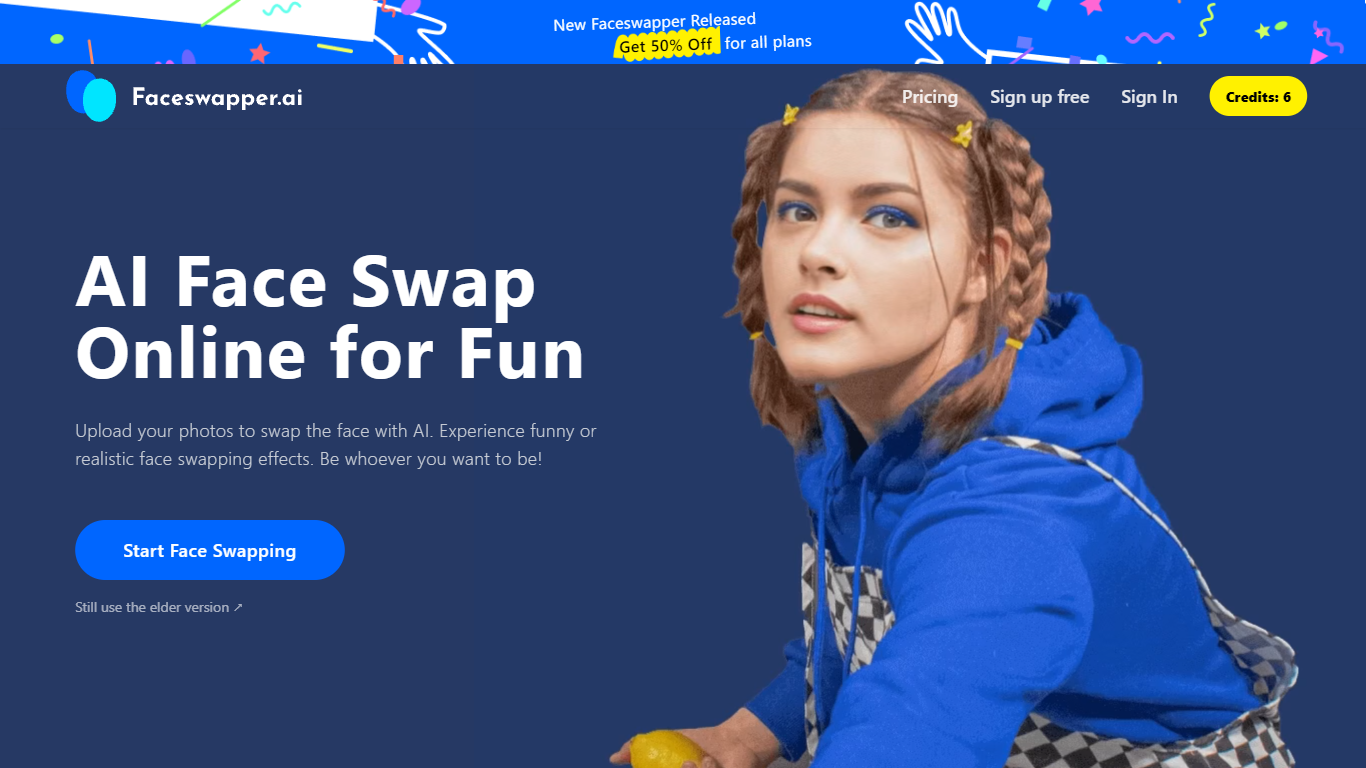
Face Swapper is a browser-based photo editing site that swaps one person's face onto another in photos, videos, and GIFs. You upload a source image and a target face, then the tool returns a new file in seconds with no account required. It also covers group shots with multiple faces, batch swaps across many photos, and a separate clothes-swap mode for outfit changes.
Most face swap apps stick to still images. Face Swapper bundles photo, video, GIF, batch, and multi-face modes on one homepage, and it runs entirely free with no credits or signup gate. The trade-off is strict content rules: NSFW uploads are banned, and the public pricing page is down even though every listed tool stays free.
Casual editors, meme makers, and short-form creators use it when they want a quick gag photo or a personalized GIF without opening desktop software. Privacy-focused users get uploads purged from servers every 6 hours, which limits how long any file sits on Face Swapper infrastructure.
Accepts PNG, JPG, and WEBP uploads for photo face swaps
Swaps faces in videos, GIFs, and still images from one dashboard
Multiple Face Swapper handles group photos with several faces at once
Batch mode replaces the same face across multiple photos in one run
Uploaded files are purged every 6 hours per the privacy policy
No signup or credits required for unlimited swaps
Deepfakes Web
Why use Deepfakes Web?
Deepfakes Web is a cloud video generator that swaps one face onto another clip from a photo plus an MP4 upload. You pick a source face, attach a target video up to about three minutes and 200MB, and the service extracts faces frame by frame, runs the swap, and returns a downloadable MP4. The same pipeline runs in a browser studio, on iOS and Android, and through a REST API.
Most face-swap services push monthly subscriptions. Deepfakes Web charges per finished video instead, with no recurring plan. The web studio lists $10 per clip while the mobile app advertises roughly $0.05 per video, a gap the site puts at 95% cheaper on app. That structure fits occasional meme edits and one-off projects more than daily production teams.
Creators making satire clips, short-form memes, and gaming content are the obvious audience, along with developers wiring swaps into their own apps via the API. Uploads stay private to your account, outputs carry invisible watermarks, and the team deliberately leaves detectable imperfections so clips read as synthetic rather than pass-as-real footage.
Cloud rendering finishes a face swap in under 10 minutes on uploaded MP4 files up to 200MB
Web studio pricing is $10 per video while the mobile app costs about $0.05 per video
Supports up to 3 minutes of footage with 4K export quality and no subscription fees
REST API at api.deepfakesweb.com/v1/ authenticates with an X-API-Key header
Outputs include invisible digital watermarks plus deliberate imperfections for detection
iOS and Android apps can start swaps without creating an account first
DeepfakeVFX.com

Why choose DeepfakeVFX.com?
DeepfakeVFX.com is a video editing resource hub built around open-source deepfake tools rather than a browser editor. It publishes written guides, video walkthroughs, and community-uploaded download packs for DeepFaceLab 2.0, DeepFaceLive, FaceSwap, and Machine Video Editor. You can browse installation steps, model training settings, faceset prep, and XSeg masking without leaving one site.
Most AI video editors sell cloud subscriptions and hide training behind a single upload button. DeepfakeVFX.com documents the full desktop pipeline instead, from extracting aligned faces to choosing SAEHD architectures like DF-UDT or LIAE-UD at resolutions up to 640px. The downloads section hosts celebrity facesets with image counts in the thousands, pretrained models trained past a million iterations, and DeepFaceLive DFM files sized around 1.3 GB.
Hobbyist deepfake makers, VFX tinkerers, and livestreamers learning real-time face swap use the site when they want curated starter assets and tutorials tied to specific forks and hardware setups. Registration is only needed if you plan to submit a faceset or pretrained model to the community archive.
DeepFaceLab 2.0 Guide and Wiki cover file structure, terminology, and model training settings tables matched to your GPU
Tutorial library spans DeepFaceLab install for AMD, NVIDIA, Intel HD, and CPU on Windows, Linux, and Google Colab
Celebrity facesets list resolution, XSeg mask type, image count, and file size (e.g., 67,044 images at 512px)
Pretrained SAEHD models filter by architecture (DF-UDT, LIAE-UD), face type, resolution up to 640px, and iteration count
DeepFaceLive model downloads include DFM files with architecture labels and sizes around 1.3 GB
Download hub links installers for DeepFaceLab, DeepFaceLive, FaceSwap, Machine Video Editor, and Stable Diffusion
Face Swapper | icons8
What is Face Swapper | icons8? and how does it work?
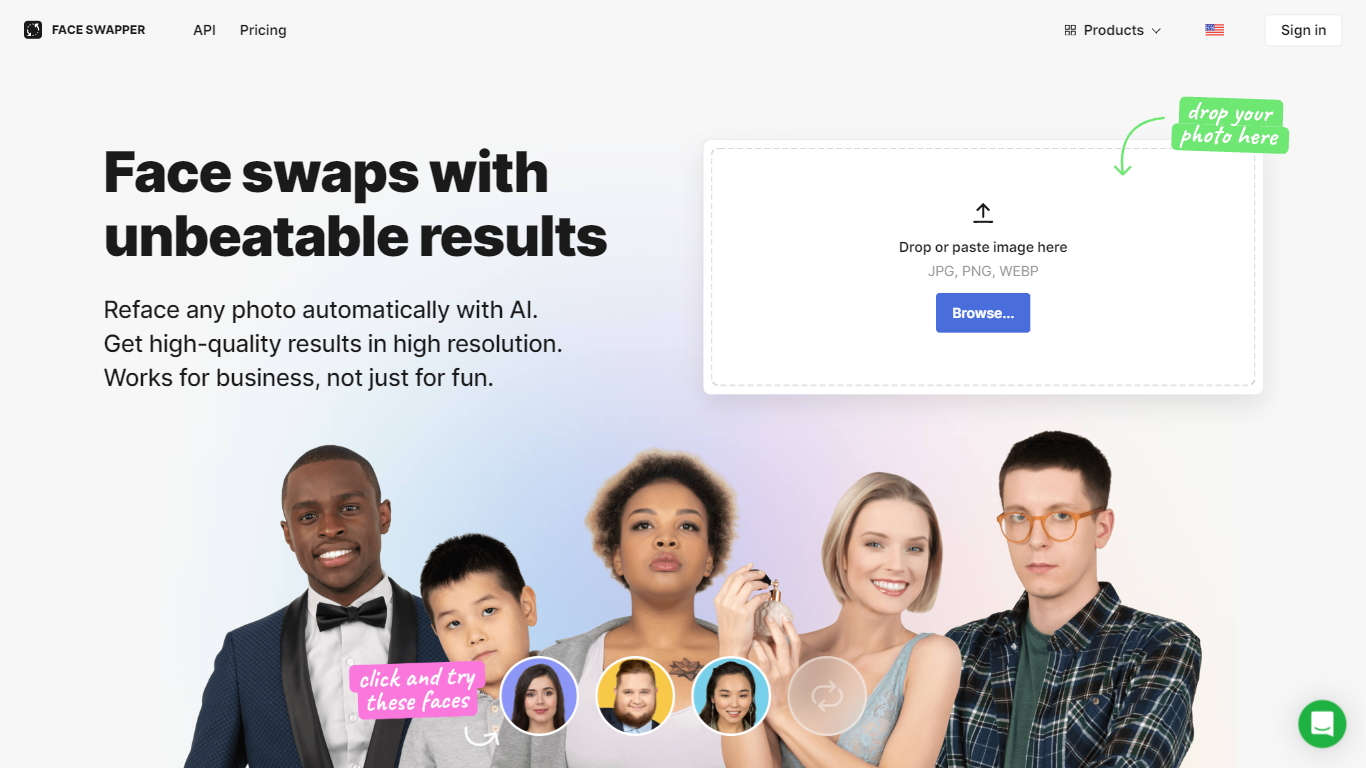
Face Swapper from Icons8 swaps faces in photos at up to 1024px resolution, handling side angles, glasses, beards, and group shots with multiple faces. Upload a source image, pick a replacement face from your files or the gallery, and get a finished swap in seconds from the browser. Marketers, meme creators, and designers use it when they need believable face replacements without opening Photoshop.
Dedicated meme swap apps chase novelty over output quality. Face Swapper targets production-grade swaps with a multiswap mode for group photos, a skin beautifier pass, and identity preservation tuned for business use cases like ad mockups and content localization, not just party photos.
Social media managers, video editors, and indie app developers are the typical buyers. Choose it when you need 1024px output, 30-day cloud storage on paid plans, and an API request form for batch workflows.
Outputs face swaps at 1024px, the highest resolution Icons8 lists for this tool
Multiswap refaces every person in a group photo, not just single-subject selfies
Handles glasses, beards, hats, and partial face occlusion without manual masking
Accepts JPG, PNG, and WEBP uploads up to 5 MB with faces up to 1024x1024 px
3-day unlimited trial when you start the annual billing plan
30-day cloud storage on paid plans so you can re-download swaps without reprocessing
Skin beautifier mode uses the same photo as both source and swap target
Ethical Deepfake Maker | Synthesia

What is Ethical Deepfake Maker | Synthesia?
Ethical Deepfake Maker | Synthesia turns scripts, prompts, documents, and URLs into presenter-led videos with AI avatars, voiceovers, and generated B-roll. Teams use it to build training, marketing, and internal comms videos without cameras, studios, or on-camera talent.
Where clip-only text-to-video tools stop at short cinematic snippets, Synthesia assembles full scenes with 240+ stock avatars, 1,000+ voices, brand kits, and one-click translation into 160+ languages. It also layers in motion graphics and models like Veo 3 for B-roll, so the output reads as a finished business video rather than a single generated clip.
Learning and development, sales enablement, marketing, and internal communications teams use it to convert onboarding scripts, product walkthroughs, and policy updates into videos that can be edited, regenerated, and localized from one workspace. Synthesia pairs that scale with consent requirements for custom avatars, moderation at creation time, and ISO 42001 certification for enterprise governance.
240+ stock AI avatars plus custom on-brand avatars on paid plans
1,000+ AI voices with one-click translation into 160+ languages
Turn prompts, scripts, PPTX, PDF, DOCX, TXT files, or URLs into video drafts
Generate cinematic B-roll and motion graphics with models like Veo 3 inside the editor
Brand Kit, live collaboration, analytics, and SCORM export on higher tiers
SOC 2 Type II, ISO 42001, and GDPR compliance for enterprise deployments
DeepFaceLab
What is DeepFaceLab? and how does it work?
DeepFaceLab trains and runs deepfake face swaps on your own GPU through a full Python pipeline you control locally. Extract faces from source and destination videos, train a neural network model, and merge the swapped face back into footage at resolutions up to 512 pixels and beyond.
Unlike cloud deepfake apps that hide the pipeline, DeepFaceLab gives you every stage, including S3FD face extraction, XSeg masking, and model architectures like SAEHD. That depth comes with a steep learning curve: the README warns there is no one-click fix and expects comfort with After Effects or DaVinci Resolve for finishing work.
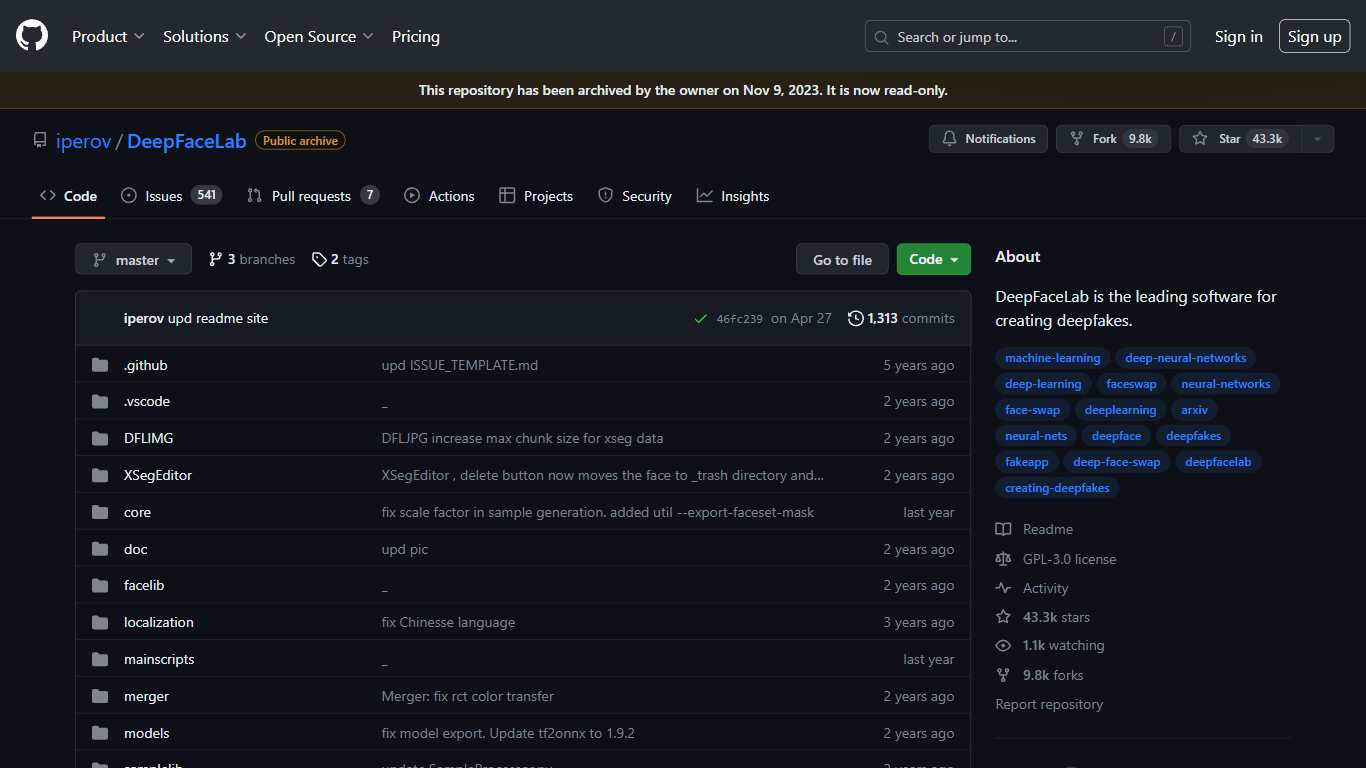
VFX artists, YouTube creators, and researchers who need local, GPU-based face replacement are the core audience. The repository was archived read-only on November 13, 2024, but the code, Windows builds, and 19,300+ GitHub stars remain accessible. The related DeepFaceLive project handles real-time streaming swaps separately.
19,300+ GitHub stars with 928 forks and GPL-3.0 open-source license
Face replacement, de-aging, and full head swap workflows with native resolution training
S3FD face extractor and XSeg editor for precise face masking
Windows builds distributed via torrent and Mega.nz; Linux port available
Built on TensorFlow with CUDA and DirectX GPU acceleration
Related DeepFaceLive project adds real-time face swap for streaming and video calls