
Last updated 11-16-2026
Category:
Reviews:
Join thousands of AI enthusiasts in the World of AI!
Video Cutter AI
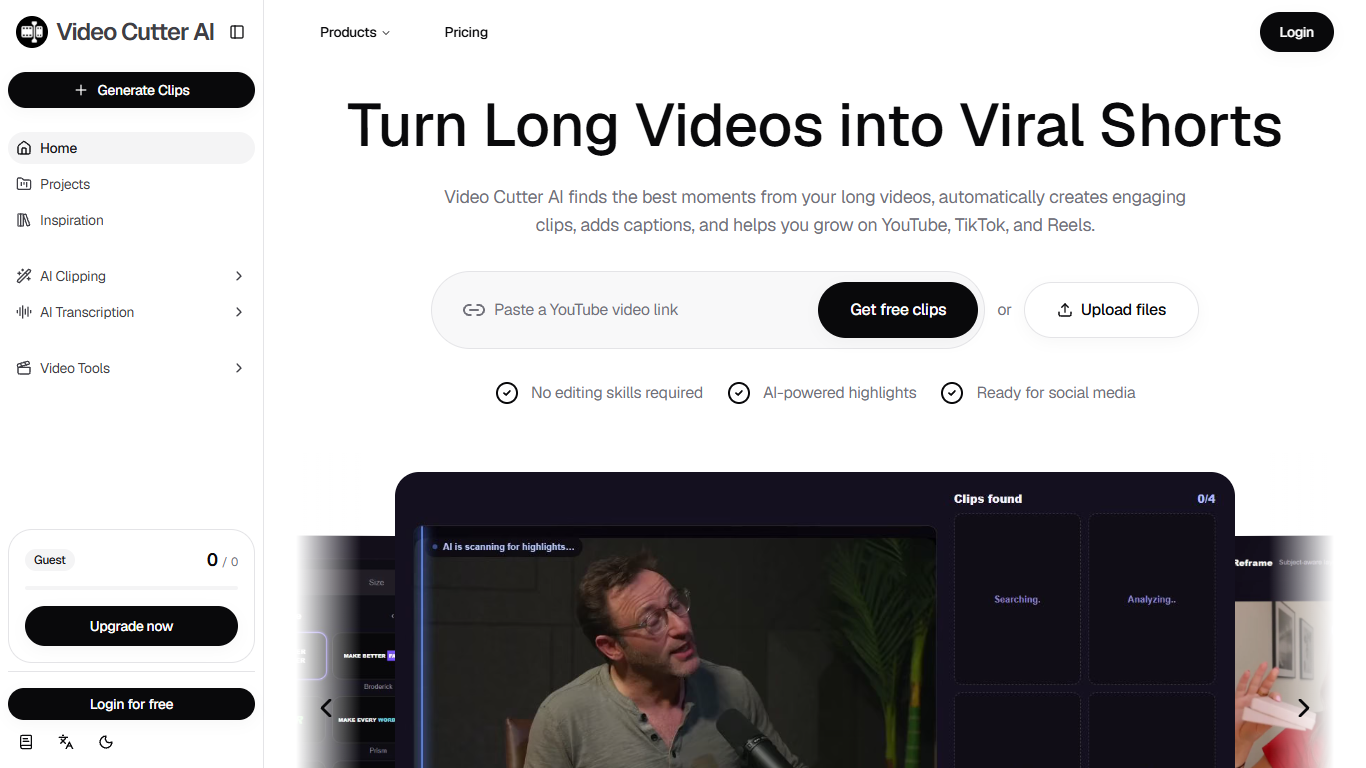
Video Cutter AI turns long recordings into short clips for YouTube Shorts, TikTok, and Instagram Reels. You paste a YouTube link or upload a file, and it surfaces highlight moments, builds vertical cuts, and layers animated captions so you can publish without opening a traditional timeline editor.
Most repurposing tools stop at auto-clipping. This one also publishes a shelf of single-job landing pages (YouTube cutter, TikTok clip maker, transcript export) and ranks suggested moments with a Viral Score before you commit to an export. That combination targets creators who want both discovery help and format-specific outputs in one account, not just a batch of anonymous clips.
Podcasters, long-form YouTubers, educators, and marketing teams are the clearest fit. The site frames workflows around interviews, webinars, and course lessons where one hour of source footage should become many short posts.
Usage is credit-based once you move past the free entry path. Paid tiers scale monthly credit grants, and annual billing cuts list prices by up to half on the pricing page banner. Several modules on the homepage roadmap (B-roll, hooks, thumbnails) are still marked coming soon, so the core value today is clipping, reframing, and captions rather than full post-production.
Paste a YouTube URL or upload a file to start clip generation from the homepage
Viral Score flags clips with higher engagement potential before you export
Exports transcript files as TXT, SRT, and VTT with word-level caption editing
Auto-reframe turns landscape footage into 9:16 vertical Shorts
MP4 exports up to 4K when the source and settings allow it
Referral invites earn 120 bonus credits through the profile page
Highlights, vertical reframing, and animated captions ship in one browser workflow.
YouTube links work without downloading the full video file first.
Caption exports cover TXT, SRT, and VTT alongside MP4 clips.
Annual billing shows up to 50% off on the pricing page banner.
Dedicated landing tools cover YouTube cutting, Shorts conversion, and transcripts.
B-roll, hook, thumbnail, and video enhancer modules are still marked coming soon on the homepage.
Every paid tier is metered through monthly credits, so heavy clip volume needs Scale or repeat purchases.
Support is routed through on-site forms rather than a published email address.
Marketing copy claims unlimited usage while pricing is credit-based, so read the plan limits before relying on it.
Does Video Cutter AI have a free plan?
Yes. Video Cutter AI lets you start from the homepage with free clips and guest access before you upgrade. The site also advertises a referral program that grants 120 credits when you invite a friend through your profile link.
How much does Video Cutter AI cost?
Video Cutter AI lists Basic at $10 per month or $96 per year for 100 credits, Pro at $20 per month or $120 per year for 200 credits, and Scale at $50 per month or $300 per year for 600 credits. Pro is the plan marked Recommended on the pricing page.
Does Video Cutter AI support YouTube video links?
Yes. Video Cutter AI accepts pasted YouTube links on the homepage and in its YouTube Video Cutter tool, so you can clip without downloading the full file first. You can also trim with manual timestamps or let the tool suggest highlights.
What export formats does Video Cutter AI support?
Video Cutter AI exports finished clips as MP4, with up to 4K called out on the YouTube Video Cutter page when the source supports it. Paid plans also list TXT, SRT, and VTT exports for captions and transcripts.
Do I need an account to use Video Cutter AI?
Video Cutter AI shows a Guest credit counter and Login for free options in its app shell, so you can try clipping before subscribing. Paid subscriptions and persistent projects expect a signed-in account.
What types of videos work best with Video Cutter AI?
Video Cutter AI targets podcasts, webinars, interviews, tutorials, and other long talking-head footage. Its workflow pages call out lesson clips, product demos, and podcast teasers as common outputs.