
Last updated 08-30-2026
Category:
Reviews:
Join thousands of AI enthusiasts in the World of AI!
Video Editor AI
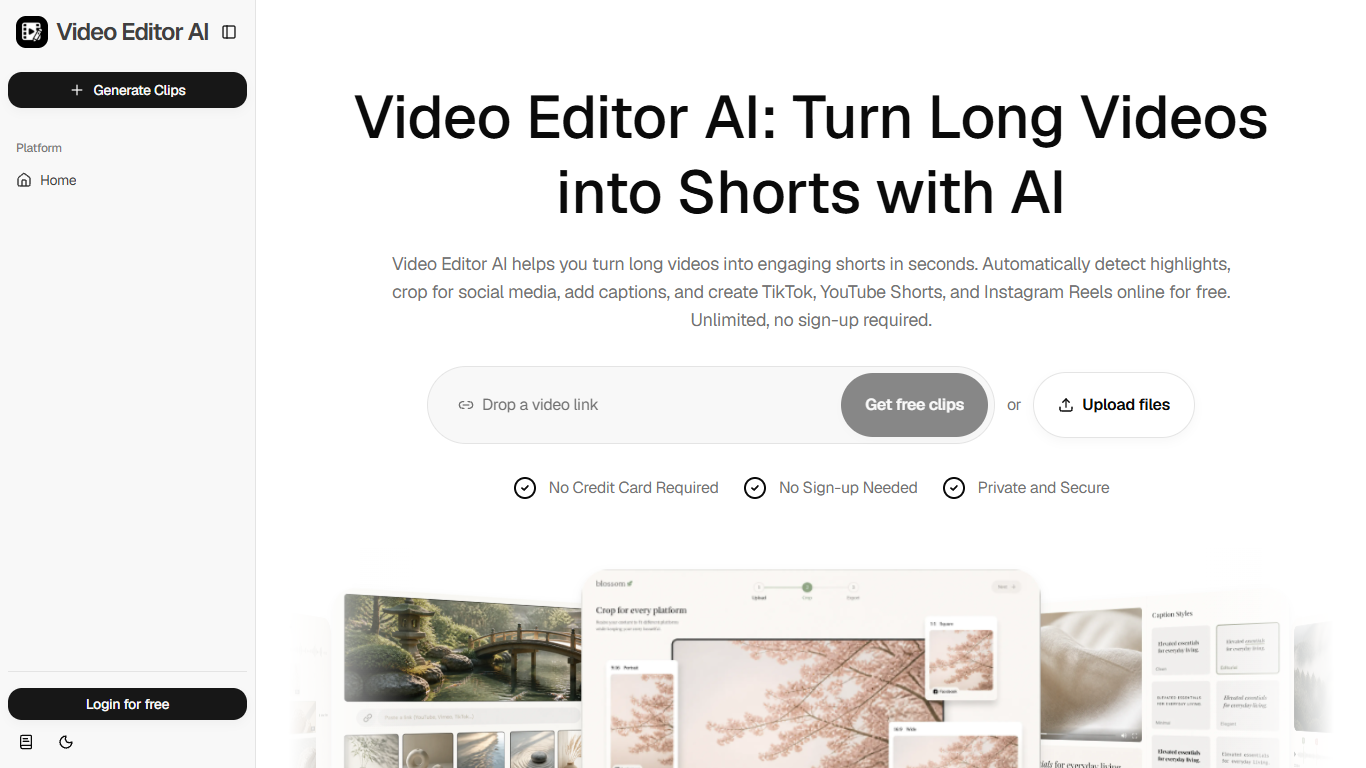
Video Editor AI is a browser-based clip generator built for video editing workflows where the goal is repurposing, not timeline work. Upload a podcast, webinar, interview, or YouTube link and it finds highlight moments, adds captions, removes dead air, and exports vertical or square clips sized for social feeds. The homepage advertises unlimited generation with no sign-up and no credit card upfront.
Most AI video editors still expect you to scrub a timeline and pick cuts yourself. Video Editor AI narrows the job to one long source and a stack of finished shorts, ranking each clip with a Viral Score tied to watch-time, shareability, and hook strength. That score-first workflow suits creators who want volume from existing recordings rather than polished single edits.
Podcasters, YouTubers, educators, coaches, and marketers get dedicated sections on the site with problems tied to their formats. A podcaster might pull quotable audiogram clips, while a marketer repurposes testimonials and event footage into a month of posts. Support replies by email within 24 hours on business days when you include a project ID or video URL.
Viral Score ranks each clip by predicted watch-time, shareability, and hook strength
Auto Reframe exports 9:16, 1:1, and 16:9 layouts while keeping faces centered
Smart Captions generate animated subtitles in one click
Silence and filler removal cuts dead air and umms from speech tracks
Refer a friend through your profile to earn 120 credits
Accepts uploaded files or pasted links from podcasts, webinars, and YouTube videos
No sign-up required to start generating clips from the homepage.
Viral Score ranks clips by predicted watch-time, shareability, and hook strength.
Auto Reframe keeps faces centered when exporting 9:16, 1:1, and 16:9 layouts.
Silence and filler removal cuts dead air and umms without manual trimming.
Referral program awards 120 credits for each invited friend through your profile.
No public pricing page, so subscription dollar amounts are not listed before checkout.
Subscription management and referral credits require creating an account.
Support is email-based with a 24-hour reply window on business days only.
Is Video Editor AI free to use?
Video Editor AI offers free clip generation with no credit card and no sign-up on the homepage. Paid subscriptions with credits also exist per the terms, and each friend referral through your profile earns 120 credits.
What aspect ratios does Video Editor AI export?
Video Editor AI auto-reframes clips to 9:16, 1:1, and 16:9 while keeping faces centered. Finished clips are sized for TikTok, YouTube Shorts, and Instagram Reels.
Does Video Editor AI add captions automatically?
Video Editor AI generates animated, accurate subtitles through its Smart Captions feature in one click. Its Silence and Filler Removal also cuts dead air and filler words from the audio.
What videos can Video Editor AI turn into Shorts?
Video Editor AI accepts podcasts, webinars, interviews, and YouTube videos uploaded as files or links. AI analysis detects hooks, highlights, emotions, and valuable moments before generating clips.
How does Video Editor AI pick highlights?
Video Editor AI uses AI Highlight Detection to spot the most engaging seconds in long footage. Each result gets a Viral Score based on predicted watch-time, shareability, and hook strength.
Who is Video Editor AI designed for?
Video Editor AI lists dedicated workflows for podcasters, YouTubers, educators, coaches, and marketers on its homepage. Each section maps a long-form format to short clips with captions for social platforms.
Do I need an account for Video Editor AI?
Video Editor AI lets you generate clips without signing up, according to its homepage. Accounts unlock profile settings, referral credits, and subscription billing under Profile and My Plan in the terms.