
Last updated 09-02-2026
Category:
Reviews:
Join thousands of AI enthusiasts in the World of AI!
VideoToTextAI
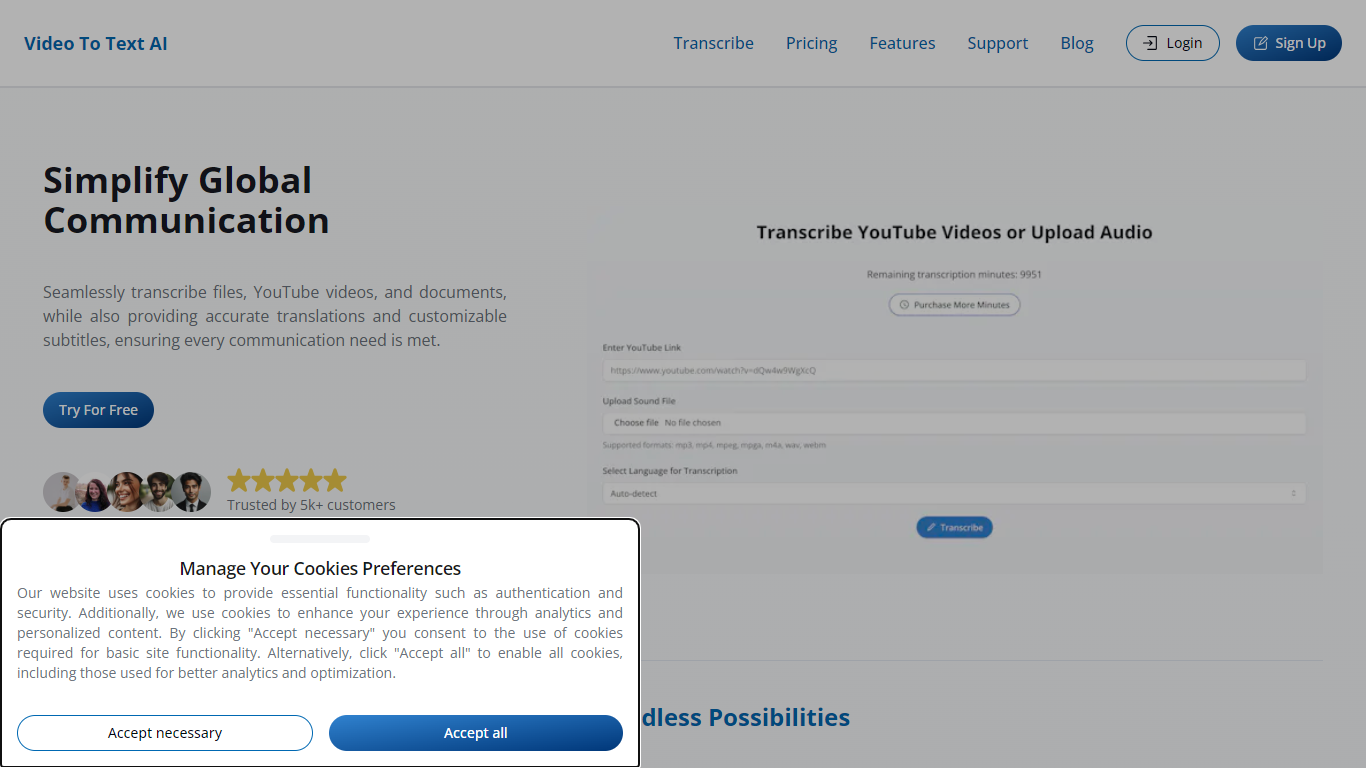
VideoToTextAI is a web-based transcript generator that pulls text from Instagram Reels, TikTok videos, podcasts, meetings, and uploaded audio or video files. Paste a social link or drop an MP3, MP4, or MOV file, and the platform returns an editable transcript you can refine, translate, and export as plain text, SRT, or VTT. The editor adds speaker labels, timestamps, and an AI chat layer so you can query the recording instead of scrolling raw text. The site reports more than 15,000 customers and requires no credit card to start.
General transcription apps assume you already have a file on disk. VideoToTextAI built its dashboard around pasted Instagram and TikTok URLs, with dedicated workflows for Reel analytics, LinkedIn post drafts, and newsletter copy from one transcript. That social-first intake is the trade-off: you get fast link imports and repurposing tools, but the free tier caps social uploads at two links every 24 hours and stores files for only 10 days.
Podcasters use it for searchable episode archives and show notes. Social teams turn Reels into caption text and multi-platform posts without rewatching clips. Teams archiving Zoom calls or voice memos get shareable notes, and anyone needing subtitles for video edits can export SRT or VTT without manual captioning.
Paste Instagram Reel or TikTok links without downloading the video (Free: 2 link uploads every 24 hours)
Upload MP3, MP4, or MOV files up to 500 MB on Free or 10 GB on Pro
Export finished transcripts as plain text, SRT subtitles, or VTT captions
Transcribe in 50+ languages and translate transcripts into 132 languages
AI Magic Tools turn one transcript into LinkedIn posts, newsletters, X threads, and blog outlines
Speaker identification labels each voice on Pro plans with multi-speaker recordings
Chat with uploaded video or audio to pull quotes, summaries, and answers from the transcript
Free signup needs no credit card and includes transcription, translation, editing, and AI chat
Combines file uploads and pasted Instagram or TikTok links in one workspace
Exports TXT, SRT, and VTT plus one-click repurposing drafts for LinkedIn, newsletters, and X
Free plan limits social link imports to two every 24 hours and file uploads to 500 MB
Free-tier files expire after 10 days, so long-term storage needs Pro
Speaker recognition and watermark removal require the Pro plan
Is VideoToTextAI free to use?
Yes. VideoToTextAI offers a free plan with 60 monthly credits, which the pricing page lists as about one hour of transcription. No credit card is required to sign up, and free users can transcribe files, translate them, edit text, and chat with AI inside the app. Free credits reset each month and do not stack past 60.
How much does VideoToTextAI Pro cost?
VideoToTextAI Pro is listed at $20 per month on annual billing, with a crossed-out $40 monthly reference on the pricing page. Pro includes 1,200 monthly credits, which the site describes as about 20 hours of transcription.
Can VideoToTextAI transcribe Instagram Reels and TikTok videos?
Yes. VideoToTextAI accepts pasted Instagram Reel and TikTok links. Free accounts can upload two social links every 24 hours, while Pro unlocks unlimited Instagram and TikTok link uploads plus bulk link processing.
What export formats does VideoToTextAI support?
VideoToTextAI lets you download transcripts as plain text, SRT subtitle files, or VTT caption files. The editor also supports translation and AI chat before export.
Does VideoToTextAI support audio-only files?
Yes. VideoToTextAI supports audio-to-text workflows in addition to video uploads. The homepage lists MP3 among the supported upload types alongside MP4 and MOV.
How do VideoToTextAI credits work?
VideoToTextAI charges one credit per minute of transcription. Free accounts receive 60 credits each month with a 60-credit cap on unused balance. Pro includes 1,200 credits per month that roll over, and Pro subscribers can buy additional credits at a discount.
Does VideoToTextAI offer an API?
Yes. VideoToTextAI documents API access at api.videototextai.com/docs for teams that want to integrate transcription into their own workflows.