
Last updated 08-14-2026
Category:
Reviews:
Join thousands of AI enthusiasts in the World of AI!
Videotowords.ai
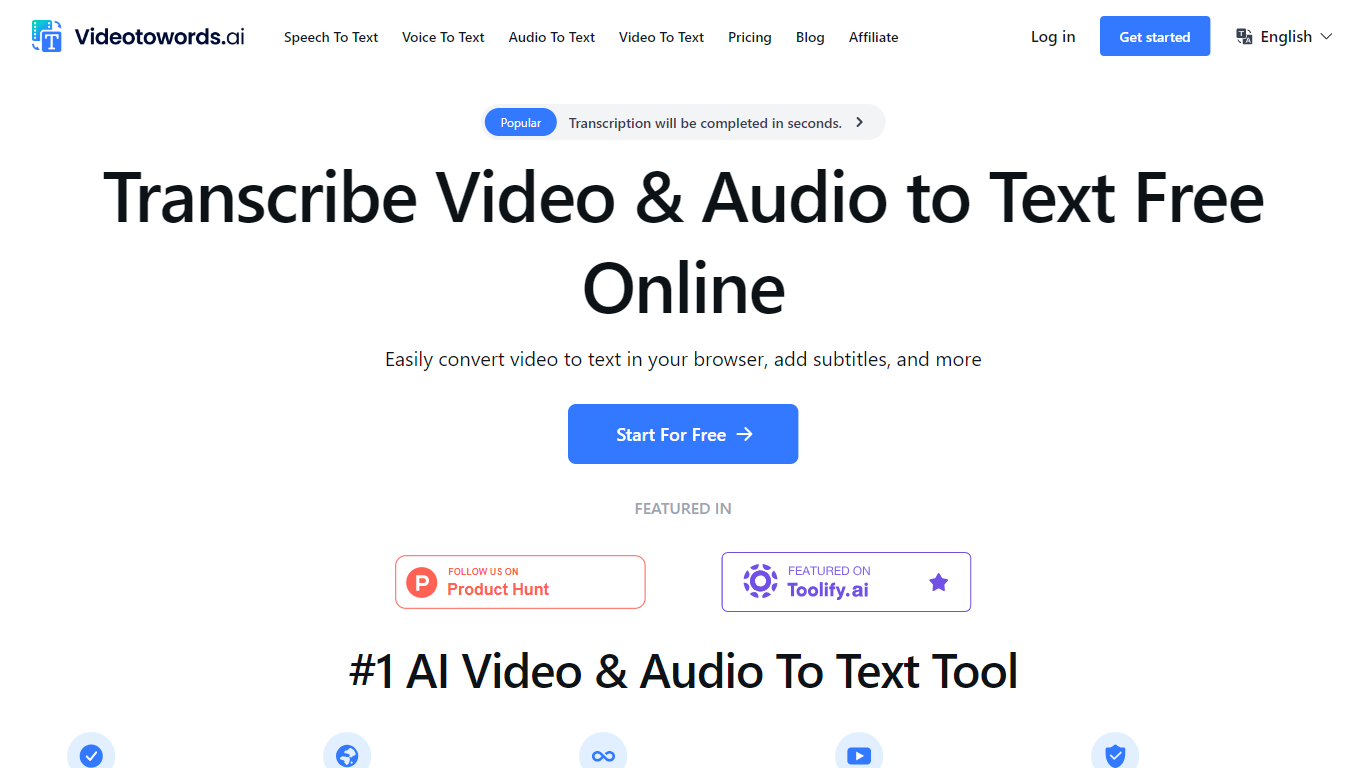
Videotowords.ai turns uploaded audio and video files into editable text transcripts inside your browser, supporting MP3, MP4, WAV, MOV, AAC, and YouTube links across 98+ languages. The dashboard handles upload, automatic transcription powered by Whisper and other AI models, speaker recognition, and export to TXT, DOCX, PDF, SRT, and VTT formats.
Flat-rate unlimited transcription at $19 per month sets Videotowords apart from per-minute services like Rev or capped free tiers on Otter.ai. Paid users upload files up to 10 hours long and batch 50 files at once, while the free tier allows 3 transcripts per day with 30-minute file limits. That pricing model favors podcasters and researchers who process long recordings regularly rather than occasional one-off clips.
Journalists, students, podcast hosts, filmmakers, content creators, marketers, educators, and legal professionals use Videotowords for interview transcription, lecture notes, subtitle generation, and repurposing video content into blog posts. The built-in editor lets you correct transcripts before exporting, and AI-generated summaries help pull key points from long recordings.
Free tier includes 3 transcripts daily with 30-minute file uploads up to 5 GB
Unlimited plan at $19 per month with 10-hour file uploads and 50-file batch uploads
Transcription across 98+ languages with speaker recognition
Export transcripts as TXT, DOCX, PDF, SRT, and VTT subtitle formats
YouTube link transcription without downloading the video first
Built-in editor for reviewing and correcting transcripts before export
Free tier with 3 daily transcripts and full feature access
Unlimited transcription for $19 per month without per-minute charges
Batch upload of up to 50 files with 10-hour length limits on paid plans
Export to TXT, DOCX, PDF, SRT, and VTT formats
YouTube link transcription built into the dashboard
Free tier limits uploads to 30 minutes per file
Subscriptions auto-renew with no refund policy on deducted charges
No company entity or public funding information available
Accuracy claims vary between 95% and 99.9% across different site pages
Is Videotowords.ai free to use?
Videotowords.ai offers a free tier with 3 transcripts per day and 30-minute file uploads up to 5 GB. All features including translation, bulk exports, and transcription modes are included on the free plan. Paid unlimited plans start at $19 per month or $199 per year for longer uploads and no daily limits.
What file formats does Videotowords.ai support?
Videotowords.ai accepts MP3, MP4, M4A, MOV, AAC, WAV, OGG, OPUS, MPEG, WMA, and YouTube links. Files upload directly without conversion. Paid plans support uploads up to 10 hours long and 5 GB per file, with batch uploads of up to 50 files at once.
How accurate are Videotowords.ai transcriptions?
Videotowords.ai reports 99.9% transcription accuracy using Whisper and other AI speech recognition models. The platform includes a built-in editor where you can review and correct any errors before exporting the final transcript in your preferred format.
What languages does Videotowords.ai support?
Videotowords.ai transcribes audio and video in 98+ languages including English, Chinese, Spanish, French, German, and Japanese. The platform also supports translation to 100 languages and speaker recognition across multilingual recordings.
How much does Videotowords.ai cost?
Videotowords.ai unlimited monthly plan costs $19 per month with unlimited transcriptions and 10-hour file uploads. The yearly plan costs $199 per year, equivalent to $16.58 per month. Subscriptions auto-renew and can be cancelled anytime from account settings.
Can I edit transcripts on Videotowords.ai?
Yes, Videotowords.ai includes an online transcript editor where you review, correct, and optimize text before exporting. You can download the finished transcript as TXT, DOCX, PDF, or subtitle files in SRT and VTT formats.