
Last updated 08-21-2026
Category:
Reviews:
Join thousands of AI enthusiasts in the World of AI!
VidTranslate
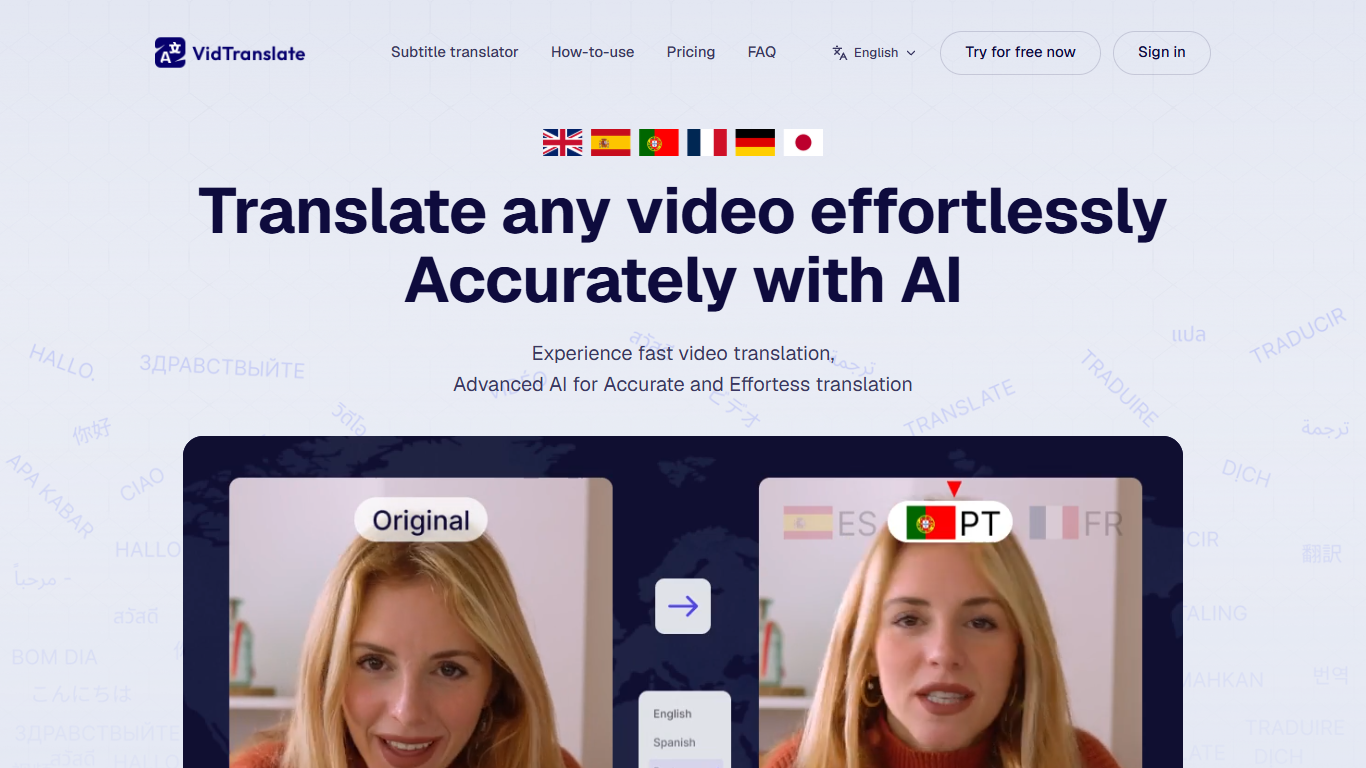
VidTranslate translates, subtitles, and dubs videos into 100+ languages from an uploaded file or a YouTube URL. Drop an MP4 up to 1 GB, pick source and target languages, and the platform returns localized subtitles, dubbing-ready audio, and synced output. Creators, educators, and marketing teams use it to reach audiences without rebuilding footage.
Many translation tools treat subtitles and voice as separate steps. VidTranslate emphasizes lip-synced subtitles, voice cloning that keeps the speaker's tone, and multimodal scene understanding so phrasing fits context rather than word-for-word swaps. Pro removes watermarks and raises limits to 60 minutes of translation per month.
Marketers localizing ads, course creators publishing multilingual lessons, and social teams reposting clips across regions get the fastest payoff. Business plans add brand assets, custom dictionaries, API access, and priority rendering for teams.
Supports 100+ languages with auto-detect for source audio
Accepts MP4, MOV, AVI, MKV, and WebM uploads up to 1 GB or YouTube URLs
Exports subtitles as SRT, VTT, TXT, or ASS plus burned-in video
Pro plan covers 60 minutes of translation monthly without watermarks
Subtitle style controls adjust fonts, placement, and presentation on Pro
Business tier adds logos, custom dictionaries, API access, and priority rendering
100+ languages with auto-detect and multimodal scene context
Lip-sync and voice cloning aimed at natural dubbed output
Multiple subtitle export formats plus burned-in video
Pro tier removes watermarks and supports 60 monthly translation minutes
Free exports include watermarks on translated videos
Business pricing is custom rather than self-serve checkout
Upload cap stays at 1 GB even on Pro
How do I translate a video with VidTranslate?
Upload a file or paste a YouTube link into VidTranslate, choose source and target languages, and the platform transcribes, translates, and generates synced subtitles automatically.
What formats does VidTranslate support?
VidTranslate accepts MP4, MOV, AVI, MKV, and WebM uploads up to 1 GB, plus video URLs from platforms like YouTube.
Can I customize subtitles in VidTranslate?
Yes. VidTranslate Pro includes subtitle style controls for fonts, placement, and presentation, with exports in SRT, VTT, TXT, or ASS.
Does VidTranslate offer voice dubbing?
Yes. VidTranslate includes voice cloning and lip-synced dubbing workflows designed to preserve the original speaker's tone in translated audio.
What does the VidTranslate free plan include?
VidTranslate Free costs $0 and supports translation into 100+ languages with exported videos that include a watermark on longer projects.
How much does VidTranslate Pro cost?
VidTranslate Pro is $29 per month billed monthly and includes watermark-free exports, 60 minutes of translation, and 1 GB upload limits.
Does VidTranslate support teams?
Yes. VidTranslate Business adds brand assets, custom dictionaries, priority support, and API access for teams that need coordinated rollout.