
Last updated 07-18-2026
Category:
Reviews:
Join thousands of AI enthusiasts in the World of AI!
WayinVideo (formerly Wayin AI)
WayinVideo is a browser-based video platform at wayin.ai built for work, study, and content creation. You can paste a link or upload a file from YouTube, TikTok, Twitch, Vimeo, Facebook, Dailymotion, Zoom, Teams, or Google Drive, then run clipping, summarization, transcription, captioning, and reframing from one workspace.
The clip maker scans long videos for highlights, speaker changes, and pacing, then outputs vertical shorts sized for YouTube Shorts, TikTok, Instagram Reels, and similar channels. Find Moments lets you search inside a full video with keywords or natural language prompts and jump straight to matching timestamps.
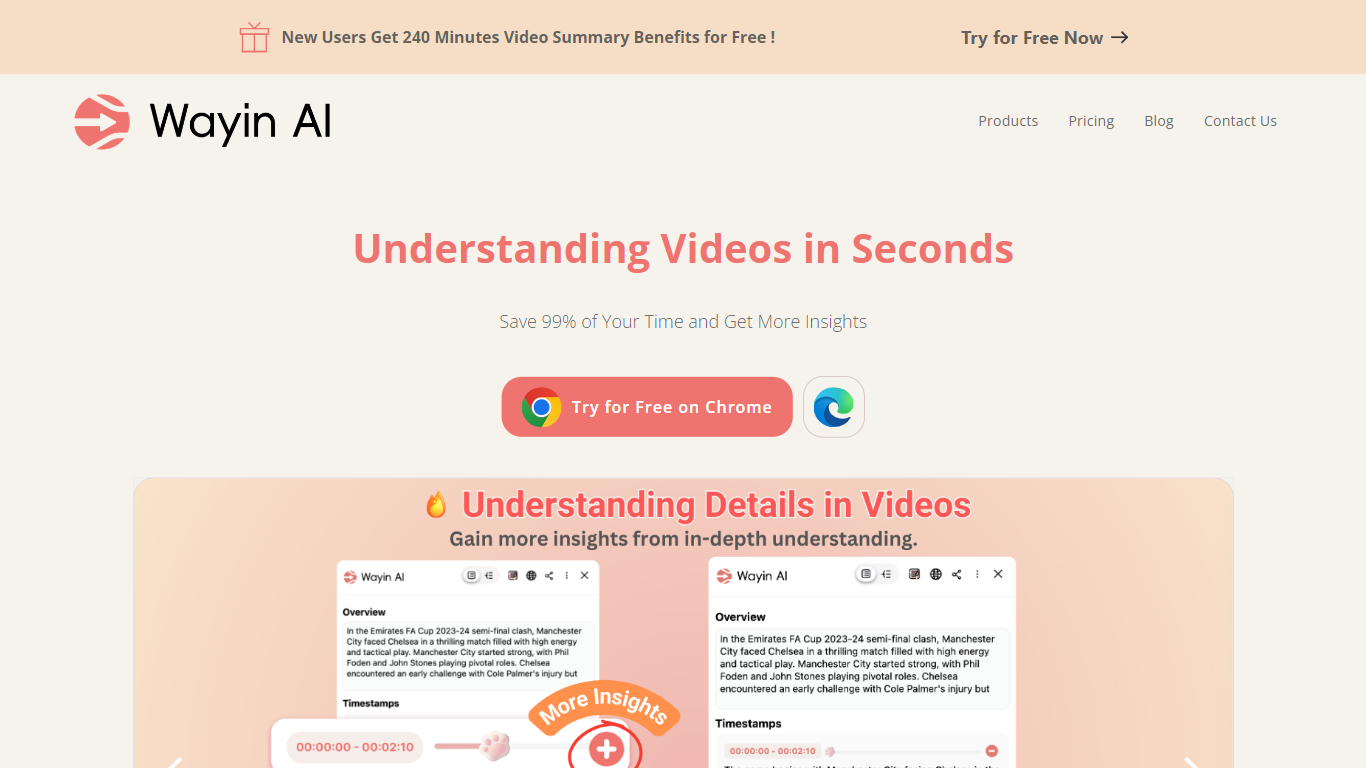
The summarizer returns a short overview, timestamped outline, mind map, and chat interface for follow-up questions. Transcription adds punctuation, speaker labels, and searchable timestamps across 100+ languages. Caption and subtitle tools generate animated text styles, and AI Reframe keeps subjects centered when resizing for 9:16, 1:1, or 16:9.
Developers can connect the WayinVideo API for clipping, moment search, summarization, transcription, animated captions, and reframe workflows. A Chrome extension and desktop app are also listed on the site for quick access outside the main web app.
AI clip maker turns long videos into vertical shorts for TikTok, Reels, and YouTube Shorts
Find Moments searches inside any video with keywords or natural language prompts
Video summarizer produces timestamped outlines, mind maps, and chat-to-learn Q&A
Speaker-labeled transcripts with timestamps in 100+ languages
Animated captions and auto subtitle generation with multilingual support
AI Reframe tracks faces to resize one edit for 9:16, 1:1, and 16:9
REST API for clipping, transcription, summarization, and workflow automation
Covers clipping, summarization, transcription, captions, and reframing in one browser workspace
Accepts long-form videos, including links and uploads over 10 hours on several tool pages
Free tier includes 200 signup credits with no credit card required
Supports 100+ languages for summaries, subtitles, and transcripts
Offers a REST API plus Chrome extension and desktop app options
Unused monthly subscription credits reset and do not roll over
Free plan limits export quality to 720p and stores videos for 3 days
Enterprise and some advanced API endpoints require contacting sales or requesting access
Is WayinVideo free to use?
Yes. WayinVideo offers a free plan with no credit card required. New signups receive 200 one-time credits, and the free tier includes basic AI clipping, Find Moments, video summaries, transcripts, and 720p export quality.
What video platforms does WayinVideo support?
WayinVideo accepts links from YouTube, TikTok, Twitch, Vimeo, Facebook, Dailymotion, and more. You can also upload MP4, MOV, or WebM files, import from Google Drive, or upload meeting recordings from Zoom and Microsoft Teams.
How do WayinVideo credits work?
Credits are deducted per task. On the pricing page, WayinVideo lists 2 credits per minute for AI clipping and Find Moments, 1 credit per minute for video summaries, 0.5 credit per minute for transcripts, subtitles, and reframing, and 0.2 credit per bot chat question or in-depth understanding.
Does WayinVideo have a Chrome extension or desktop app?
Yes. WayinVideo lists a Chrome extension on the Chrome Web Store and a desktop app download on its site. The summarizer page also links to a Chrome extension for quick video summaries.
Does WayinVideo offer an API?
Yes. WayinVideo provides a REST API for clipping, Find Moments, summarization, transcription, animated captions, reframe, and related video workflows. API access uses pay-as-you-go pricing starting from $10, with enterprise plans available through a contact form.