
Last updated 07-29-2026
Category:
Reviews:
Join thousands of AI enthusiasts in the World of AI!
YouTube Summarizer
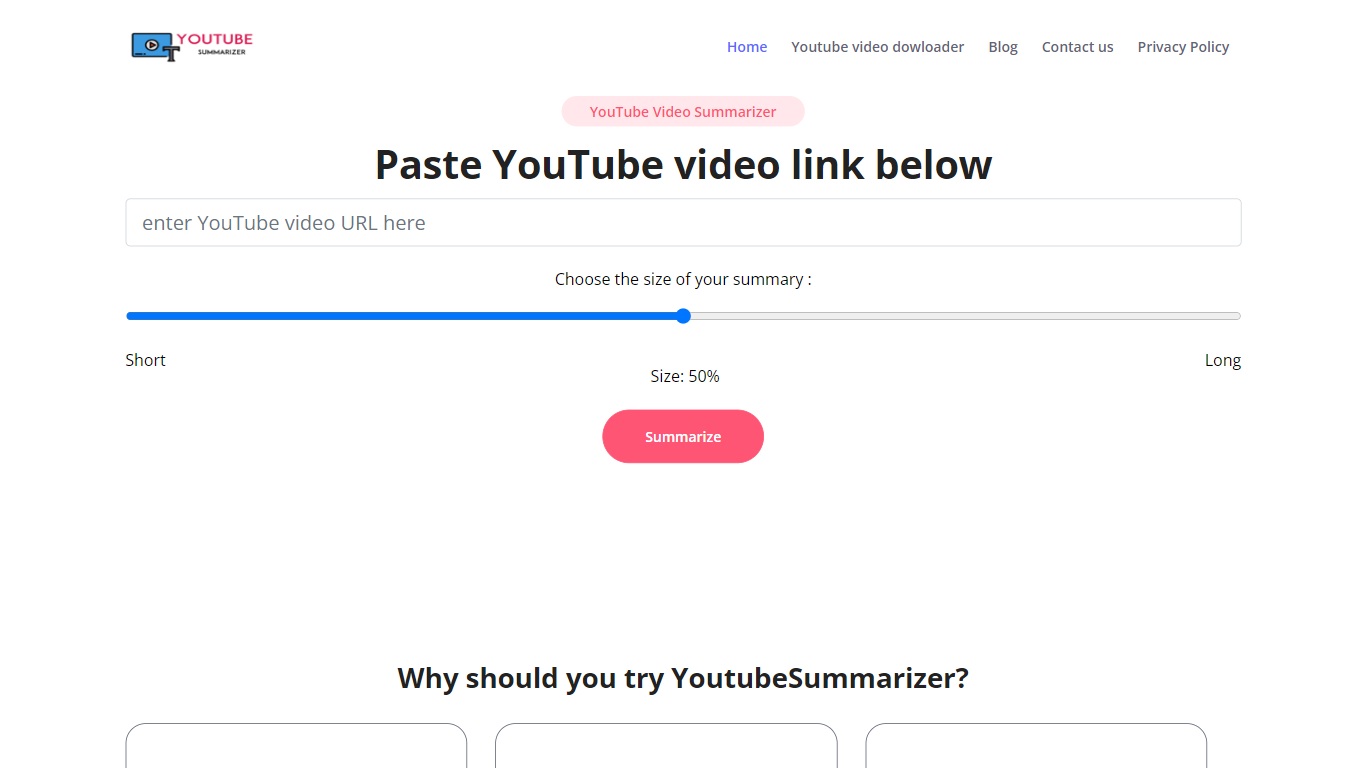
YouTube Summarizer turns long videos into structured notes without making you watch every minute. Paste a link from YouTube, Vimeo, TikTok, or Dailymotion and it pulls the transcript, then returns key points, detailed summaries, or timestamped outlines in under 10 seconds. The free tier works with no account, though registering unlocks 30 lifetime credits beyond the daily limit.
Most video summarizers stop at bullet points. This one layers mind maps, flashcards, and an AI chat that answers questions about the video content. Pro users get a searchable summary library, email digests for subscribed channels, and a Chrome extension for one-click summaries. That study-tool stack sets it apart from transcript-only utilities.
Students use it to condense lecture recordings and generate flashcards before exams. Content creators and researchers skim competitor videos and conference talks without watching them end to end. Professionals pull action items from training videos and share TXT or PDF exports with their teams.
10 free summarization requests per day without an account, or 30 lifetime credits after free registration
Outputs key points, detailed notes, and timestamped outlines, plus mind maps and flashcards on paid plans
Works with YouTube, Vimeo, TikTok, and Dailymotion videos that have captions in 50+ languages
Full transcript view with clickable timestamps that jump to the exact moment in the source video
Pro plan at $7.99 per month includes chat with video, a summary library, and a Chrome extension
No account needed for 10 daily summarization requests per feature.
Goes beyond bullets with mind maps, flashcards, and video chat on paid tiers.
Supports Vimeo, TikTok, and Dailymotion in addition to YouTube.
Full transcript with clickable timestamps for quick navigation.
Community summary library for browsing public notes from other users.
Free tier limits output to Key Points format only; detailed and timestamped formats require Pro.
Videos without captions cannot be summarized since the tool relies on transcript extraction.
API access starts at $29 per month with a 1,000 call cap.
Is YouTube Summarizer free to use?
Yes. YouTube Summarizer offers 10 free requests per feature each day without an account. Registering for free adds 30 lifetime credits, Key Points summaries, transcript access, and TXT downloads at no cost.
What video platforms does YouTube Summarizer support?
YouTube Summarizer works with YouTube, Vimeo, TikTok, and Dailymotion. It extracts captions from any supported video and summarizes content in 50+ languages when transcripts are available.
What output formats does YouTube Summarizer offer?
YouTube Summarizer produces key points, detailed summaries, and timestamped outlines. Paid plans add mind maps, flashcards, PDF export, and an AI chat that answers questions about the video.
How much does YouTube Summarizer Pro cost?
YouTube Summarizer Pro is $7.99 per month, or $4.99 per month when billed annually. Pro includes unlimited summaries, all three output formats, chat with video, a summary library, and a Chrome extension.
Do I need an account to use YouTube Summarizer?
No. YouTube Summarizer lets you paste a video link and summarize immediately with no login. Creating a free account adds 30 lifetime credits and access to saved summaries on paid plans.
Does YouTube Summarizer have an API?
Yes. YouTube Summarizer offers API access for $29 per month with 1,000 included calls and $0.02 per additional call. The REST API supports webhooks, bulk processing, and all output formats.