
最后更新 07-24-2026
Arvin AI
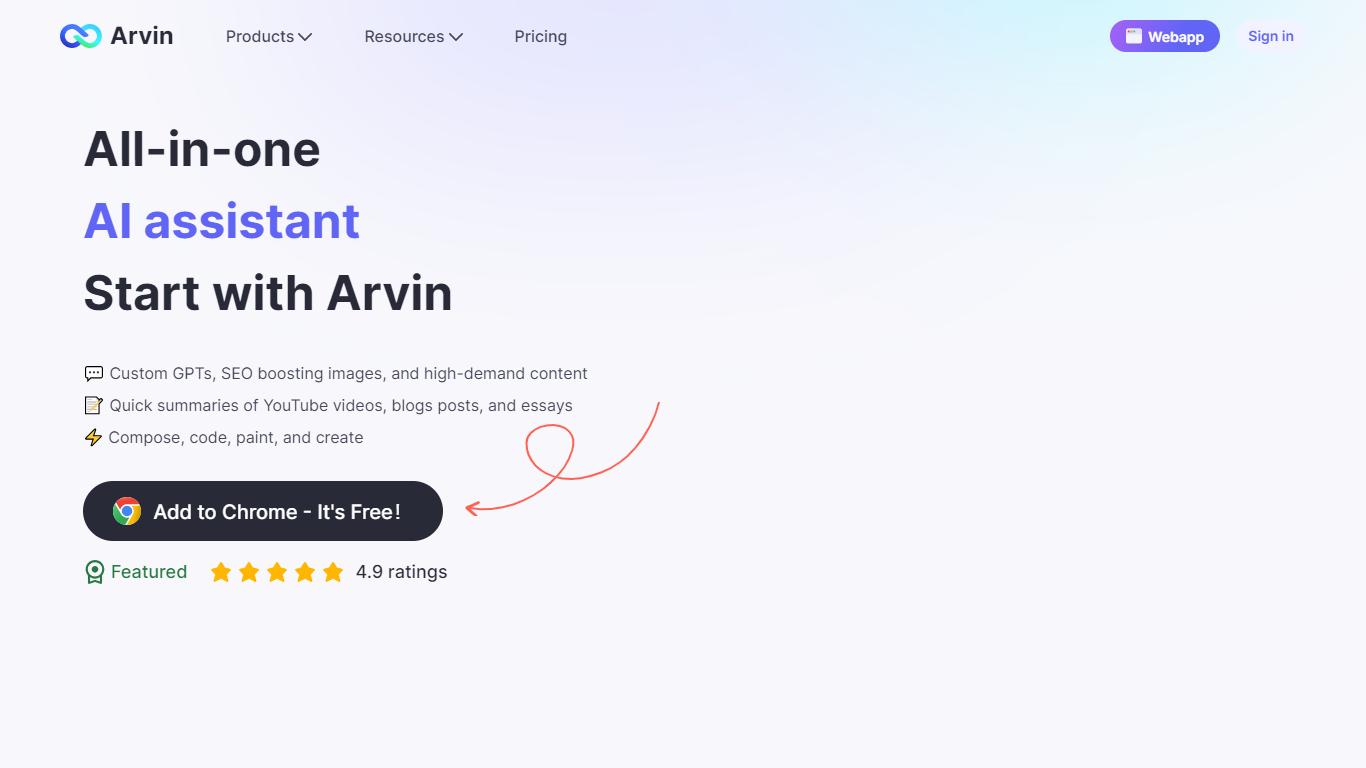
Arvin AI is an all-in-one assistant from Idealabs that spans a Chrome extension, a web app, and Arvin Design for one-click logos, signatures, and business cards. You can chat with GPT, Claude, and Gemini, draft articles and emails, translate pages, summarize PDFs and web content, and generate images without switching between separate tools.
The Chrome extension opens with Alt/Option + A on any site. It adds sidebar chat, quick actions on selected text, search enhancements beside Google and Bing results, Gmail summaries, and compose tools for LinkedIn, Twitter, and email workflows. The web app at arvin.chat adds AI search, grammar checkers, PDF converters, and a library of 100+ specialized writing templates.
Arvin Design at design.arvin.chat handles logo, signature, icon, poster, flyer, and headshot generation with template libraries and real-time mockups. Free users get daily credits for core models and tools; paid subscriptions unlock higher limits on advanced models and design features.
Chat with GPT, Claude, Gemini, and other models in one sidebar or web app
Generate logos, signatures, and business cards in one click through Arvin Design
Summarize PDFs, web pages, Gmail threads, and YouTube videos from the browser
Draft articles, emails, social posts, and ad copy from 100+ writing templates
Translate and explain selected text on any webpage in 25+ languages
Combines chat, writing, design, and PDF tools in one Chrome extension and web app
Supports multiple AI models including GPT, Claude, and Gemini without extra accounts
Free daily credits cover everyday summarization, translation, and writing tasks
Arvin Design adds one-click logos, signatures, and mockups alongside text tools
Paid plan prices are only visible after signing in to the subscription checkout
Heavy use of advanced models and image tools burns through daily credits quickly
Feature set spans two domains (arvin.chat and design.arvin.chat), which can feel fragmented
What is Arvin AI?
Arvin AI is an assistant platform from Idealabs that includes a Chrome extension, a web app at arvin.chat, and Arvin Design for logos and signatures. It supports chat with multiple AI models, writing tools, image generation, PDF conversion, and web translation.
Is Arvin AI free to use?
Yes. Arvin AI offers a free tier with daily credits for core services including GPT models, summarizers, and design tools. Paid subscription plans are available for higher usage limits on advanced models and image tools.
How do I open the Arvin Chrome extension?
After installing the extension from the Chrome Web Store, press Alt/Option + A on any webpage to open Arvin. You can also click the extension icon in the browser toolbar.
Which AI models does Arvin AI support?
Arvin AI supports ChatGPT, Claude, Gemini, and other models through its web app and Chrome extension. Users can chat with uploaded PDFs and images, run AI search, and access specialized writing and design agents.
Does Arvin AI require a ChatGPT account?
No. You can create a free Arvin account and use its built-in model access without a separate ChatGPT subscription.
Can I get a refund on a paid Arvin plan?
Paid subscribers can request a refund by contacting [email protected] or submitting a support ticket. Refunds are reviewed based on subscription age and usage limits, and processing typically takes 5 to 10 business days.