
最后更新 07-24-2026
分类:
Reviews:
Join thousands of AI enthusiasts in the World of AI!
ChatGPT Finder
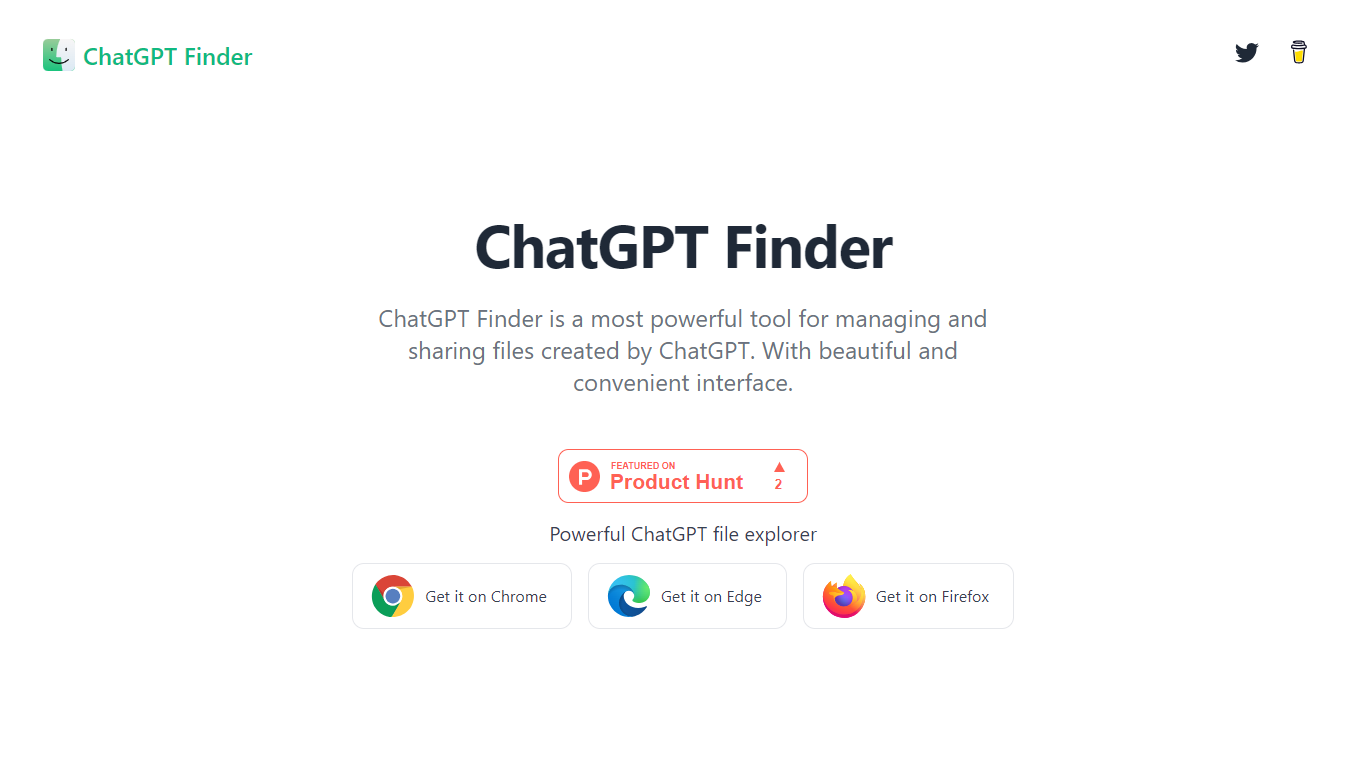
ChatGPT Finder is a browser extension for Chrome and Edge that adds a file explorer to ChatGPT. It helps you view, organize, and download files generated across your conversations, including DALL-E 3 images and code files from ChatGPT tools.
From a unified interface inside ChatGPT, you can browse creations grouped by conversation, download everything from one chat or your full library, and copy or export DALL-E 3 prompts individually or in bulk.
Downloads run in the background so you can keep working while files queue up. The extension stays in your browser and does not collect personal data according to its privacy policy.
Built for ChatGPT users who generate images, code, and other files regularly and want a simpler way to find and save them without digging through individual chats.
Browse every ChatGPT creation grouped by conversation, including DALL-E 3 images and code files
Download one conversation's files or your entire library in a single click
Copy or bulk-export every DALL-E 3 prompt from your ChatGPT history
Runs as a Chrome or Edge extension directly inside the ChatGPT interface
Queues multiple downloads in the background while you keep chatting
Does not collect personal data; operates entirely in the browser.
Downloads specific conversations or your full creation library in one click.
Background download queue lets you keep working while files save.
Dedicated view for browsing and copying DALL-E 3 prompts.
Free extension with no paid tier listed on the site.
Available only as a Chrome or Edge browser extension, not a standalone web app.
Requires an active ChatGPT account at chat.openai.com to function.
No mobile app; browser extension only.
Additional features are still listed as coming soon on the homepage.
Is ChatGPT Finder free?
Yes. ChatGPT Finder is a free browser extension available on the Chrome Web Store and Microsoft Edge Add-ons. The website does not list any paid plans.
Which browsers support ChatGPT Finder?
ChatGPT Finder is available as an extension for Google Chrome and Microsoft Edge. Install it from the Chrome Web Store or Edge Add-ons page linked on the homepage.
Does ChatGPT Finder collect my data?
According to its privacy policy, ChatGPT Finder does not collect, store, or share personal or sensitive user data. The extension operates in your browser and interacts with chat.openai.com to manage ChatGPT files.
Can I download all my ChatGPT files at once?
Yes. ChatGPT Finder lets you download files from a specific conversation or pull down all your creations in one operation. Multiple downloads can run in the background.
What types of ChatGPT creations does ChatGPT Finder support?
ChatGPT Finder handles images generated by DALL-E 3, code files from ChatGPT's code analysis tool, and other file outputs from your conversations. You can view them grouped by conversation in one interface.
How do I contact ChatGPT Finder support?
You can reach the team at [email protected]. The contact page states they typically respond within 1-2 business days.