Readdy 对比 Microsoft Designer
深入比较 Readdy 和 Microsoft Designer,发现哪个 AI Design 工具脱颖而出。我们检查替代品、赞成票、功能、评论、定价等等。
在 Readdy 和 Microsoft Designer 的比较中,哪一个脱颖而出?
当我们比较Readdy和Microsoft Designer时,两个都是AI驱动的design工具,并将它们并排放置时,会发现几个关键的相似之处和不同之处。 Microsoft Designer在赞成票方面脱颖而出。 Microsoft Designer的赞成票数为 10,而 Readdy 的赞成票数为 6。
不是你的菜?投票支持您喜欢的工具,搅动事情!
Readdy
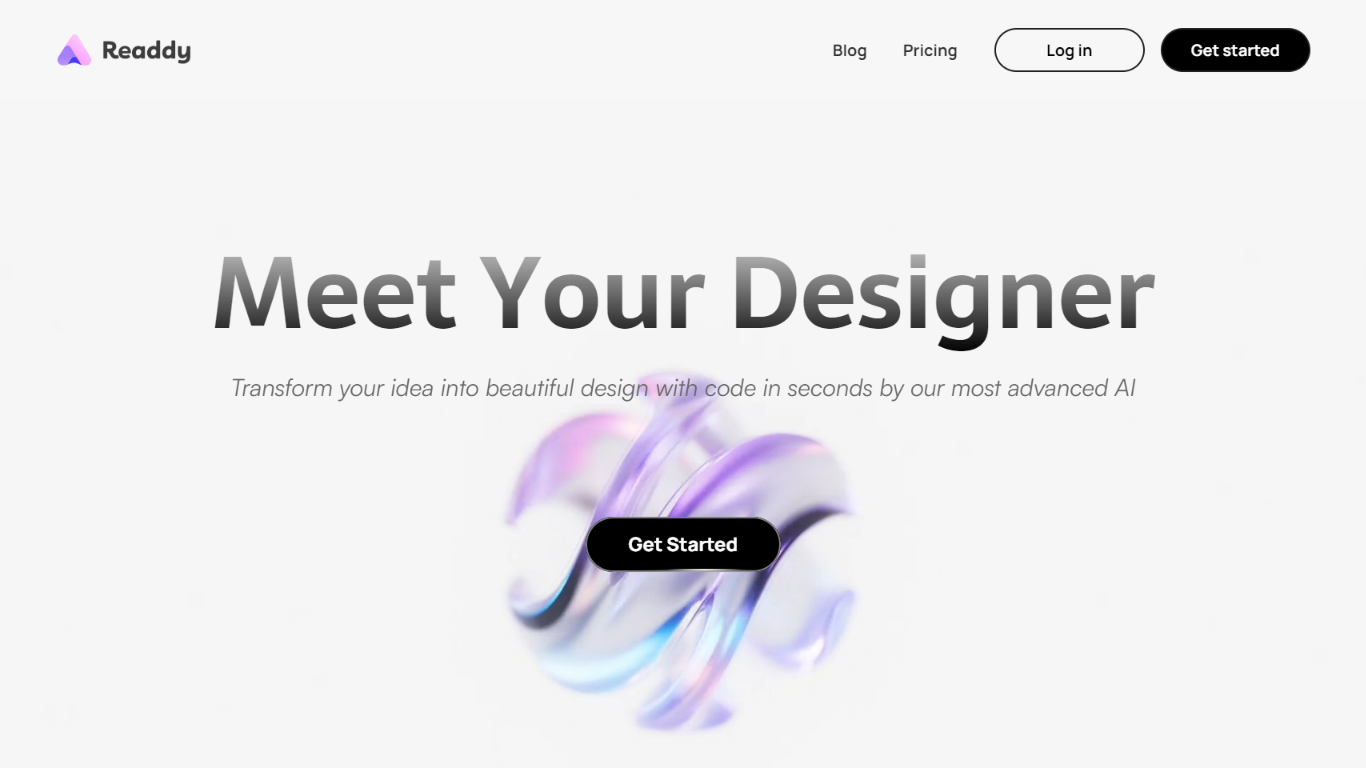

什么是 Readdy?
Readdy is a no-code AI website builder that turns a text prompt, template, screenshot, or reference URL into a full multi-page site in minutes. You describe what you want, and it generates layouts, copy, images, and navigation with responsive design baked in from the start.
What sets it apart from a typical page builder is the end-to-end stack. Readdy covers generation, a visual editor with Selector Mode, hosting, custom domains, SEO controls, form storage, and integrations like Stripe, Shopify, Calendly, and Supabase without wiring up separate tools.
It fits solo creators, small businesses, and web agencies that need to ship business sites, portfolios, blogs, landing pages, or storefronts fast. Agency tiers add white-label delivery, lead finding, outreach campaigns, and client management under your own brand.
Microsoft Designer
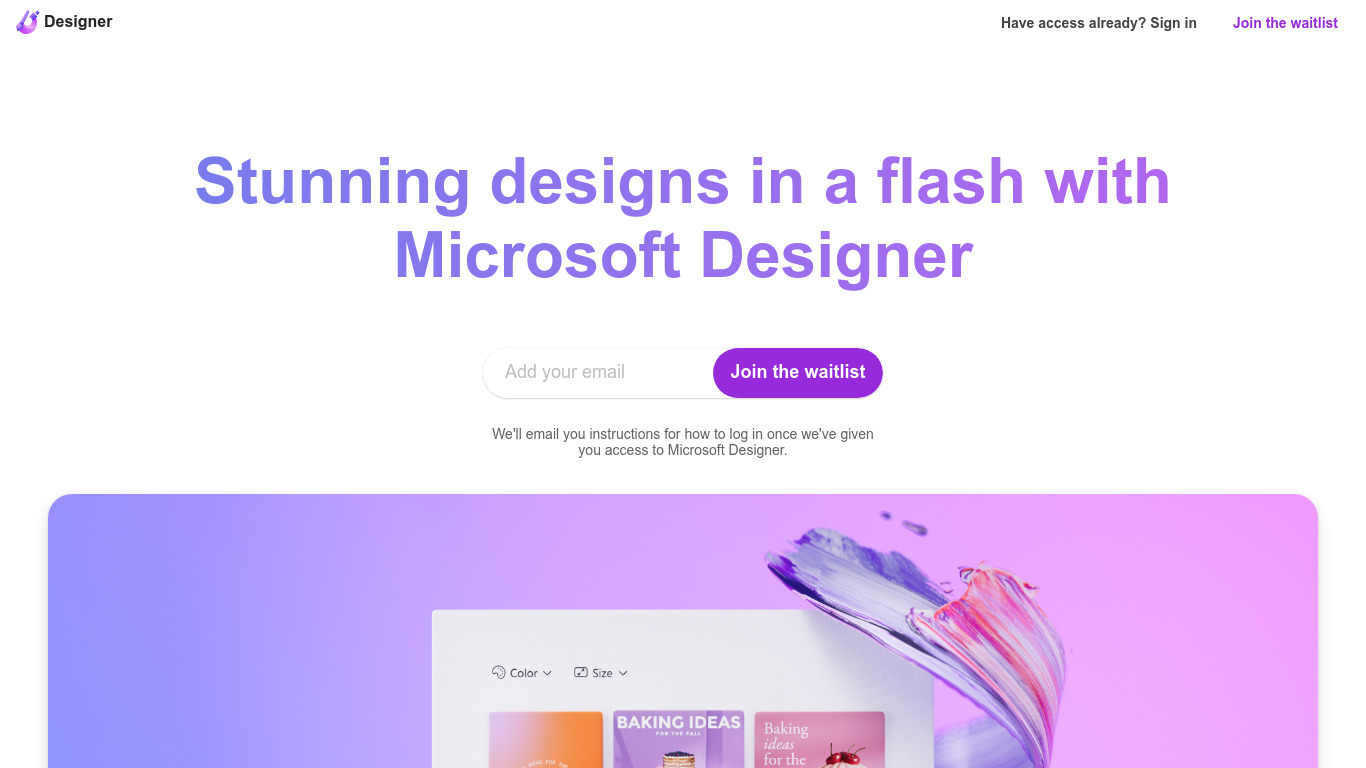
什么是 Microsoft Designer?
Microsoft Designer 帮助您在浏览器应用中通过提示模板创建社交帖子、邀请函、传单和图形。选择一个类别,如 Instagram 帖子、LinkedIn 横幅或 Outlook 头图,然后使用“用 AI 创建”、“用 AI 编辑”或为每个平台定制尺寸的空白画布布局。使用 Microsoft 账户登录即可解锁编辑器。
Canva 提供了广泛的模板市场,而 Microsoft Designer 则将布局直接绑定到 Microsoft 365 的界面,如 Teams 头图、SharePoint 横幅、Word 封面和 PowerPoint 幻灯片。其“用 AI 编辑”工具支持背景移除、生成式擦除和图像框架,且无需离开 Microsoft 生态系统,这对于文件已存储在 Office 应用中的用户尤为重要。
Microsoft Designer 适合每周制作社交内容的小企业主、发布 Teams 和 Outlook 资产的内部通讯团队,以及希望使用定尺寸模板而非手动调整大小的创作者。已经使用 Microsoft 登录的教师、活动策划者和市场人员可直接从主页类别开始,无需安装桌面软件。
Readdy 赞同数
Microsoft Designer 赞同数
Readdy 顶级功能
Generates complete websites from a text prompt, screenshot, reference URL, or 500+ industry templates
Selector Mode lets you click any element to edit text, colors, spacing, or AI-generated backgrounds in real time
One-click publish with hosting, SSL, custom domains, sitemap.xml, and Google Search Console verification
Built-in form backend stores submissions in Supabase with no external database setup
Connects Stripe, Shopify, Calendly, Mailchimp, and Google Analytics from the same dashboard
Agency plans add white-label portals, AI lead finder, batch demo sites, and cold email outreach campaigns
Microsoft Designer 顶级功能
使用AI模板创建图片、图标、壁纸、头像、贴纸和社交帖子
AI编辑包括背景移除、生成擦除和图像裁剪工具
为Instagram、Facebook、LinkedIn、Pinterest和Twitter格式设计的预设方案
内置Outlook头部、Teams横幅、SharePoint封面、Word和PowerPoint布局尺寸
文档预设涵盖A4、A5、美国信纸和常用照片打印尺寸
使用Microsoft账户登录以保存并在网页应用中继续设计
Readdy 类别
- Design
Microsoft Designer 类别
- Design
Readdy 定价类型
- Freemium
Microsoft Designer 定价类型
- Freemium