WhatLetter 对比 Transcript Download

深入比较 WhatLetter 和 Transcript Download,发现哪个 AI Translation 工具脱颖而出。我们检查替代品、赞成票、功能、评论、定价等等。

在 WhatLetter 和 Transcript Download 的比较中,哪一个脱颖而出?

当我们比较WhatLetter和Transcript Download时,两个都是AI驱动的translation工具,并将它们并排放置时,会发现几个关键的相似之处和不同之处。 这两个工具都没有领先,因为它们都有相同的点赞数。 权力掌握在你手中!投票并参与决定获胜者。

不是你的菜?投票支持您喜欢的工具,搅动事情!

WhatLetter
WhatLetter

什么是 WhatLetter?

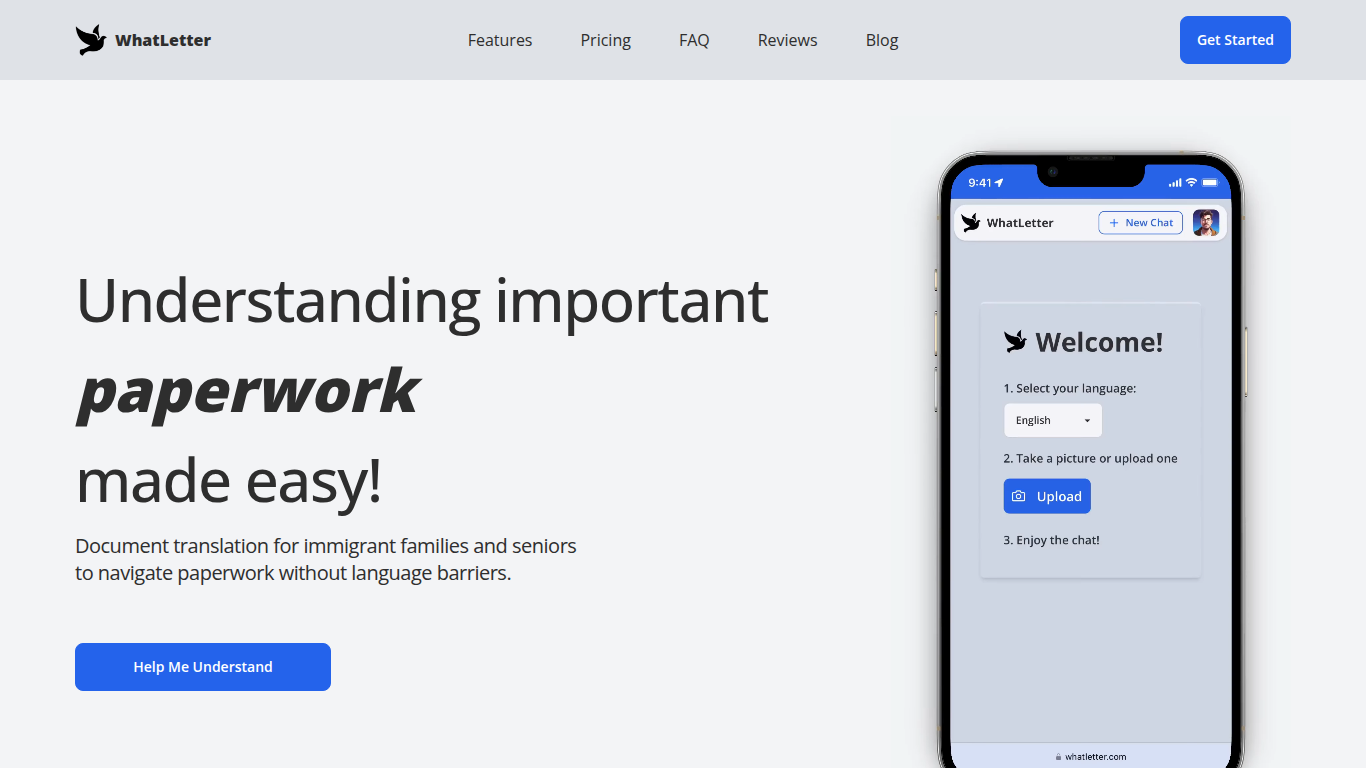
WhatLetter 使用拍照和人工智能技术,将文档和文本翻译成30多种语言。用户可以拍摄菜单、信件或表格的照片,并即时获得所选语言的翻译。一个AI聊天机器人还能进一步解释翻译内容,回答问题,以帮助用户理解复杂的文件。

WhatLetter的特色在于结合了即时拍照翻译和帮助用户理解翻译背后含义的AI助手。与基本的翻译工具不同,它强调隐私,不会将图片或聊天记录存储在服务器上。用户可以通过桌面和移动浏览器访问,无需下载应用程序。

该工具适用于移民家庭、老年人和旅行者等多样化用户,满足他们快速、可靠的个人或商务翻译需求。虽然免费计划提供有限的翻译数量,但WhatLetter Plus订阅则解锁无限制使用和更先进的AI功能。未来还将与WhatsApp和Telegram集成,支持在这些平台内进行消息翻译。

Transcript Download
Transcript Download

什么是 Transcript Download?

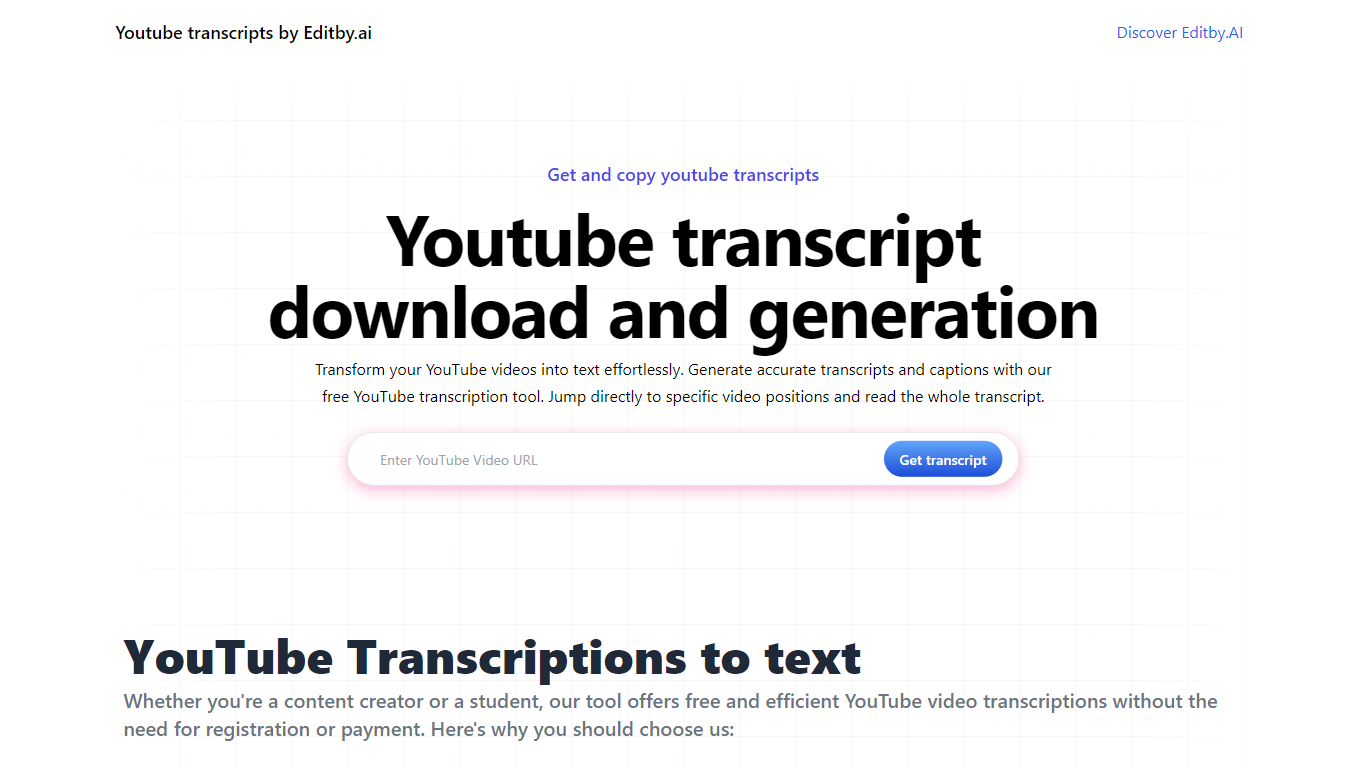
使用 Editby.AI 的 YouTube 转录工具释放 YouTube 视频的全部潜力。我们用户友好的平台通过提供生成准确的文字记录和标题的有效方法来满足包括学生、研究人员、内容创建者和 SEO 专业人士在内的一系列用户的需求。使用我们的工具,无需手动转录。只需输入 YouTube URL 即可收到即时文字记录。突出显示的搜索词、直接视频位置跳转、自动滚动功能以及简单的剪贴板复制和下载选项可简化您的工作流程。我们对用户隐私的承诺是无与伦比的,不需要注册或提供个人信息。使用 Editby.AI 的转录工具提高您的工作效率并节省时间,而且完全免费。

WhatLetter 赞同数

6

Transcript Download 赞同数

6

WhatLetter 顶级功能

  • 30多种语言即时照片翻译

  • AI聊天机器人解释翻译内容并回答问题

  • 不存储图像或聊天记录以保护隐私

  • 无需下载应用,可在桌面和移动浏览器访问

  • WhatLetter Plus 计划提供无限制翻译和增强功能

  • 即将推出支持WhatsApp和Telegram的消息翻译集成

Transcript Download 顶级功能

  • 即时成绩单: 粘贴 YouTube URL 并立即接收成绩单。

  • 可下载的成绩单: 只需单击一下即可轻松下载成绩单。

  • 跳转到视频位置: 直接导航到脚本中的特定视频片段。

  • 自动滚动脚本: 享受在视频播放时自动滚动的同步脚本。

  • 无需注册: 无需任何帐户或个人详细信息即可访问转录工具。

WhatLetter 类别

    Translation

Transcript Download 类别

    Translation

WhatLetter 定价类型

    Freemium

Transcript Download 定价类型

    Freemium

WhatLetter 使用的技术

Next.js
Node.js
Tailwind CSS
AI-powered OCR
Natural Language Processing
Web-based application
Chatbot AI

Transcript Download 使用的技术

未列出技术

WhatLetter 标签

Document Translation
AI-Powered App
Language Barrier Solutions
Privacy Priority
Immigrant Support
Senior Assistance
Real-Time Translation
AI Chatbot
Global Languages
Secure Document Processing
AI Chatbot
Language Support
Privacy Focus
Immigrant Assistance
Senior Friendly
Real-Time Translation
Mobile Access
WhatsApp Integration
Telegram Integration

Transcript Download 标签

YouTube Transcription
Editby.AI
Instant Transcripts
Download Captions
Content Creation
SEO
Productivity Tools
No Registration Required

WhatLetter 平均评分

无可用评分

Transcript Download 平均评分

4.00

WhatLetter 评论

无可用评论

Transcript Download 评论

Salman Kh
An AI-powered tool by Editby.AI that instantly generates accurate transcripts and captions from YouTube videos by simply pasting a URL. It offers downloadable transcripts, auto-scrolling, and video position jumps, making it a time-saver for students, creators, and researchers—no sign-up required. While it excels in simplicity and privacy, it’s limited to YouTube content and may falter with poor audio quality. Compared to text-focused tools on https://browseword.com/, Transcript Download shines for quick video transcription, ideal for streamlined workflows.
Salman Kh
I recently tried aitools.fyi's Transcript Download tool and found it super helpful for quickly extracting transcripts from videos without the need for complicated steps. It's intuitive, fast, and ideal for content creators or researchers who need accurate text versions of spoken content. In addition, I paired it with BrowseWord to easily search and explore key terms within the downloaded transcript. The combination of both tools streamlined my workflow and saved a lot of time. Definitely worth checking out if you're dealing with video content and need efficient text processing solutions.
Salman Kh
Editby.AI’s YouTube Transcription Tool, instantly converts YouTube videos into accurate transcripts and captions, ideal for students, creators, and researchers. Its no-signup, privacy-focused design offers auto-scrolling, searchable text, and one-click downloads, though it’s limited to YouTube and may struggle with low-quality audio. Compared to text-optimization tools on https://browseword.com/, it excels in fast, accessible video-to-text transcription, streamlining workflows for content accessibility.
By Rishit
