
最后更新 07-29-2026
Reviews:
Join thousands of AI enthusiasts in the World of AI!
sync
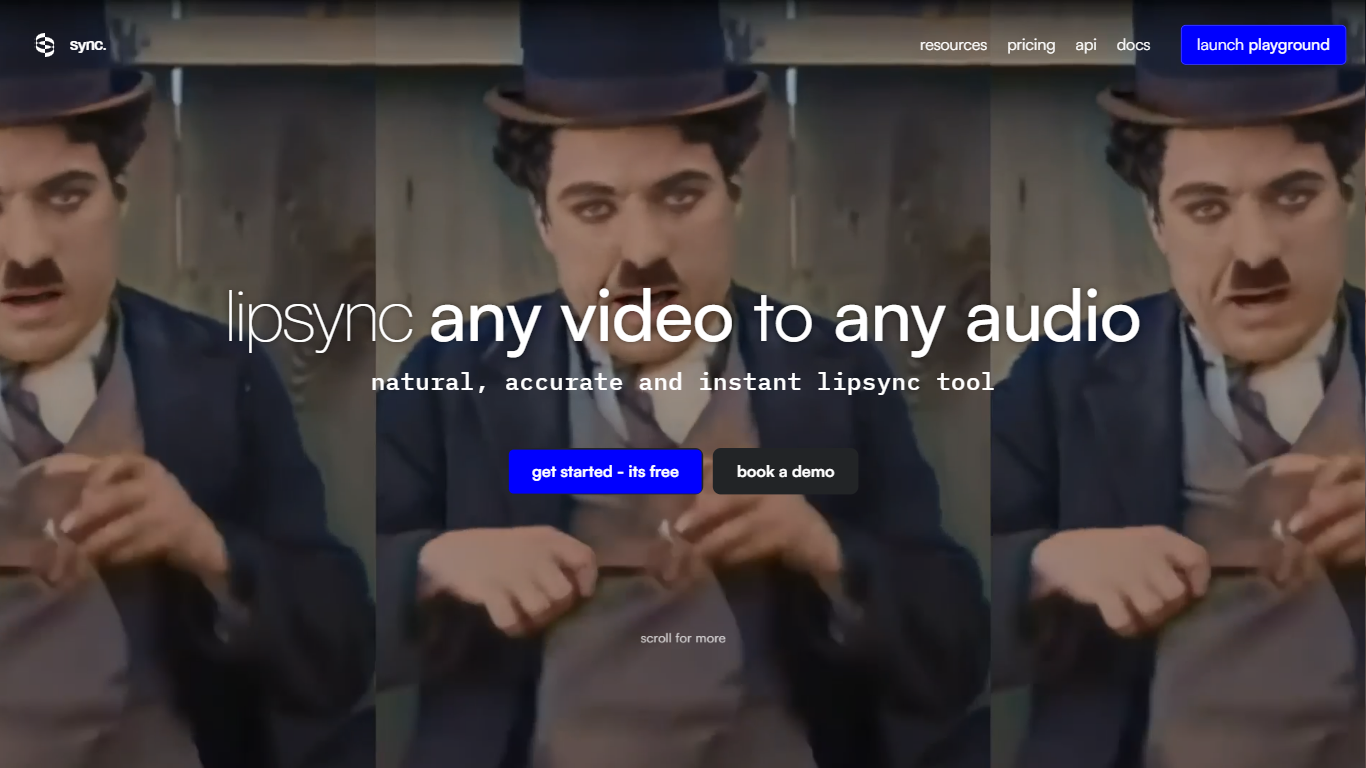
sync rebuilds mouth movements in video so they match new audio, cloned speech, or generated voice tracks. You upload footage and a soundtrack, and the service returns lip-synced output through a browser studio, REST API, or plugins for Adobe Premiere and ComfyUI. It fits creators, localization teams, and developers who need dubbed or re-voiced clips without reshooting.
Most lip sync tools break when a face turns, an object blocks the mouth, or lighting gets harsh. sync's sync-3 model is built for those real shoots: 4K ProRes output, multiple faces in frame, fast camera moves, and low light. It also ships a verification tool that checks whether a clip was altered with sync's watermarking tech.
Pricing is usage based. Plans start at $5 per month plus per-second generation fees, with tiers that unlock longer clips, more concurrent jobs, voice clone limits, and API batching. You can work in a browser studio, call the REST API, or plug into Adobe Premiere and ComfyUI.
Use cases on the site span dubbing into 29 languages, personalized outreach at scale, e-learning localization, and in-game character dialogue. A free trial offers 3 generations per month up to 20 seconds each with no credit card.
sync-3 handles blocked mouths, multiple faces, low light, and fast camera moves with 4K ProRes output
Usage pricing from $0.02/sec (lipsync-1.9) to $0.133/sec (sync-3) at 25 FPS, plus monthly plan fees
Free trial includes 3 generations per month, each up to 20 seconds, with no credit card required
Dubbing flow supports 29 target languages through built-in or bring-your-own TTS integrations
REST API with Python and TypeScript SDKs, plus Adobe Premiere and ComfyUI workflow plugins
Scale plan processes up to 15 concurrent jobs and supports batch API runs across 500 videos
Multiple lip sync models let you trade speed against quality, up to sync-3 for difficult shots
Usage-based billing with clear per-second rates and plan discounts up to 20% on Scale
Plugins for Premiere and ComfyUI fit sync into existing edit and generative workflows
Batch API on higher tiers supports large localization jobs without one-off uploads
Per-second fees add up quickly on long clips, especially with sync-3 at $0.133 per second
Hobbyist tier caps videos at 1 minute, 1 concurrent job, and 3 voice clones
Watermark removal requires at least the $19 per month Creator plan
What does sync do?
sync is an AI lip sync platform that takes a video and new audio, then generates mouth movements that match the soundtrack. It works on live action, animation, and game footage through the web studio or API.
How much does sync cost?
sync uses subscription plus per-second usage pricing. The Hobbyist plan is $5 per month plus $0.05 per second of video, while the Scale plan is $249 per month plus $0.04 per second. A free trial covers 3 generations per month up to 20 seconds each.
Which sync model should I pick?
sync offers lipsync-1.9 for speed, lipsync-2 and lipsync-2-pro for general quality, react-1 for expressive short clips, and sync-3 for close-ups, obstructions, and 4K output. Docs list per-second rates for each model at 25 FPS.
Does sync have an API?
Yes. sync exposes a REST API with official Python and TypeScript SDKs, webhooks for async jobs, and a 100 requests per minute limit on POST /v2/generate. API keys are created from the sync dashboard.
Can sync remove watermarks?
sync adds a watermark on the Hobbyist plan. The Creator plan and above include whitelabel output with no watermark, along with longer max video lengths and higher concurrency limits.
What integrations does sync support?
sync integrates through its API and SDKs, a browser Lipsync Studio, an Adobe Premiere plugin, a ComfyUI node, an MCP server, and a ChatGPT plugin. Enterprise customers can also contact sync sales for custom pipelines.