
Last updated 07-28-2026
Category:
Reviews:
Join thousands of AI enthusiasts in the World of AI!
AI Art Generator | Canva
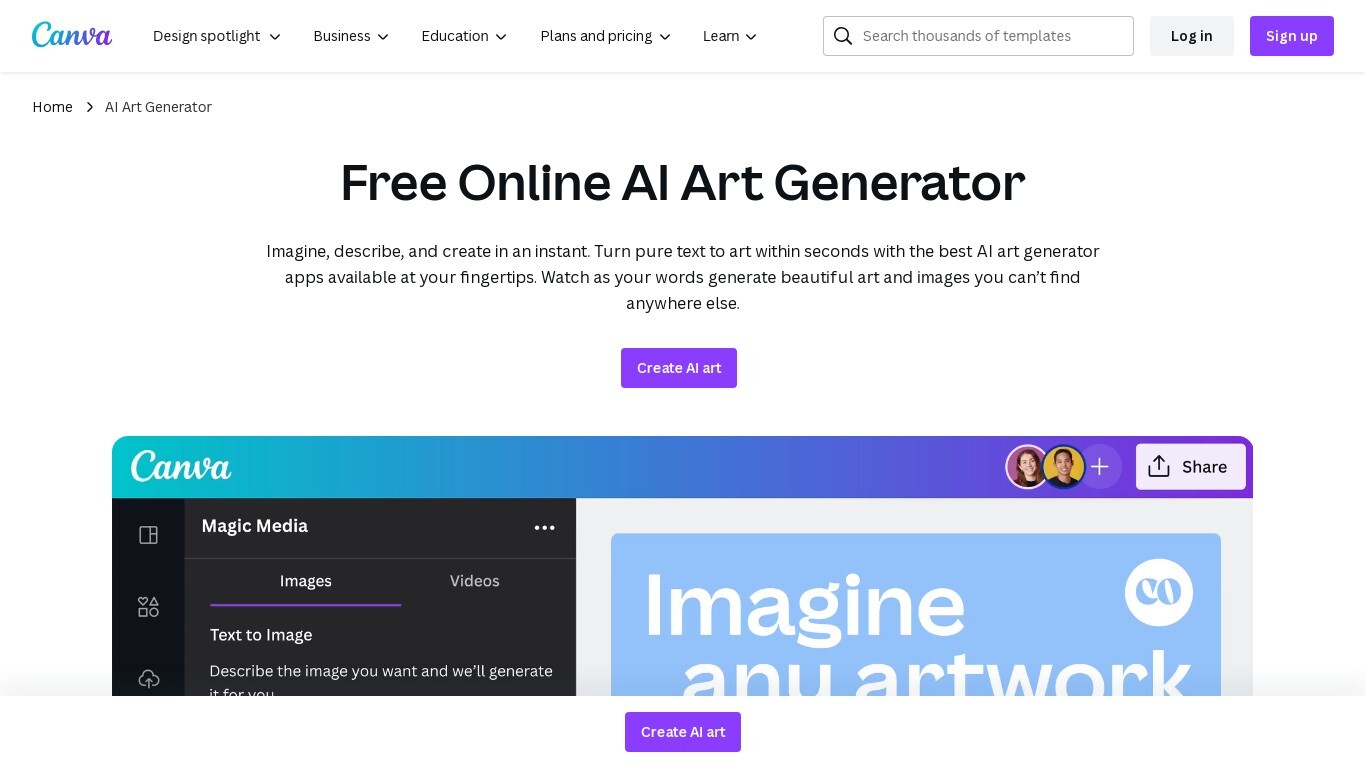
Canva's AI Art Generator transforms text prompts into unique artwork using Magic Media™ and other AI models like Dream Lab. Users can select from over 20 art styles including Watercolor, Neon, and Retrowave, then customize image size and ratio. The tool integrates directly with Canva's design platform, allowing easy editing, layering with filters, and adding text or animations.
Free users get limited AI art generations, while Pro, Teams, EDU, and Nonprofit subscribers enjoy higher monthly limits and access to advanced features like Magic Edit and Magic Eraser for precise image adjustments. Canva also enforces safety measures to block inappropriate content and offers a reporting system. This generator suits aspiring artists, content creators, and entrepreneurs seeking quick, cost-effective visual content creation.
🎨 Wide Style Selection: Pick from 20+ art styles like Watercolor and Neon to match your vision.
🖼️ Direct Canva Integration: Insert AI-generated art into any Canva project for seamless design flow.
✏️ Advanced Editing Tools: Use Magic Edit and Magic Eraser to refine images with simple text prompts.
🔒 Safety Filters: Built-in protections prevent inappropriate image generation and allow user reporting.
📤 Easy Export & Sharing: Download or share your artwork in multiple formats directly from Canva.
Offers a wide variety of art styles to suit different creative needs.
Integrates AI art generation directly into Canva’s design platform.
Includes advanced editing tools like Magic Edit and Magic Eraser for image refinement.
Provides safety features to prevent inappropriate content generation.
Supports multiple subscription tiers with scalable AI usage limits.
Free plan has limited AI art generation uses.
Some advanced AI features require Pro or higher subscriptions.
Enterprise features and pricing require contacting sales and are not publicly listed.
What art styles can I use with Canva's AI Art Generator?
AI Art Generator | Canva you can choose from over 20 styles including Watercolor, Neon, Filmic, Color Pencil, Retrowave, and more to customize your AI-generated artwork.
How many AI art generations do I get with a free Canva account?
AI Art Generator | Canva free Canva users have a limited number of AI art generations available across all AI tools, including Magic Media’s Text to Art generator.
Can I edit AI-generated images within Canva?
AI Art Generator | Canva yes, you can refine your AI art using Canva’s photo editor and advanced tools like Magic Edit and Magic Eraser without leaving the app.
Is Canva's AI Art Generator safe to use?
AI Art Generator | Canva canva has safety measures to block inappropriate prompts and content. Users can report unsafe images for review and removal.
Who owns the copyright to AI-generated art from Canva?
AI Art Generator | Canva users retain ownership of images created with Canva’s AI Art Generator, subject to Canva’s terms of use.
Can I use AI-generated art for commercial projects?
AI Art Generator | Canva yes, AI-generated art can be used in your commercial designs, but you should review Canva’s terms and licensing for any restrictions.
What subscription plans offer the highest AI art generation limits?
AI Art Generator | Canva canva Business and Enterprise plans provide the highest AI usage allowances, with up to 20x more AI uses than the Free plan.