
Last updated 08-31-2026
Category:
Reviews:
Join thousands of AI enthusiasts in the World of AI!
AI Background Remove
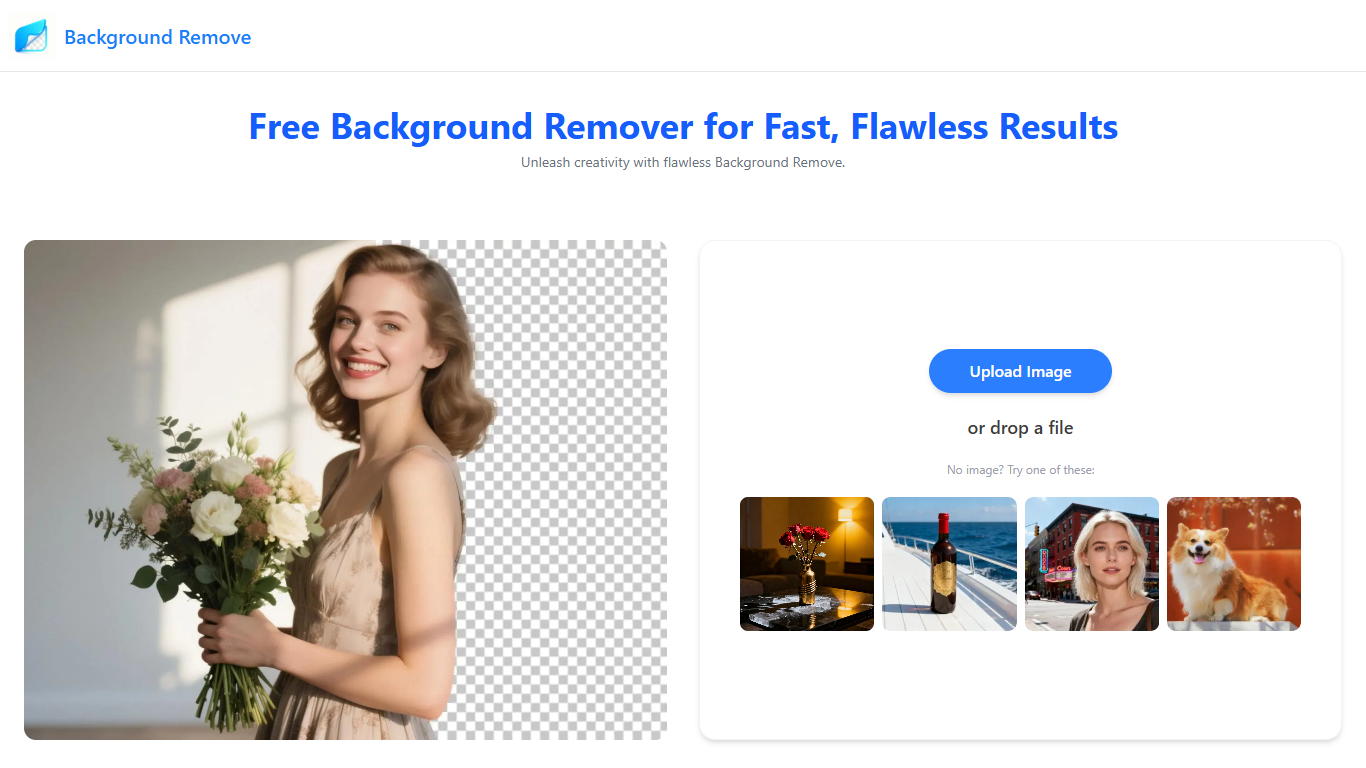
Strip backgrounds from photos and videos in your browser, then download transparent PNGs or edited clips without installing desktop software. Upload an image, choose Basic (1 credit) or Pro (3 credits) for finer edges around hair and fur, and get an HD cutout with no watermark. The site also handles GIFs, bulk batches, logos, and format-specific files like WebP, SVG, and AVIF.
Most background removers stop at a single upload box. AI Background Remove splits the work across dedicated pages for bulk batches, logo cutouts, video and GIF removal, background replacement, blur, watermark cleanup, and more. Credits come in one-time packs with no subscription, and the homepage offers 20 free daily uses for basic image removal before you need to buy credits.
E-commerce sellers use it to polish product photos at scale through the bulk remover, which accepts up to five images per upload. Social creators and photographers batch portrait cutouts, while marketers prep vehicle shots, logos, and stickers for listings and ads. Video pages accept MP4 and WEBM files up to 60 seconds, with Basic mode costing 2 credits for 5 seconds and Pro mode charging 1 to 2 credits per second.
Removes backgrounds from PNG, JPG, WEBP, SVG, AVIF, and HEIC images in the browser
Basic image removal costs 1 credit; Pro edge refinement costs 3 credits per file
Homepage offers 20 free daily uses for basic background removal
Bulk remover accepts up to 5 images per upload and downloads results together
Video remover accepts MP4 and WEBM files up to 60 seconds (Basic: 2 credits per 5 seconds)
Dedicated pages for logos, GIFs, object removal, watermarks, blur, and background changes
Credit packs start at $9.99 for 200 credits with no subscription
Dedicated tool pages for images, bulk batches, video, GIFs, and cleanup tasks
20 free daily basic removals before buying credits
One-time credit packs with no auto-renewal or subscription
Supports PNG through AVIF plus MP4 and WEBM video uploads
Commercial use of exported transparent images is allowed per site FAQ
Every processed file spends credits after the daily free allowance
Video uploads are capped at 60 seconds per file
No native mobile apps; everything runs in the browser
Bulk uploads limited to 5 images at a time
Is AI Background Remove free to use?
AI Background Remove offers 20 free daily uses for basic image background removal on the homepage. After that, each file spends credits: 1 for Basic image removal or 3 for Pro edge refinement. You buy one-time credit packs when you need more; there is no monthly subscription.
What file formats does AI Background Remove support?
AI Background Remove accepts PNG, JPG, JPEG, WEBP, SVG, AVIF, and HEIC images on its remover pages. Video background removal supports MP4 and WEBM files up to 60 seconds long.
How much do AI Background Remove credits cost?
AI Background Remove sells one-time credit packs starting at $9.99 for 200 credits ($0.05 per credit). The 2,000-credit pack is $49.99 and marked most popular on the pricing page, dropping the per-credit price to $0.025.
Do AI Background Remove credits expire?
No. AI Background Remove states that purchased credits are permanently valid and can be used at any time. The pricing FAQ also notes there is no subscription to cancel.
Can I use AI Background Remove results commercially?
Yes. AI Background Remove's homepage FAQ says you may use exported transparent images in commercial projects, online shops, ads, and websites.
How does AI Background Remove handle uploaded files?
AI Background Remove says it protects user privacy and regularly cleans uploaded images from its servers. The homepage FAQ states files are not permanently stored or shared.
What payment methods does AI Background Remove accept?
AI Background Remove accepts credit cards, debit cards, and Google Pay for one-time credit pack purchases, according to its pricing FAQ.