
Last updated 08-11-2026
Category:
Reviews:
Join thousands of AI enthusiasts in the World of AI!
AI Background Remover on AI Image Enlarger
AI Background Remover on ImgLarger strips backgrounds from photos in your browser and exports transparent PNGs without manual masking. Upload a JPG, PNG, or WebP file up to 10 MB, and the tool detects the subject and removes everything behind it for product shots, portraits, and social graphics.
Unlike standalone background removers that charge per export, this tool sits inside the ImgLarger suite alongside enlargers, denoisers, and photo repair tools on a shared credit system. Converter and editor tools on the site are free; AI processing costs 1 credit per image. Uploaded files are deleted within six hours rather than stored in a public gallery.
E-commerce sellers, designers, and social media creators use it for product cutouts, profile pictures, and presentation assets. The free plan includes 100 credits per month with a 1024px max input side; Premium at $9.99 per month raises that to 2000 credits with batch processing and up to 8X scaling on other suite tools.
Accepts JPG, PNG, and WebP uploads up to 10 MB with a 1024px max input side on free tier
AI detects the main subject and removes backgrounds without manual tracing
Exports transparent PNGs for products, portraits, and social media graphics
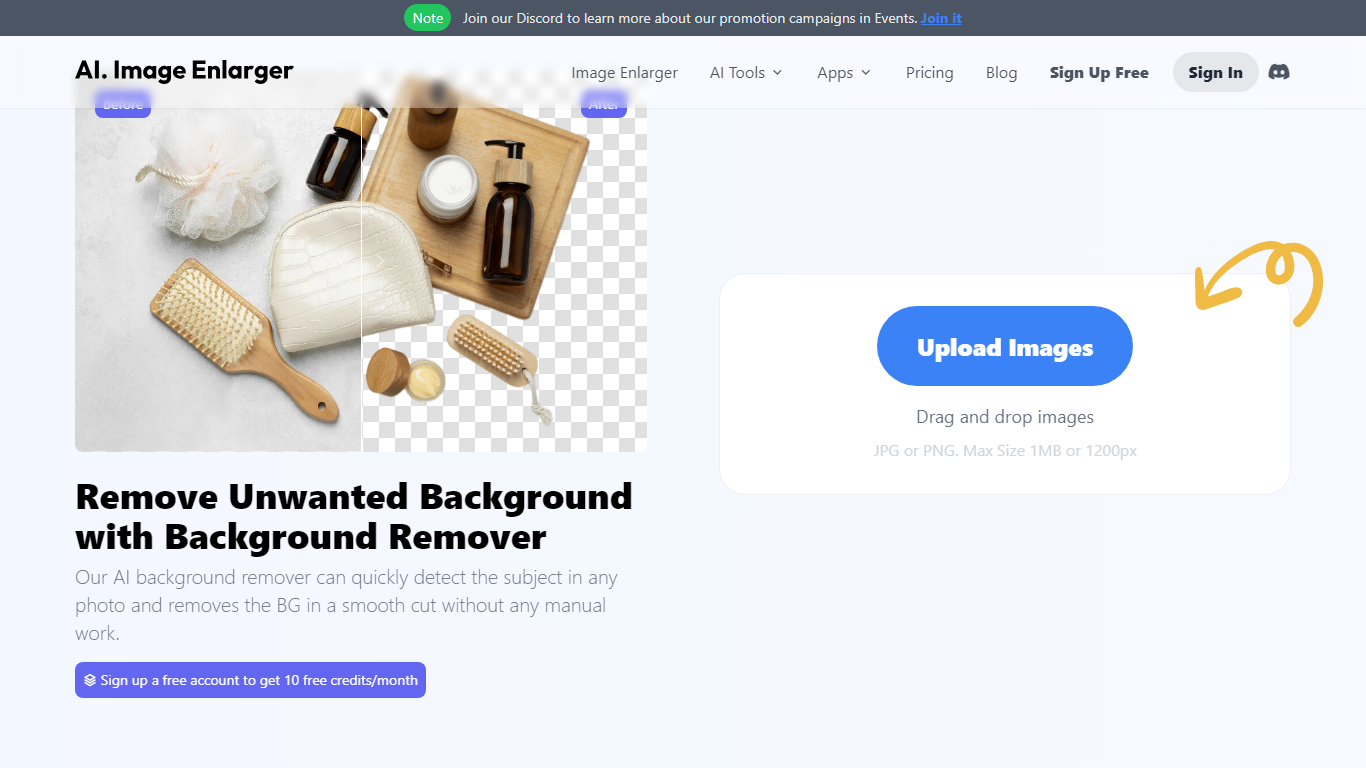
Before-and-after preview lets you check edge quality before downloading
Uploaded images are automatically deleted within 6 hours for privacy
Shares ImgLarger credit system: 1 credit per AI task, converter tools are free
No software install; runs entirely in the browser with drag-and-drop upload.
Part of a broader ImgLarger suite so you can upscale or enhance the same image next.
Privacy-focused with automatic file deletion within 6 hours.
Free tier caps input at 1024px max side, which limits high-resolution product photos.
Complex edges like hair and fur may need touch-up on difficult images.
Each removal costs 1 credit; heavy users need a paid plan quickly.
Is AI Background Remover on ImgLarger free?
Yes. AI Background Remover on AI Image Enlarger offers a free plan with 100 credits per month through ImgLarger, and each background removal uses 1 credit. Premium costs $9.99 per month for 2000 credits, and Business costs $19.99 per month for 6000 credits.
What image formats does ImgLarger Background Remover support?
AI Background Remover on AI Image Enlarger accepts JPG, PNG, and WebP files up to 10 MB per upload. The free plan limits the maximum input side to 1024 pixels.
How does ImgLarger remove backgrounds?
AI Background Remover on AI Image Enlarger uses AI to detect the main subject in your uploaded image and automatically removes the surrounding background. You preview the result and download a transparent PNG without manual masking.
Does background removal affect image quality on ImgLarger?
AI Background Remover on AI Image Enlarger aims to preserve the main subject while removing the background. Complex hair, fur, transparent objects, or similar foreground and background colors may produce less precise edges.
How long does ImgLarger keep uploaded images?
AI Background Remover on AI Image Enlarger automatically deletes uploaded and processed images within 6 hours. Files are not kept in a permanent public gallery.
Can I use ImgLarger Background Remover for product photos?
Yes. AI Background Remover on AI Image Enlarger works with product photos, portraits, profile pictures, and graphics. It creates transparent cutouts suitable for e-commerce listings, presentations, and marketing materials.