
Last updated 07-30-2026
Category:
Reviews:
Join thousands of AI enthusiasts in the World of AI!
AI Comic Factory
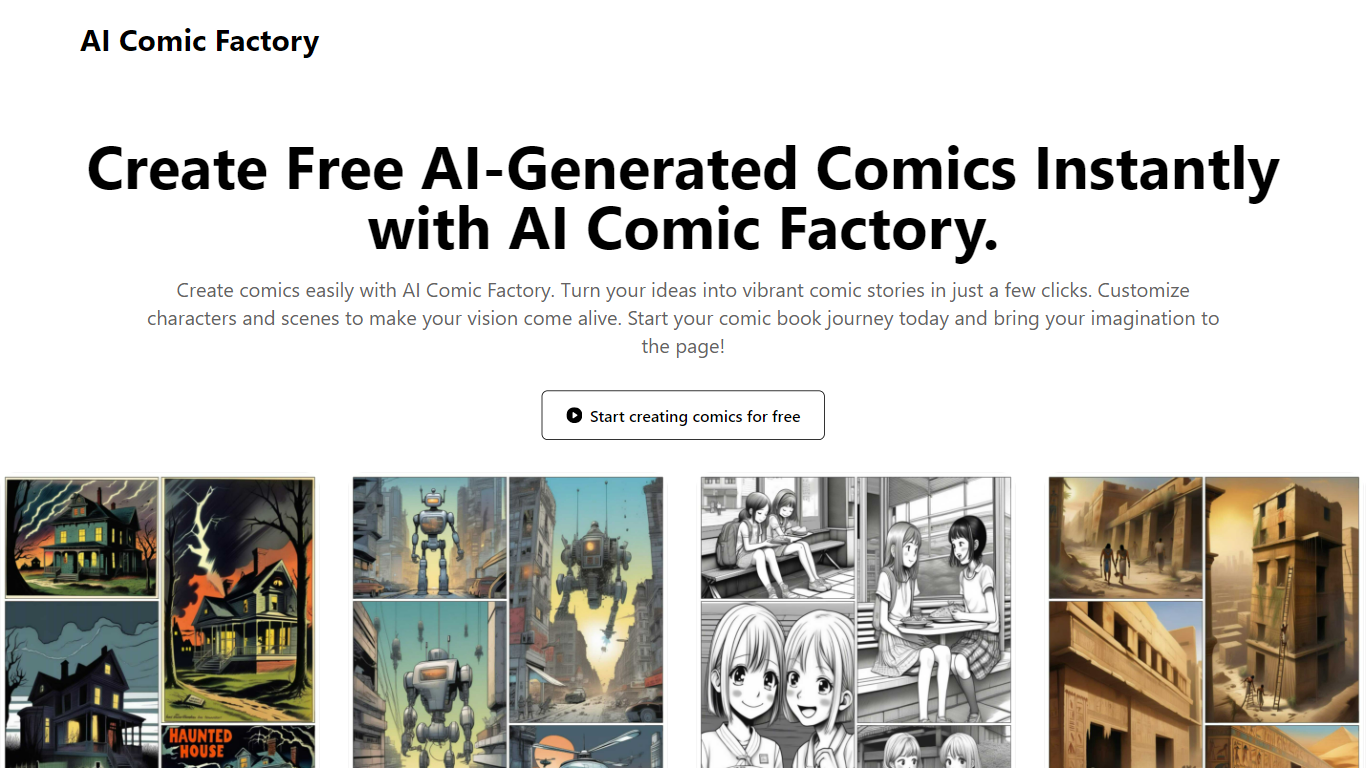
AI Comic Factory turns story prompts into multi-panel comics through a four-step web workflow: pick a reference character, write the story, let the tool analyze it, then generate pages. You can upload, generate, or choose preset characters like Mia or Kai to keep faces consistent across panels. The generator also lists image edit, text-to-image, text-to-video, and video edit tools beside the comic builder.
Most comic generators spit out single images. AI Comic Factory focuses on panel layouts, dialogue, and character continuity across a full page. It advertises 10+ art styles from American superhero to manga and European graphic novel looks, plus customizable grid or diagonal panel arrangements. Paid plans remove watermarks, add 1080p output, batch generation, and commercial licenses.
Writers, indie creators, and social media storytellers who want comic pages without drawing are the target audience. The site claims 100K+ creators and 1M+ comics generated. You can start free on the comic generator, then upgrade when you need more monthly credits or API access on the Enterprise tier.
Four-step comic workflow covers character selection, story writing, analysis, and page generation with optional reference uploads
Free start on the comic generator with paid Basic at $9.50 per month for 1,500 credits and watermark-free 1080p output
Plus plan at $19.50 per month includes 7,500 monthly credits, commercial license, and priority queue
Enterprise plan at $49.50 per month adds 30,000 credits, API access, and dedicated support with a 2-hour response SLA
10+ comic art styles span American superhero, Japanese manga, classic, modern, and digital looks
Custom panel grids and diagonal layouts let you control pacing and emphasis on each page
Character library presets and upload options keep faces consistent from panel to panel
Four-step workflow handles character consistency, story analysis, and panel generation in one tool.
10+ comic art styles and flexible panel layouts cover manga, superhero, and graphic novel looks.
Free tier lets you test the generator before buying credits.
Enterprise plan adds API access and a 2-hour support response SLA.
Output quality depends on monthly credit limits, starting at 1,500 credits on Basic.
Commercial use requires a paid plan with a license.
No built-in collaboration; sharing happens by exporting files outside the platform.
Is AI Comic Factory free?
Yes. AI Comic Factory lets you start creating comics for free on the comic generator with basic features. Paid plans begin at $9.50 per month for the Basic tier with 1,500 monthly credits, no watermark, and 1080p HD output.
How does AI Comic Factory create comics?
AI Comic Factory uses a four-step flow: choose a reference character, craft your story, analyze the narrative, then generate comic panels. You can upload your own character art, generate one with AI, or pick from the built-in library.
What comic styles does AI Comic Factory support?
AI Comic Factory lists 10+ styles including American superhero, Japanese manga, European graphic novel, classic, modern, and digital art. You can adjust color palettes, line styles, and visual effects per project.
How much do AI Comic Factory credits cost?
AI Comic Factory sells credits through monthly plans. Basic includes 1,500 credits per month at $9.50, Plus includes 7,500 at $19.50, and Enterprise includes 30,000 at $49.50 when billed monthly. Yearly billing advertises 50% off those rates.
Can I use AI Comic Factory comics commercially?
Yes on paid plans. AI Comic Factory includes a commercial license on Plus and Enterprise tiers, and on Basic when billed yearly. The free generator tier covers personal projects before you upgrade for licensed commercial output.
Does AI Comic Factory need drawing skills?
No. AI Comic Factory is built for users without illustration experience. You describe characters and scenes in text, pick layouts, and add dialogue while the generator renders the panels.