
Last updated 08-09-2026
Category:
Reviews:
Join thousands of AI enthusiasts in the World of AI!
AI Gallery
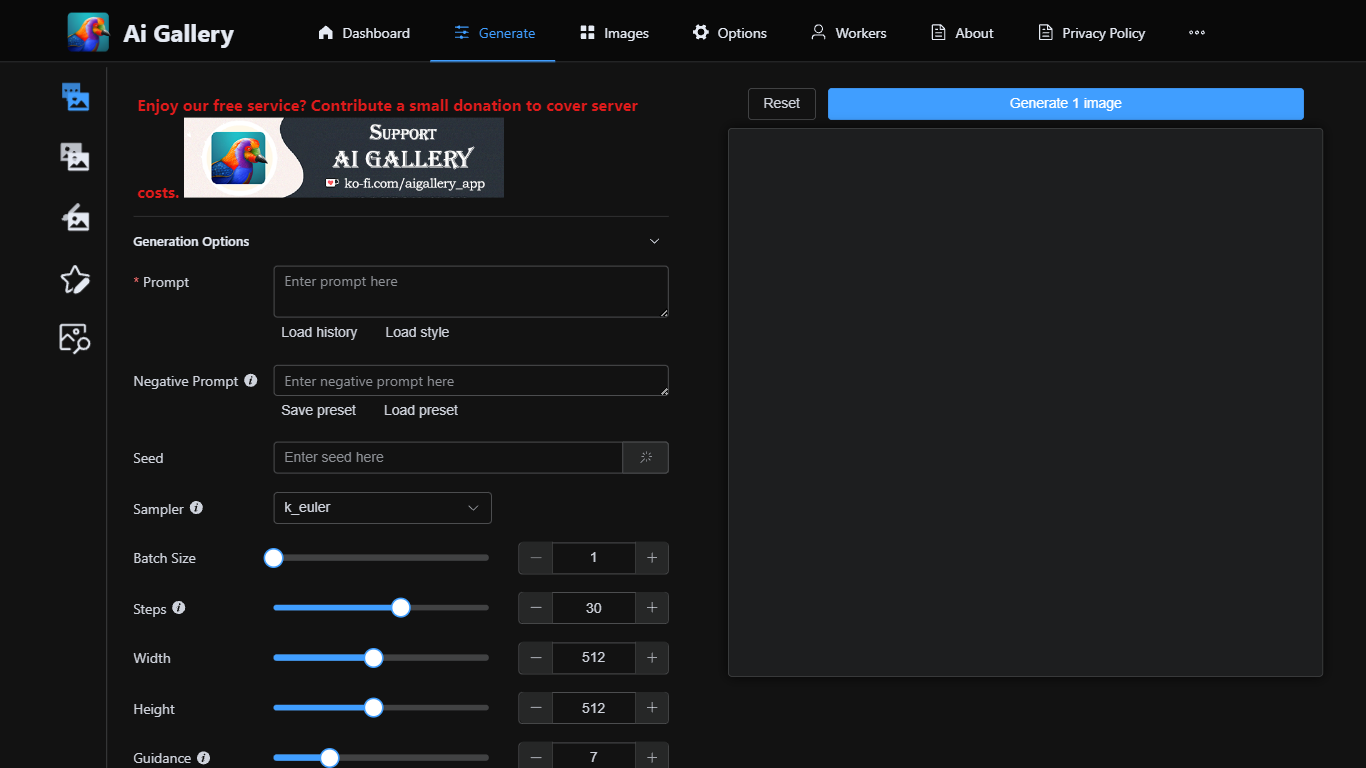
AI Gallery lets you generate images in the browser without installing software or owning a GPU. You write a prompt, pick from 158 live models routed through a community network of volunteer GPU workers, then review and save results to a local gallery on your device.
Unlike closed apps that run everything on the vendor's servers, AI Gallery acts as a connector to an external generation network. Independent workers process your queue, model availability updates in real time, and your prompts and gallery data stay in browser storage by default.
The site currently charges no AI Gallery access fee, though paid plans may arrive later. Creators, hobbyists, and designers who want Stable Diffusion-style workflows without hardware setup are the target audience, with text-to-image, image-to-image, inpainting, and ControlNet modes available from the Studio.
158 AI models with 225 active community workers and 99.2K MPS average performance
No GPU or installation required; runs entirely in the browser
Text-to-image, image-to-image, inpainting, and ControlNet generation modes
Local-first gallery stores prompts and outputs in your browser by default
No AI Gallery signup or access fee today, with live worker availability shown
Generate from the browser with no GPU purchase or local install
158 models with live worker counts so you see what is actually available
Local-first gallery keeps prompts and outputs on your device by default
Multiple modes including inpainting and ControlNet from one Studio
No signup required to start creating immediately
Generation depends on volunteer workers, so queue times vary unpredictably
Clearing browser data can permanently delete your local gallery
Paid plans may be introduced later despite the current free access
Is AI Gallery free?
Yes. AI Gallery charges no access or subscription fee. You can generate images in the browser without paying AI Gallery directly, though third-party generation limits may apply.
Do I need a GPU for AI Gallery?
No. AI Gallery runs in the browser and routes generation to independent volunteer GPU workers on a community network. You do not install software or provide your own hardware.
How many models does AI Gallery offer?
AI Gallery lists 158 AI models with live worker counts on its homepage. Featured models include stable_diffusion, CyberRealistic Pony, and AlbedoBase XL 3.1, sorted by active workers.
Where are my AI Gallery images stored?
AI Gallery uses a local-first gallery in your browser storage. Generation still sends prompts to external workers, but returned files and settings stay on your device until you export them.
Does AI Gallery require an account?
No signup is required to start creating on AI Gallery. You can optionally add a generation account API key in Settings for credits and queue priority from the external service.
What generation modes does AI Gallery support?
AI Gallery supports text-to-image, image-to-image, inpainting, and ControlNet from its Studio and Generate pages. You pick a model, set parameters, and review each output before saving.