
Last updated 08-10-2026
Category:
Reviews:
Join thousands of AI enthusiasts in the World of AI!
AI Home Design
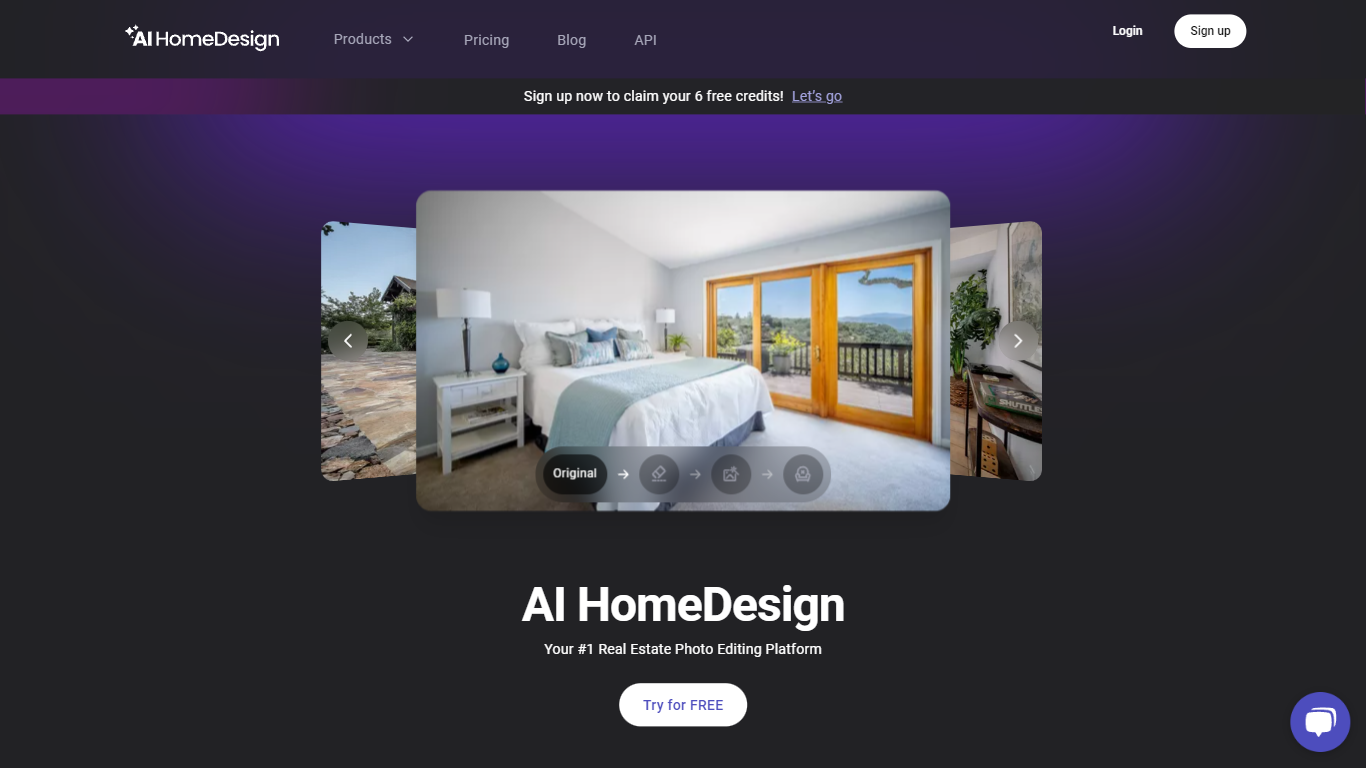
AI HomeDesign prepares listing photos for MLS boards and portals like Zillow through virtual staging, object removal, day-to-dusk exteriors, and renovation previews in one upload workflow. Agents upload property shots, pick a service, and download edited images in seconds instead of waiting on manual retouching.
Generic photo editors treat real estate like any other image batch. AI HomeDesign is built around listing workflows: it analyzes each upload, suggests the right edit type, and outputs MLS-ready visuals with optional chat-based tweaks after generation. Enterprise teams also get API access and SSO for brokerage-scale volume.
Pricing starts with free signup credits that include watermarked previews, then paid plans from $19 per month for 30 photos. Unused photo credits roll over on paid tiers, and yearly billing cuts per-photo cost down to $0.24 on Enterprise.
Realtors, investors, photographers, and property managers use AI HomeDesign to stage vacant units, remove clutter from occupied homes, polish full shoot sets, and show renovation concepts before contractors start work.
Virtual staging furnishes empty rooms with selectable design styles
Typical turnaround is under 7 seconds after you pick an edit service
Enterprise plan includes 200 photos per month at about $0.24 per photo
Chat-based edits let you refine staging or removal results after generation
Eight renovation tools cover walls, floors, ceilings, furniture restyle, and backsplashes
Listing-specific tools cover staging, removal, twilight skies, and renovation previews.
Typical edits return in under 7 seconds per photo.
Free signup credits let agents test before paying.
Unused photo credits roll over on paid monthly plans.
Enterprise tier adds API access and priority support for teams.
Free tier outputs include watermarks until you upgrade.
Wide-angle, well-lit photos work best; cramped shots can mis-scale furniture.
Enterprise per-photo value assumes using the full monthly photo allotment.
Local MLS rules on virtual staging disclosures still apply to edited listing photos.
Is AI HomeDesign free to try?
Yes. AI HomeDesign gives free credits when you sign up with no credit card required. Free outputs carry a watermark so you can test speed and quality before upgrading to a paid plan.
What are AI HomeDesign pricing plans?
AI HomeDesign Pro costs $19 per month for 30 photos, Pro Plus is $29 for 80 photos, and Enterprise is $49 for 200 photos. Yearly billing is available with unused credits rolling over on paid tiers.
How fast does AI HomeDesign return edits?
AI HomeDesign typically delivers results in under 7 seconds after you upload a photo and select a tool. You can download immediately or regenerate variations without restarting the upload.
Can AI HomeDesign photos go on MLS and Zillow?
Yes. AI HomeDesign produces listing-ready visuals for MLS sites and major portals like Zillow and Realtor.com once you download non-watermarked files. Follow your local MLS disclosure rules for virtual staging.
What editing tools does AI HomeDesign include?
AI HomeDesign covers virtual staging, item removal, day-to-dusk exteriors, image enhancement, and renovation previews for walls, floors, ceilings, furniture, and backsplashes.
What photo formats does AI HomeDesign accept?
AI HomeDesign accepts common real estate formats such as JPG and PNG. Wide-angle room shots in good lighting generally produce better staging and removal results than tight close-ups.
How do I contact AI HomeDesign support?
You can email AI HomeDesign support at [email protected] for questions, feedback, or issues while using the platform.