DecorAI vs AI Home Design
When comparing DecorAI vs AI Home Design, which AI Real Estate tool shines brighter? We look at pricing, alternatives, upvotes, features, reviews, and more.
In a comparison between DecorAI and AI Home Design, which one comes out on top?
When we put DecorAI and AI Home Design side by side, both being AI-powered real estate tools, The upvote count favors DecorAI, making it the clear winner. DecorAI has garnered 7 upvotes, and AI Home Design has garnered 6 upvotes.
Want to flip the script? Upvote your favorite tool and change the game!
DecorAI


What is DecorAI?
DecorAI turns a photo of a real room, exterior, or garden into a photorealistic redesign in about 30 seconds. Upload one picture, pick a style or describe the look in plain words, and see the same space with new cabinets, flooring, furniture, and lighting while walls and proportions stay fixed.
Most interior design apps need floor plans or CAD skills. DecorAI works from a single photo with 175 style presets across 135 space types, plus Pro mode and a Magic Edit Brush to paint over one area and describe replacements. The trade-off is that it changes finishes and furniture, not structural layout, plumbing, or construction measurements.
Homeowners preview renovations before hiring contractors. Real estate agents stage listings virtually. Interior designers show clients multiple options side by side at 4K resolution without building physical mockups.
AI Home Design
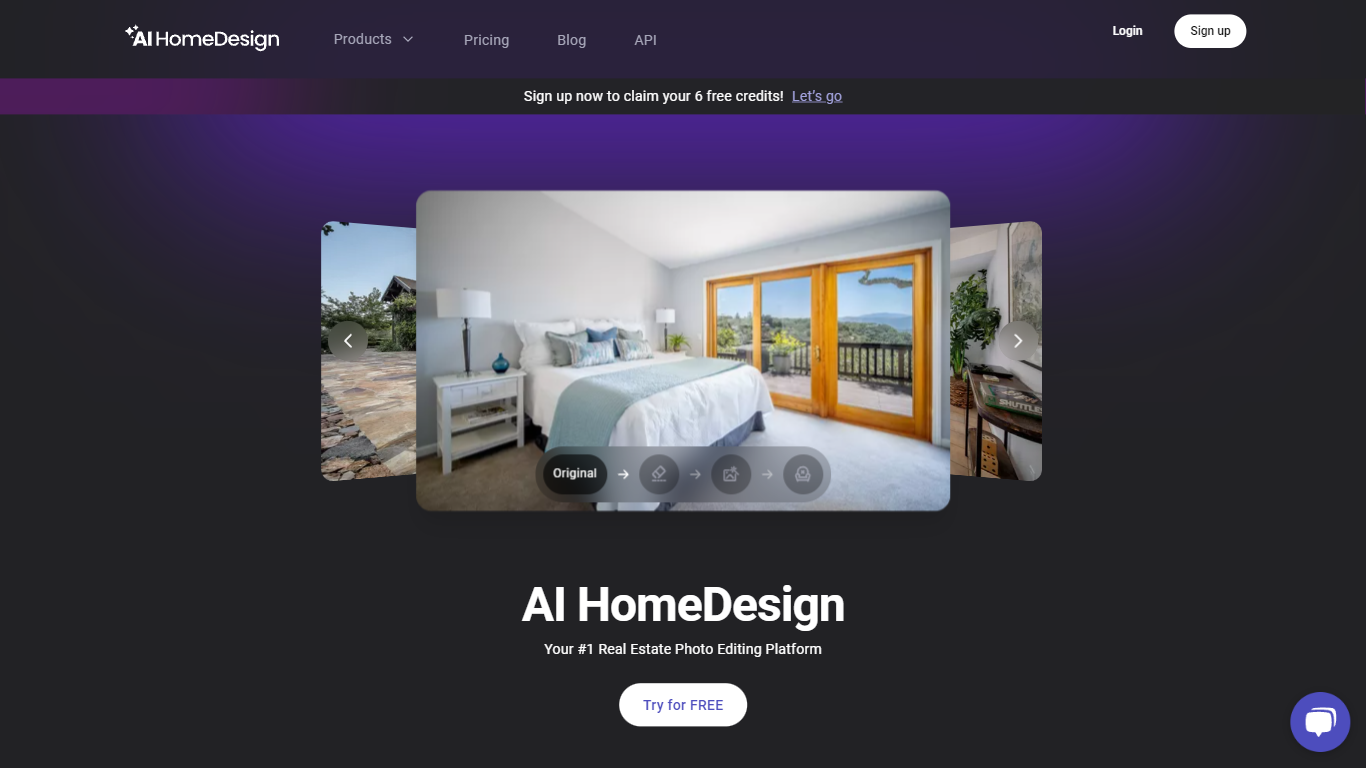
What is AI Home Design?
AI HomeDesign prepares listing photos for MLS boards and portals like Zillow through virtual staging, object removal, day-to-dusk exteriors, and renovation previews in one upload workflow. Agents upload property shots, pick a service, and download edited images in seconds instead of waiting on manual retouching.
Generic photo editors treat real estate like any other image batch. AI HomeDesign is built around listing workflows: it analyzes each upload, suggests the right edit type, and outputs MLS-ready visuals with optional chat-based tweaks after generation. Enterprise teams also get API access and SSO for brokerage-scale volume.
Pricing starts with free signup credits that include watermarked previews, then paid plans from $19 per month for 30 photos. Unused photo credits roll over on paid tiers, and yearly billing cuts per-photo cost down to $0.24 on Enterprise.
Realtors, investors, photographers, and property managers use AI HomeDesign to stage vacant units, remove clutter from occupied homes, polish full shoot sets, and show renovation concepts before contractors start work.
DecorAI Upvotes
AI Home Design Upvotes
DecorAI Top Features
Generates photorealistic redesigns from one photo in about 30 seconds at 4K resolution
175 design styles across 135 space types including kitchens, bathrooms, and gardens
20 plus AI tools covering kitchen design, AI Relight, sketch-to-render, and frame extension
Unlimited image generations on paid plans at $24 per month with no per-image credits
Magic Edit Brush paints over one area and replaces it with a described element
40 million plus designs generated across residential and outdoor space categories
Commercial usage rights and private generation mode on every paid subscription
AI Home Design Top Features
Virtual staging furnishes empty rooms with selectable design styles
Typical turnaround is under 7 seconds after you pick an edit service
Enterprise plan includes 200 photos per month at about $0.24 per photo
Chat-based edits let you refine staging or removal results after generation
Eight renovation tools cover walls, floors, ceilings, furniture restyle, and backsplashes
DecorAI Category
- Real Estate
AI Home Design Category
- Real Estate
DecorAI Pricing Type
- Freemium
AI Home Design Pricing Type
- Freemium