
Last updated 07-29-2026
Category:
Reviews:
Join thousands of AI enthusiasts in the World of AI!
AI Image Upscaler - Icons8
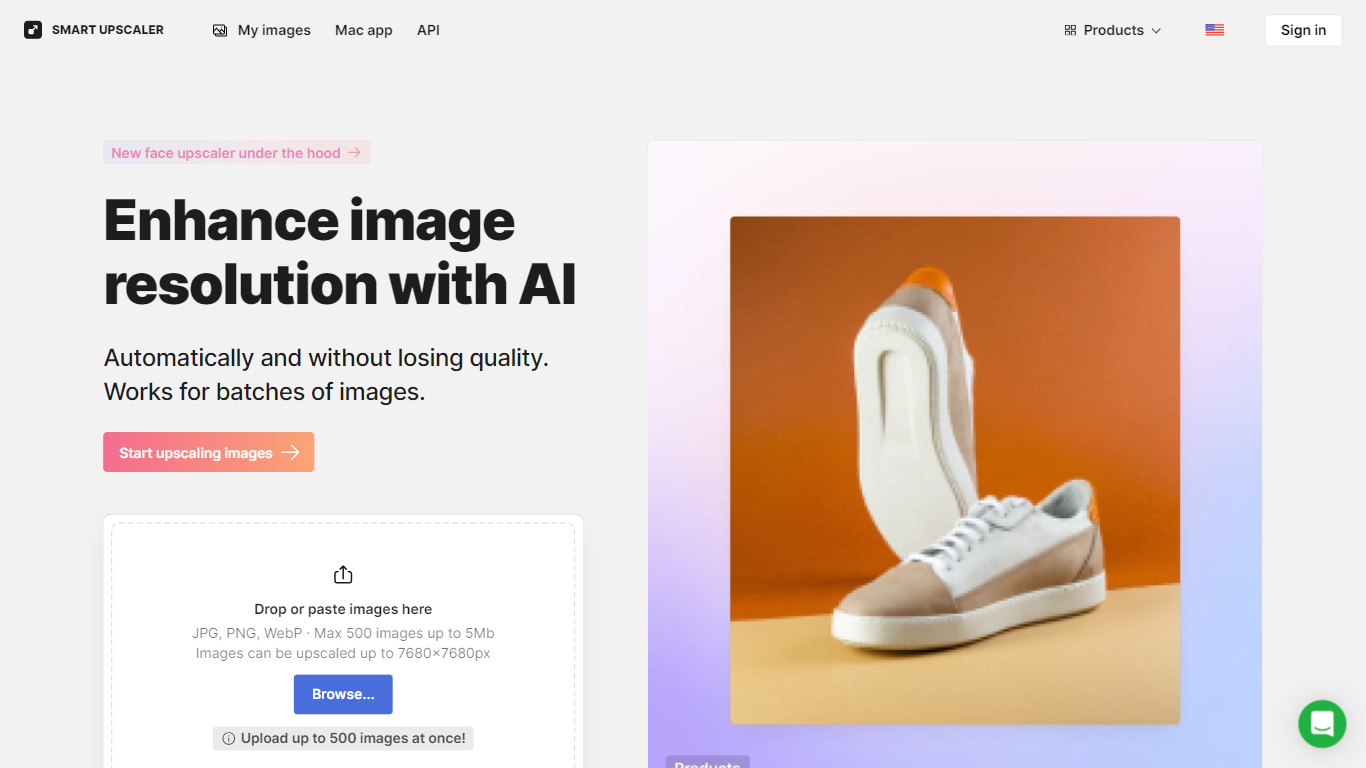
Drop up to 500 JPEG, PNG, or WebP images into Icons8 Smart Upscaler and get photo editing outputs as large as 7680??7680 pixels without the usual softness from pixel stretching. Each file can be up to 5MB, and the web app handles the full batch in one session. It sits inside the broader Icons8 design suite, so you can jump between upscaling, background removal, and face swapping without leaving the ecosystem.
Standalone upscalers usually stop at single-image uploads and generic sharpening. Smart Upscaler built a dedicated face enhancement path after finding that 53% of user uploads were photos of people, so portraits get separate treatment rather than the same pass applied to logos or documents. If you need local batch work on a Mac, GoProd bundles the same upscaling engine with background removal in a desktop app.
E-commerce sellers use it to refresh compressed marketplace photos, while designers and photographers run old scans and low-res social images through batch jobs before print or web publishing. Developers can wire the Upscaler API into their own apps when browser uploads are not practical.
Batch upload up to 500 images in one session, each under 5MB
Output resolution up to 7680??7680 pixels from the web uploader
Accepts JPG, PNG, and WebP files through the browser interface
Dedicated face enhancement algorithm for portrait photos
Upscaler API v1 supports file uploads and image URL requests
GoProd Mac app bundles upscaling with background removal for offline batches
Prepaid packs start at $10 for 50 watermark-free images
Batch upload handles up to 500 images in a single session.
Dedicated face enhancement treats portrait photos differently from other image types.
Three paid tiers, including a $99 monthly unlimited plan for heavy use.
Upscaler API v1 supports both file uploads and image URLs.
GoProd Mac app bundles upscaling with background removal for offline workflows.
Free outputs include watermarks until you buy credits or subscribe.
Web uploader limits each file to 5MB and JPG, PNG, or WebP only.
Mac desktop access requires GoProd; there is no Windows desktop upscaler from Icons8.
HEIC support is limited to the GoProd Mac app, not the web uploader.
How does AI Image Upscaler work?
AI Image Upscaler - Icons8 uses deep learning super-resolution trained on more than 5 million images to enlarge photos without losing detail. You upload a file or send a URL through the Upscaler API, and the service returns a higher-resolution version with sharpening and noise reduction applied.
How can I remove watermarks from AI Image Upscaler?
AI Image Upscaler - Icons8 adds watermarks on free outputs. To remove them, buy a prepaid pack at $10 for 50 images, subscribe to 100 images per month for $9, or choose the $99 monthly unlimited plan for unrestricted watermark-free downloads.
What file formats does AI Image Upscaler support?
AI Image Upscaler - Icons8 accepts JPG, PNG, and WebP files through the web uploader, with each file capped at 5MB. The GoProd Mac app also supports HEIC files for local batch processing alongside the same upscaling engine.
How many images can I upload to AI Image Upscaler at once?
AI Image Upscaler - Icons8 lets you drop or paste up to 500 images in a single batch through the web app at icons8.com/upscaler/app. Each file must be under 5MB and in JPG, PNG, or WebP format.
Does AI Image Upscaler have an API?
Yes. AI Image Upscaler - Icons8 offers Upscaler API v1 at developers.icons8.com, where you can enhance images by file upload or by passing an image URL. Authentication uses an Api-Key header or a token query parameter on each request.
What is the maximum output resolution for AI Image Upscaler?
AI Image Upscaler - Icons8 can enlarge images up to 7680??7680 pixels through the web interface. Icons8 also documents output up to 64 megapixels, which is enough for large print formats at 200 to 300 DPI.
Is there a Mac app for AI Image Upscaler?
Yes. AI Image Upscaler - Icons8 is available through GoProd, Icons8's Mac desktop app that combines image upscaling with background removal. GoProd supports JPG, PNG, HEIC, and WebP files for unlimited local batch processing.