
Last updated 08-10-2026
Category:
Reviews:
Join thousands of AI enthusiasts in the World of AI!
AiPose
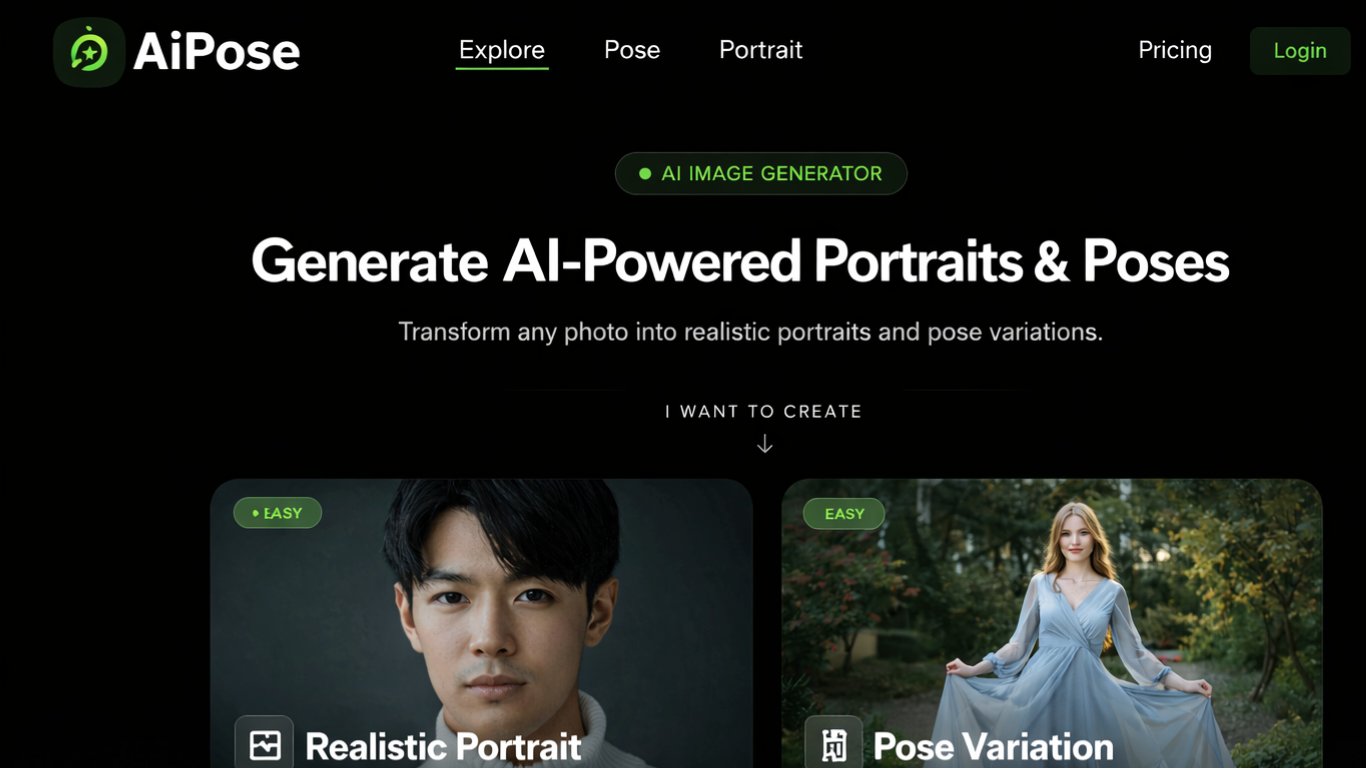
AiPose is a browser-based image and video studio on aipose.ai that bundles text-to-image, image-to-video, style transfer, and photo makeover tools in one dashboard. You type a prompt, upload a photo, or pick from hundreds of named style presets without switching between separate apps. The site groups creation, makeover, editing, and video effects into sidebar sections you can browse before logging in. It targets anyone who needs quick visuals for social posts rather than a full desktop design suite.
Most image generators give you one prompt box and a download button. AiPose splits work into dedicated flows: image-to-video with 5 or 10 second clips, a headshot tool listing 100+ styles, and makeover pages for clothes, hairstyles, and ID photos. Each generator shows its credit cost upfront, with images at 4 credits and videos at 24 credits per run. That structure favors people rotating through lots of small experiments instead of polishing one masterpiece.
Social creators and content marketers are the obvious fit, especially if you publish short clips and portrait-style images on a schedule. The 437-style library covers cartoon, anime, and photography looks with before-and-after previews on the homepage. Several advanced style models and 2K or 4K output carry a Pro label, while Basic stays on the free tier. You need an account to generate and save work, but the full tool catalog is visible before signup.
Browse 437 named AI style presets with before-and-after previews on the homepage
Text-to-image supports prompts up to 1,200 characters, nine aspect ratios, and 1K, 2K, or 4K output
Image-to-video accepts JPG, PNG, WEBP, GIF, or AVIF files up to 25MB and outputs 5s or 10s clips in HD or FHD
Headshot generator advertises 100+ portrait styles alongside dedicated makeover tools for clothes, hair, and ID photos
Credit costs display on each action: 4 credits per image generation and 24 credits per video generation
Makeover section covers clothes swapping, age progression, gender swap, makeup, and facial expression changes
437 named style presets with before-and-after previews organized by category
One dashboard covers image generation, video effects, makeover edits, and restoration tools
Text-to-image exposes nine aspect ratios and up to 4K resolution in the generator UI
Image-to-video documents accepted formats, file size limits, and 5s or 10s duration choices
Professional, Realistic, Revolution, Anime, and Reality style models require Pro
Video generation costs 24 credits per run, which adds up quickly on the free tier
Published plan prices are not visible on the public pricing page without logging in
What can I create with AiPose?
AiPose lets you generate images from text, turn photos into videos, apply 437 style presets, and run makeover edits like clothes swaps and headshots. The dashboard lists separate tools for text-to-image, image-to-video, background removal, and video effects.
How does AiPose pricing work?
AiPose uses a freemium credit system. The pricing page describes monthly and yearly Pro plans plus a free tier, and each generator shows how many credits a run costs before you click Generate.
What file types does AiPose image-to-video accept?
AiPose image-to-video accepts JPG, PNG, WEBP, GIF, and AVIF uploads up to 25MB. Images must be between 360 and 7,000 pixels on the longest side.
Does AiPose support 4K image output?
Yes. AiPose text-to-image offers 1K, 2K, and 4K resolution options plus a Sharpen toggle for 2K and 4K renders. Several style models and higher resolutions are marked Pro on the generator page.
Do I need an account to use AiPose?
You can browse the full tool catalog without logging in, but AiPose requires a Log In link to start generating and saving work. Signup is available from the auth pages linked in the header.
How many AI styles does AiPose include?
AiPose lists 437 AI styles in the sidebar and on its style transfer page. Categories include cartoon, anime, caricature, retro, wedding, and game-inspired looks with preview thumbnails.