
Last updated 07-24-2026
Category:
Reviews:
Join thousands of AI enthusiasts in the World of AI!
AI Video Summary
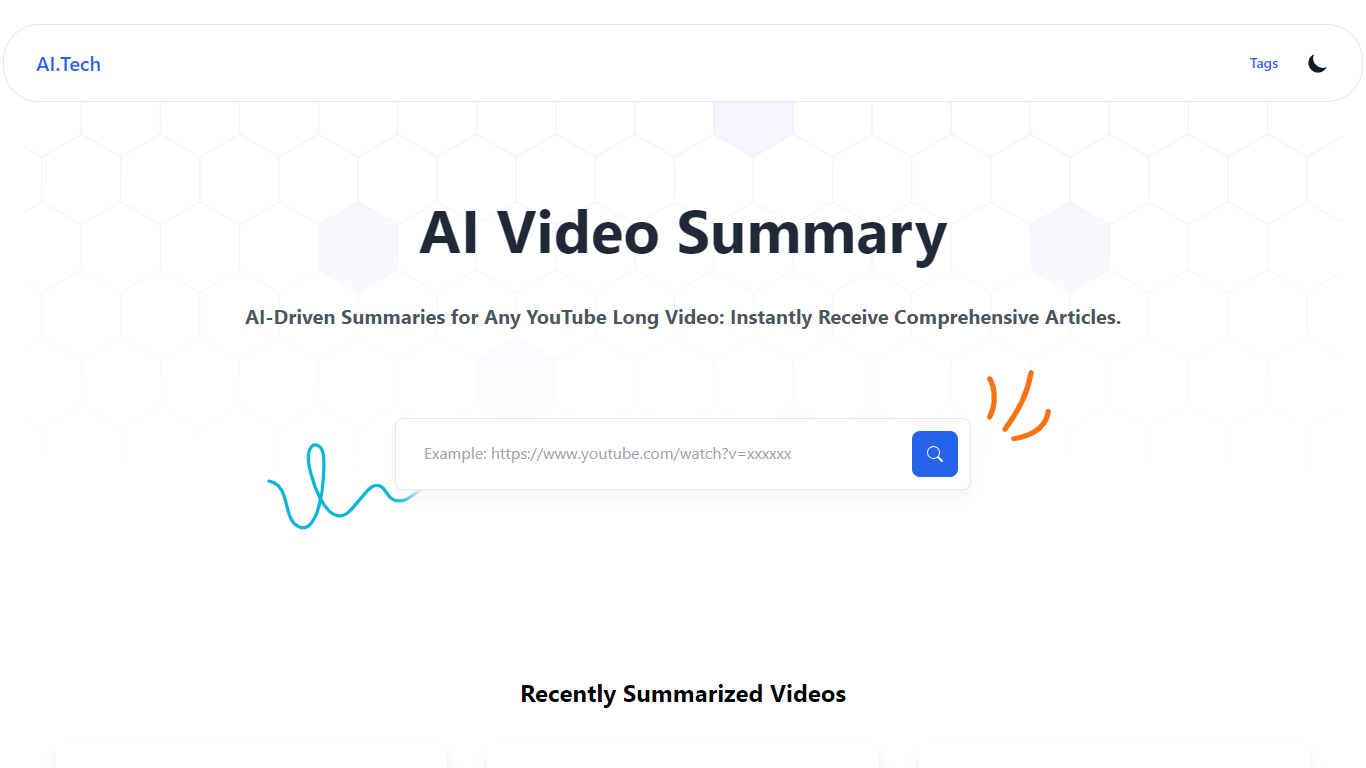
AI Video Summary (AIVideoSummary) turns uploaded audio and video into subtitles, full transcripts, and bullet-point summaries. Paste a link from YouTube, TikTok, Facebook, or Vimeo, or upload MP4, MP3, WAV, MOV, or M4A files and pick the output you need.
The platform runs OpenAI Whisper for speech-to-text and Facebook BART for summarization on its servers. Uploaded files are processed temporarily and deleted afterward, so nothing stays stored after the job finishes.
It fits creators, educators, podcasters, journalists, and remote teams who need searchable text from lectures, interviews, webinars, or long-form video without sitting through the full recording. A separate blog rewriter tool also lets you rework existing articles and transcripts.
Paste a YouTube, TikTok, Facebook, or Vimeo link for subtitles, transcripts, or summaries
Upload MP4, MP3, WAV, MOV, or M4A and export SRT, VTT, or TXT subtitle files
Whisper transcribes speech in 100+ languages with timestamps on each paragraph
BART condenses long recordings into bullet-point summaries downloadable as markdown
Built-in blog rewriter reworks articles and transcript text in a separate workflow
Free tier covers uploads and URL processing without requiring a credit card.
Handles both file uploads and direct links from YouTube, TikTok, Facebook, and Vimeo.
Exports subtitles in SRT, VTT, and TXT formats ready for video editors.
Whisper and BART models support multilingual transcription and summarization on paid plans.
Free plan excludes AI summaries and translation features.
Free tier limits video uploads to 50 MB and URL length to 10 minutes.
All purchases are final with no refunds listed on the pricing page.
No native mobile app; access is browser-only.
Is AI Video Summary free to use?
Yes. AI Video Summary offers a free plan with 5 file uploads per month, URL processing, and basic transcription without a credit card. Paid Pro and Business plans add summaries, translation, higher limits, and priority support.
What file formats does AI Video Summary support?
AI Video Summary accepts MP4, MOV, MP3, WAV, and M4A uploads. You can export subtitles as SRT, VTT, or TXT, transcripts as TXT, and summaries as markdown.
Can AI Video Summary process YouTube videos?
Yes. AI Video Summary can process YouTube, TikTok, Facebook, and Vimeo links directly on its URL processing page. You can also download a YouTube video and upload the MP4 file for summarization.
How does AI Video Summary handle my data?
AI Video Summary processes files on its servers and automatically deletes them after use. The site states that uploaded content is not stored permanently once processing completes.
What languages does AI Video Summary support for transcription?
AI Video Summary uses OpenAI Whisper, which supports 100+ languages for transcription. Paid plans add translation support for uploaded files.
Does AI Video Summary work on mobile?
Yes. AI Video Summary is a mobile-responsive web app, so you can upload and process files from a phone or tablet browser without installing a native app.