AI Video Summary vs Riverside
In the contest of AI Video Summary vs Riverside, which AI Video Editing tool is the champion? We evaluate pricing, alternatives, upvotes, features, reviews, and more.
If you had to choose between AI Video Summary and Riverside, which one would you go for?
When we examine AI Video Summary and Riverside, both of which are AI-enabled video editing tools, what unique characteristics do we discover? Riverside is the clear winner in terms of upvotes. Riverside has attracted 25 upvotes from aitools.fyi users, and AI Video Summary has attracted 6 upvotes.
You don't agree with the result? Cast your vote to help us decide!
AI Video Summary
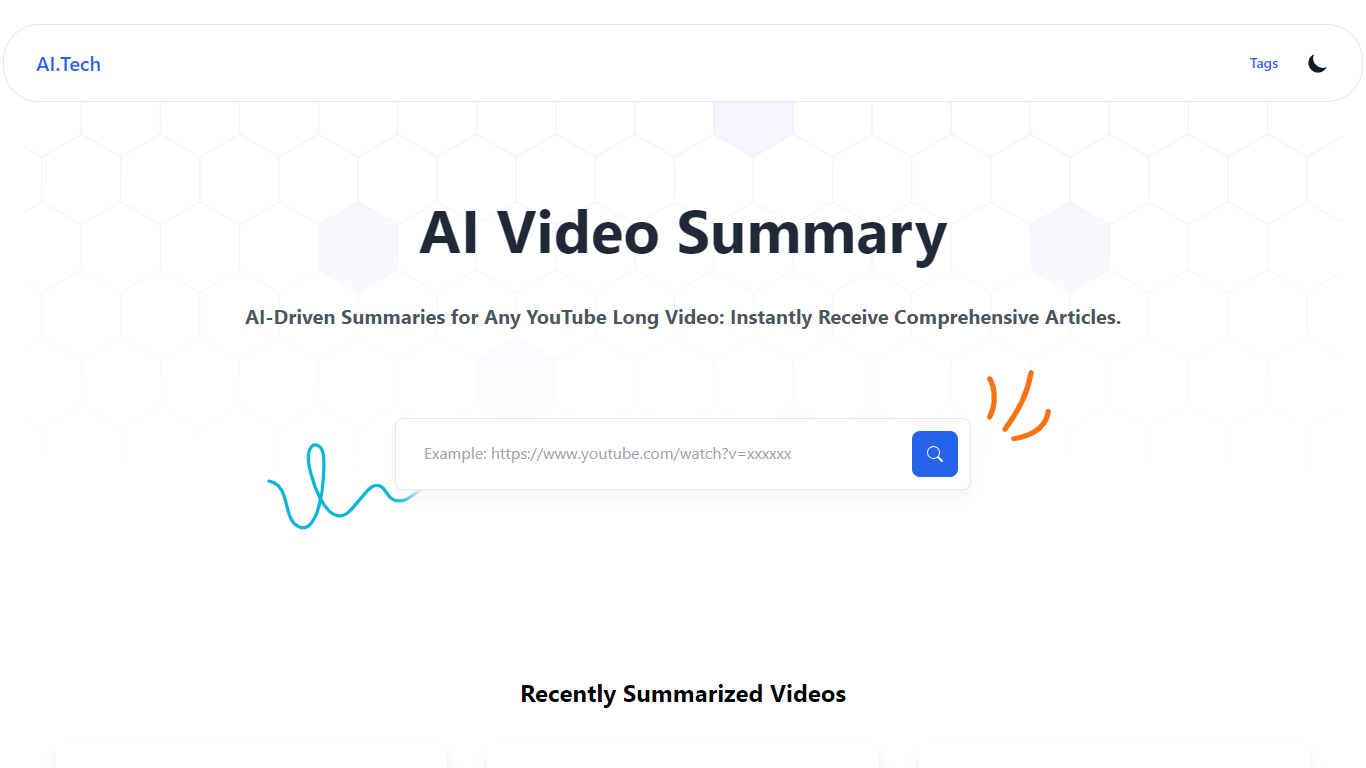

What is AI Video Summary ?
AI Video Summary (AIVideoSummary) turns uploaded audio and video into subtitles, full transcripts, and bullet-point summaries. Paste a link from YouTube, TikTok, Facebook, or Vimeo, or upload MP4, MP3, WAV, MOV, or M4A files and pick the output you need.
The platform runs OpenAI Whisper for speech-to-text and Facebook BART for summarization on its servers. Uploaded files are processed temporarily and deleted afterward, so nothing stays stored after the job finishes.
It fits creators, educators, podcasters, journalists, and remote teams who need searchable text from lectures, interviews, webinars, or long-form video without sitting through the full recording. A separate blog rewriter tool also lets you rework existing articles and transcripts.
Riverside

What is Riverside?
Riverside is a video editing and recording platform built for remote podcasts, interviews, and webinars. It records up to 4K video and uncompressed audio locally on each participant's device, so spotty internet does not tank quality. After recording, you edit in a text-based timeline, generate Magic Clips, captions, and show notes, then publish to YouTube, Spotify, and Apple Podcasts from the same workflow.
Zoom and Google Meet optimize for live calls, not post-production. Riverside records separate tracks locally, then layers AI cleanup, filler-word removal, and clip generation on top. The trade-off is that it is built for creators who publish regularly, not for one-off internal meetings that never leave the call app.
Podcasters, marketers, and producers at companies like Spotify and The New York Times use Riverside for studio-style remote recordings. Founded in 2020 by brothers Gideon and Nadav, the product now lives at riverside.com while riverside.fm redirects to the same experience.
AI Video Summary Upvotes
Riverside Upvotes
AI Video Summary Top Features
Paste a YouTube, TikTok, Facebook, or Vimeo link for subtitles, transcripts, or summaries
Upload MP4, MP3, WAV, MOV, or M4A and export SRT, VTT, or TXT subtitle files
Whisper transcribes speech in 100+ languages with timestamps on each paragraph
BART condenses long recordings into bullet-point summaries downloadable as markdown
Built-in blog rewriter reworks articles and transcript text in a separate workflow
Riverside Top Features
Local recording up to 4K video with separate WAV and MP4 tracks per speaker
Free plan includes 2 hours of multi-track recordings and unlimited single-track editing
Pro plan at $24 per month (billed annually) adds 15 hours of separate track downloads and 4K output
AI Co-Creator generates clips, show notes, captions, and filler-word removal from recordings
Built-in podcast hosting publishes to Spotify, Apple Podcasts, and YouTube
Grow and Webinar tiers add multistream live streaming and webinar registration for up to 100 attendees
AI Video Summary Category
- Video Editing
Riverside Category
- Video Editing
AI Video Summary Pricing Type
- Freemium
Riverside Pricing Type
- Freemium