
Last updated 08-22-2026
Category:
Reviews:
Join thousands of AI enthusiasts in the World of AI!
Aider
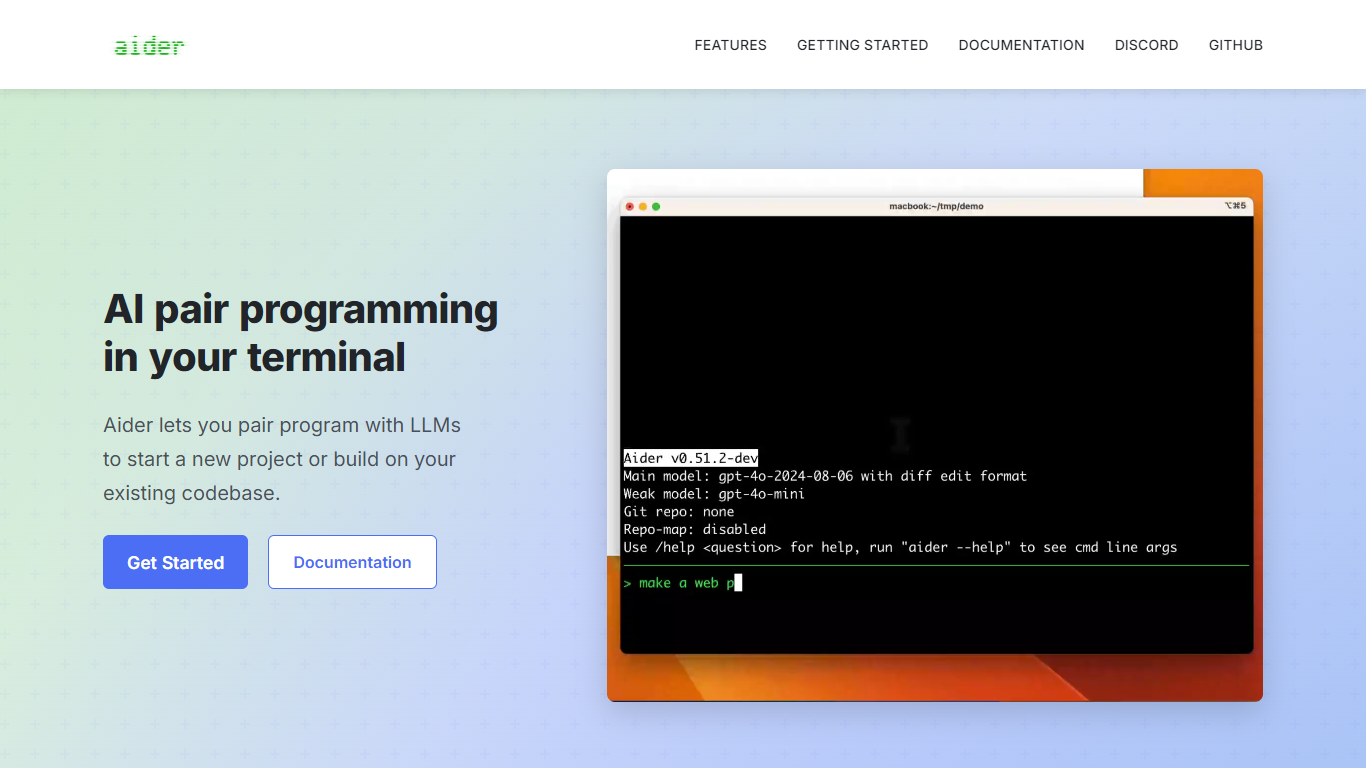
Aider lets you pair program with LLMs in your terminal on real codebases. You chat in the shell, point it at your project, and it edits files in place so you can start a greenfield app or extend an existing repo without leaving git.
What sets it apart is how it understands your whole repository. Aider builds a repository map of classes, functions, and call signatures across the codebase, then sends the most relevant slice to the model with each request. That context helps it make coherent multi-file changes instead of guessing from a single open file.
It is built for developers who live in the terminal and want git-native workflows. Aider auto-commits its edits with descriptive messages, supports undo, and plugs into the LLM provider you already use, from Claude and GPT-4o to DeepSeek and local models via Ollama.
Builds a repo map of classes and functions across your whole codebase
Connects to Claude 3.7 Sonnet, DeepSeek, OpenAI o3-mini, GPT-4o, and local models
Auto-commits every edit with Conventional Commits-style messages
Supports 100+ languages from Python and JavaScript to Rust, Go, and Ruby
Voice-to-code, lint/test hooks, and IDE watch mode via file comments
Open source with 44K+ GitHub stars and 6.8M PyPI installs.
Repository map gives the model context across large mono repos.
Tight git integration with auto-commits, /undo, and Conventional Commits messages.
Requires your own LLM API keys, so ongoing model costs are separate from the tool.
Weaker models often fail at multi-file edits; capable models are recommended.
No hosted web app; you run Aider locally in a terminal environment.
Is Aider free to use?
Yes. Aider is open source under the Apache 2.0 license and free to install from PyPI or GitHub. You bring your own LLM API keys, so model usage is billed by your provider, not by Aider.
Which LLMs does Aider support?
Aider works with Claude 3.7 Sonnet, DeepSeek R1 and V3, OpenAI o3, o4-mini, GPT-4.1, Gemini 2.5 Pro, and many others via OpenRouter, Ollama, or OpenAI-compatible APIs. Weaker models may struggle with multi-file edits.
Do I need git to use Aider?
Aider works best inside a git repository and will offer to create one if your project does not have it. Git integration enables auto-commits, /undo, and safe handling of dirty files, though you can disable git with --no-git.
How do I install Aider?
Run python -m pip install aider-install followed by aider-install, or use the one-liner curl -LsSf https://aider.chat/install.sh | sh on Mac and Linux. Aider supports Python 3.8 through 3.13.
Can I use Aider with local models?
Yes. Aider connects to local models through Ollama or any provider that exposes an OpenAI-compatible API. Check Aider's LLM leaderboards to see which local models handle code edits reliably.
Can I use Aider inside my IDE?
Yes. Aider's watch mode runs alongside your editor: add comments in your code describing the change you want, and Aider picks them up and applies edits. You can also run Aider in GitHub Codespaces, Docker, or Replit.