
Last updated 07-29-2026
Category:
Reviews:
Join thousands of AI enthusiasts in the World of AI!
AIimag.es
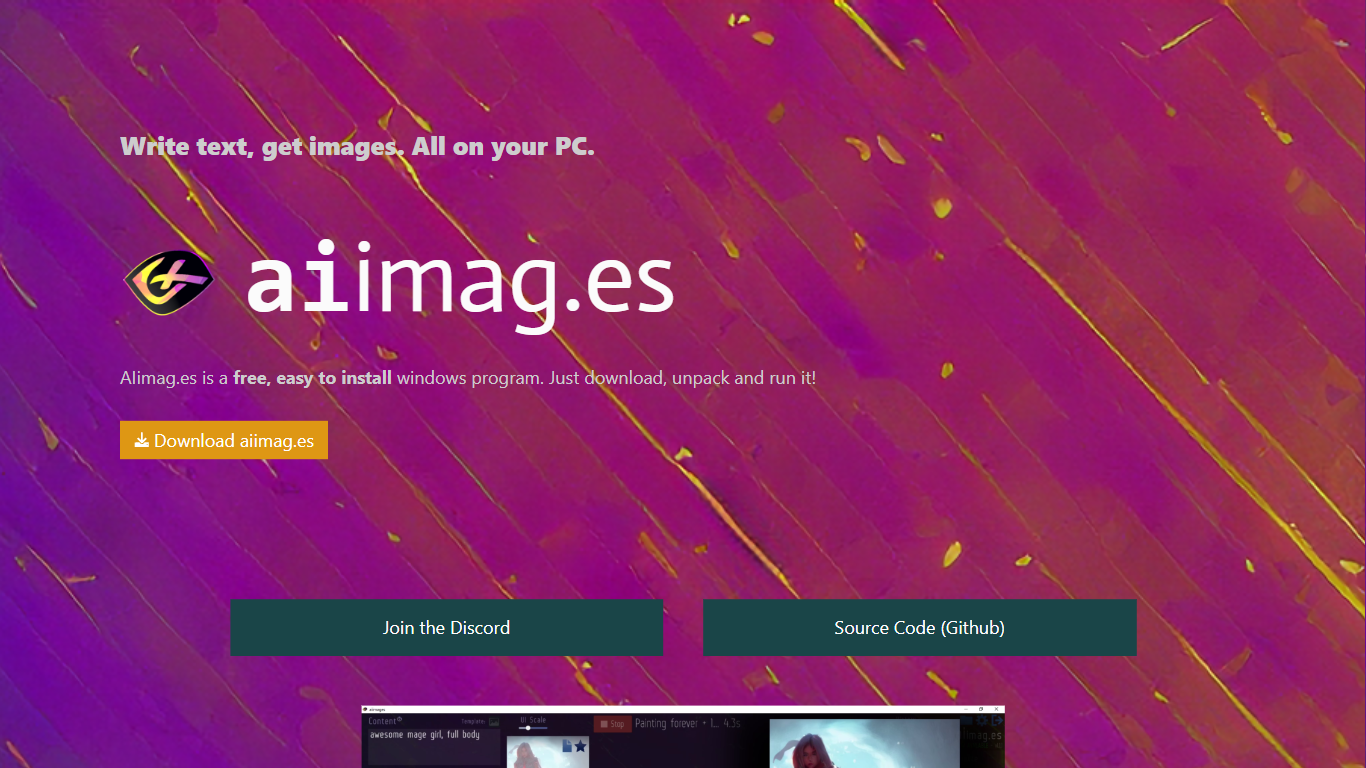
AIimag.es is a free Windows desktop image generator that turns text prompts into pictures on your own PC. You download a zip, unpack it, and run aiimages.exe without creating an account or paying a subscription. The app wraps Stable Diffusion through the lstein implementation so generation stays local on your Nvidia GPU.
Most text-to-image tools live in the browser and bill per credit or queue your jobs on shared servers. AIimag.es takes the opposite path: one installer, offline-capable runs after setup, and the homepage advertises unlimited free images cleared for commercial use. The trade-off is hardware lock-in. It checks for Windows 10, an Nvidia 1XXX, 20XX, or 30XX card, and 12 GB of disk space before it will run.
Sunija, a Munich-based game developer, built the Unity front end for friends who wanted Stable Diffusion without touching a terminal. Hobbyists, indie creators, and anyone on a gaming PC who prefers a guided installer over ComfyUI or Automatic1111 are the natural audience. Discord support and MIT-licensed source on GitHub round out the community angle.
Downloads as aiimages.zip from aiimag.es/data/aiimages.zip and launches as aiimages.exe with no signup
Runs the lstein/stable-diffusion stack locally with models tied to stability.ai's Stable Diffusion release
Checks at launch for Windows 10, an Nvidia 1XXX/20XX/30XX GPU, and 12 GB of free disk space
Homepage states unlimited free generations with commercial use allowed on exported images
MIT-licensed source published at github.com/GothaB/aiimages for inspection or forking
Unity Game Engine UI built to make local diffusion approachable for non-programmers
Free zip download with no account, subscription, or per-image credits
Runs Stable Diffusion locally on your Nvidia GPU instead of cloud queues
MIT open source repo on GitHub lets you audit or extend the installer
Homepage explicitly allows unlimited generations for commercial projects
Unity-based UI lowers the barrier for users who avoid command-line diffusion setups
Windows and Nvidia-only hardware list leaves out Mac, Linux, and AMD GPUs
Install instructions warn that the unpacked folder path cannot contain spaces
Remote sharing and phone access were marked Soon on the homepage and may still be unfinished
How do I install AIimag.es on Windows?
AIimag.es installs from a zip download at aiimag.es/data/aiimages.zip. Unpack the archive, keep the folder path free of spaces, then run aiimages.exe. The installer handles the remaining setup checks automatically.
Is AIimag.es free to use?
Yes, AIimag.es is free. The homepage advertises unlimited picture generation at no cost, with no paid tier listed on the site or in the download flow.
What GPU does AIimag.es require?
AIimag.es requires an Nvidia graphics card from the 1XXX, 20XX, or 30XX series. The program verifies Windows 10 and 12 GB of disk space alongside the GPU check after you unpack the download.
Can I use AIimag.es images commercially?
Yes. AIimag.es states on its homepage that you can create unlimited pictures for free and use them for basically everything, including commercial projects, when generating locally through the app.
Is AIimag.es open source?
Yes. AIimag.es is MIT licensed and publishes source code at github.com/GothaB/aiimages. The about section credits the lstein Stable Diffusion repository and the free Unity Game Engine build.
Does AIimag.es run on Mac or Linux?
No. AIimag.es targets Windows 10 PCs with Nvidia GPUs only. The requirements page does not list macOS, Linux, or AMD graphics support.