
Last updated 08-13-2026
Category:
Reviews:
Join thousands of AI enthusiasts in the World of AI!
Animaker
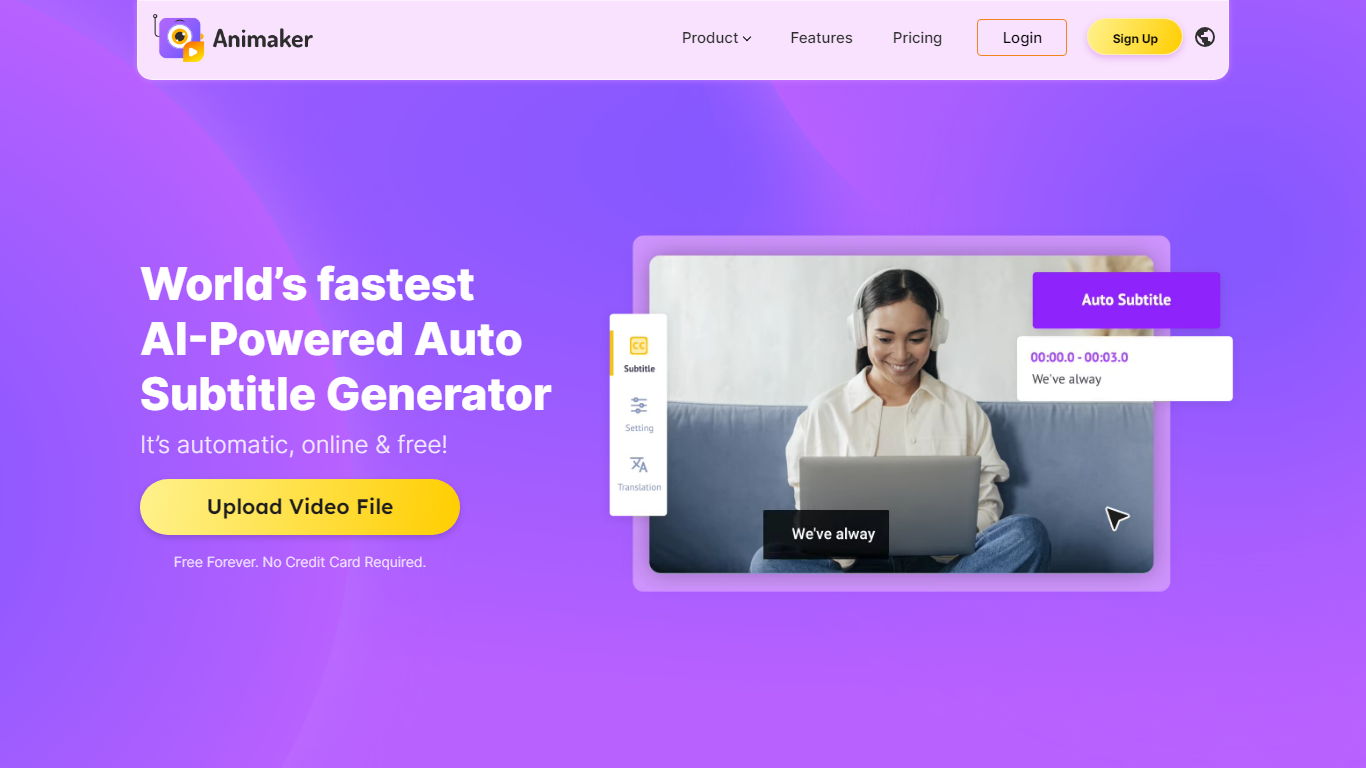
Animaker's subtitle generator auto-transcribes uploaded videos, adds captions in one click, and lets you edit timing, fonts, and animations before export. It accepts drag-and-drop uploads, supports manual captioning, and can import existing .srt, .vtt, and .ass subtitle files when you already have a transcript.
Dedicated caption apps often stop at plain text overlays. Animaker bundles 20+ subtitle animations, a full text editor for brand styling, and translation into 134 languages, though translating captions and downloading raw subtitle files require a paid Animaker subscription.
YouTubers, social marketers, HR trainers, and sales teams use it to make muted social feeds readable and localize explainers without rebuilding the video. The free tier includes auto generation, manual typing, and 50 minutes of subtitling with watermarked exports; paid Animaker plans from $10 per month unlock translation and subtitle file downloads.
One-click Auto Subtitle generation from uploaded video audio
Auto-translate captions into 134 languages on premium Animaker subscriptions
20+ subtitle animations plus a full text editor for brand styling
Import existing .srt, .vtt, and .ass subtitle files alongside auto transcription
Manual subtitle mode for frame-accurate timing and custom wording
Free plan includes 50 minutes of subtitling with watermarked video exports
Trusted by 30M+ Animaker users according to the subtitle generator page
Free auto-captioning without a credit card upfront
134-language translation on paid plans for global audiences
Imports standard .srt, .vtt, and .ass files when transcripts already exist
20+ caption animations go beyond plain burned-in text
Manual editing highlights low-confidence words for faster fixes
Subtitle translation and raw file downloads require a paid subscription
Free exports carry a watermark
Pricing reflects the full Animaker suite, not a standalone subtitle SKU
Is Animaker's subtitle generator free?
Yes. Animaker auto-generates, manually types, and uploads subtitles for free. Translating captions and downloading generated subtitle files require a premium Animaker subscription. Free exports include a watermark.
How many languages does Animaker subtitle translation support?
Animaker's subtitle generator supports auto-translation into 134 languages on paid plans. Free users can generate English captions and edit them, but translation is a premium feature.
What subtitle file formats does Animaker accept?
Animaker accepts uploaded subtitle files in .srt, .vtt, and .ass formats. You can also let Animaker auto-transcribe speech from the video audio in one click.
How do I auto-generate subtitles in Animaker?
Upload a video to Animaker's subtitle generator, click Auto Subtitle, and wait for the speech-to-text pass to finish. You can then adjust timing, fonts, and animations before publishing or downloading.
How much do Animaker paid plans cost?
Animaker's broader platform pricing starts at $10 per month for Basic, $19 per month for Starter, and $49 per month for Pro on the public pricing page. Subtitle translation and subtitle file downloads tie to those premium subscriptions.
Who uses Animaker for subtitles?
Animaker highlights marketers localizing explainers, HR teams captioning training videos, vloggers, and social media creators who need readable captions for muted feeds. The page cites 30M+ Animaker users overall.