
Last updated 07-25-2026
Category:
Reviews:
Join thousands of AI enthusiasts in the World of AI!
ArchiVinci
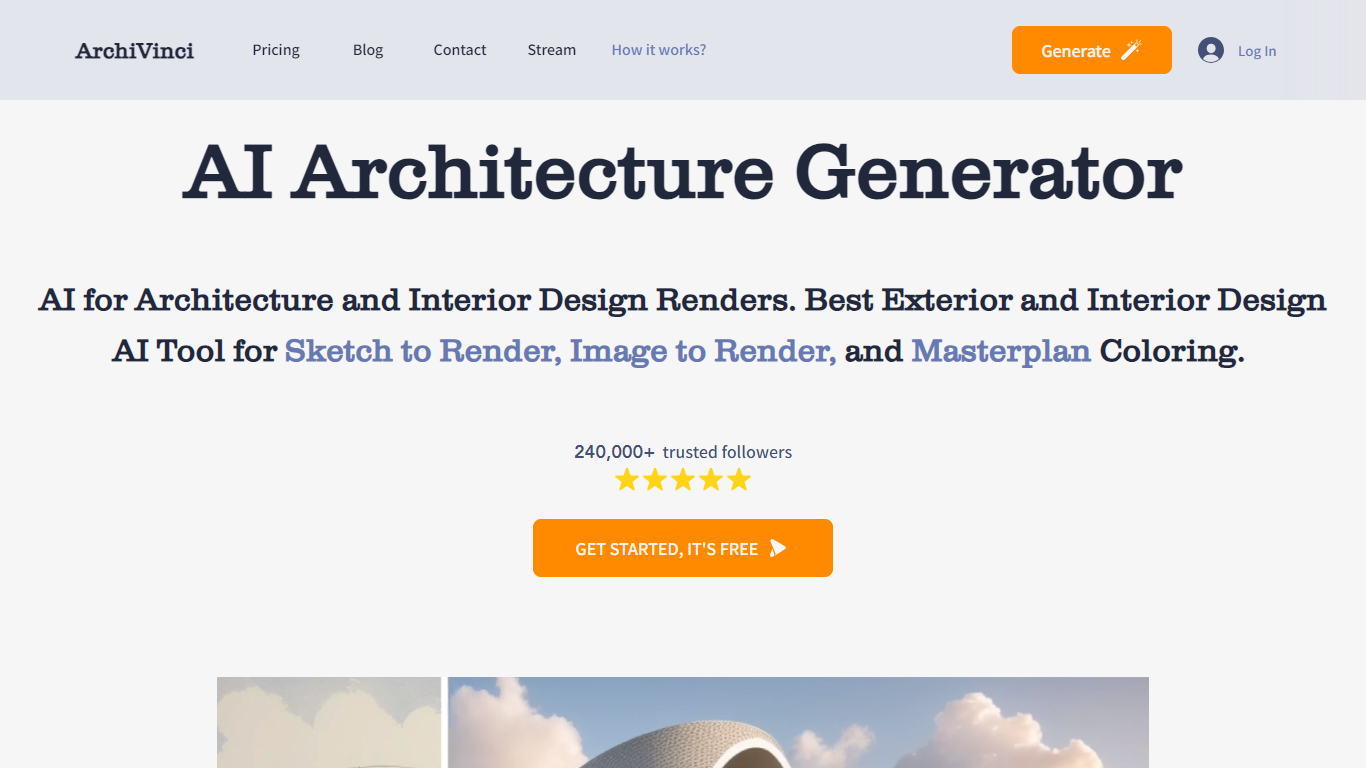
ArchiVinci is a browser-based AI rendering platform for architects and interior designers. It turns sketches, photos, floor plans, elevations, and 3D model screenshots into photorealistic architectural visuals in seconds without local GPU setup.
The platform covers render, edit, plan, and video workflows in one place. Modules include interior and exterior rendering, floor plan to 3D conversion, landscape design, masterplan coloring, room furnishing, material edits, relighting, and render-to-video animation.
ArchiVinci 4.0, released in 2026, focuses on geometry preservation and material fidelity so outputs stay faithful to the source design. The company is headquartered in London and reports more than 750,000 registered users and over 5 million client-ready renders across 165+ countries.
Generate interior, exterior, landscape, and masterplan renders from sketches, photos, plans, or model screenshots
Edit renders with tools for materials, furniture, relighting, cleanup, and alternate viewpoints
Convert 2D floor plans and site plans into presentation-ready 3D visuals
Runs in the cloud with no GPU, plugin, or installation required
Offers geometry-aware rendering with alerts when prompts may distort the original structure
Covers render, edit, plan, and video workflows in one browser platform
No local GPU or rendering software setup required
Strong focus on preserving geometry and source design intent
Large user base with millions of renders already produced
Premium plans can get expensive for solo users who only need occasional renders
Some advanced modules rely on coin limits for non-ArchiVinci models
Best results still depend on choosing the right module for each input type
What is ArchiVinci?
ArchiVinci is an AI architectural visualization platform that converts design inputs such as sketches, photos, floor plans, and 3D screenshots into photorealistic renders in the browser.
Is there a free way to try ArchiVinci?
Yes. ArchiVinci offers 3 free renders with no watermark so new users can test the workflow before subscribing.
Do I need a powerful computer to use ArchiVinci?
No. Rendering runs in ArchiVinci's cloud infrastructure, so the platform works on any device without a local GPU.
What file formats can I upload?
ArchiVinci accepts common image formats including PNG, JPEG, and WEBP from sketches, photos, plans, or screenshots from CAD and 3D tools.
Can I use ArchiVinci outputs commercially?
ArchiVinci states that users own their outputs with full commercial usage rights, including renders created during the free trial.