ArchiVinci vs Magic Brush AI
In the battle of ArchiVinci vs Magic Brush AI, which AI Design tool comes out on top? We compare reviews, pricing, alternatives, upvotes, features, and more.
Between ArchiVinci and Magic Brush AI, which one is superior?
Upon comparing ArchiVinci with Magic Brush AI, which are both AI-powered design tools, The upvote count reveals a draw, with both tools earning the same number of upvotes. Be a part of the decision-making process. Your vote could determine the winner.
Not your cup of tea? Upvote your preferred tool and stir things up!
ArchiVinci

What is ArchiVinci ?
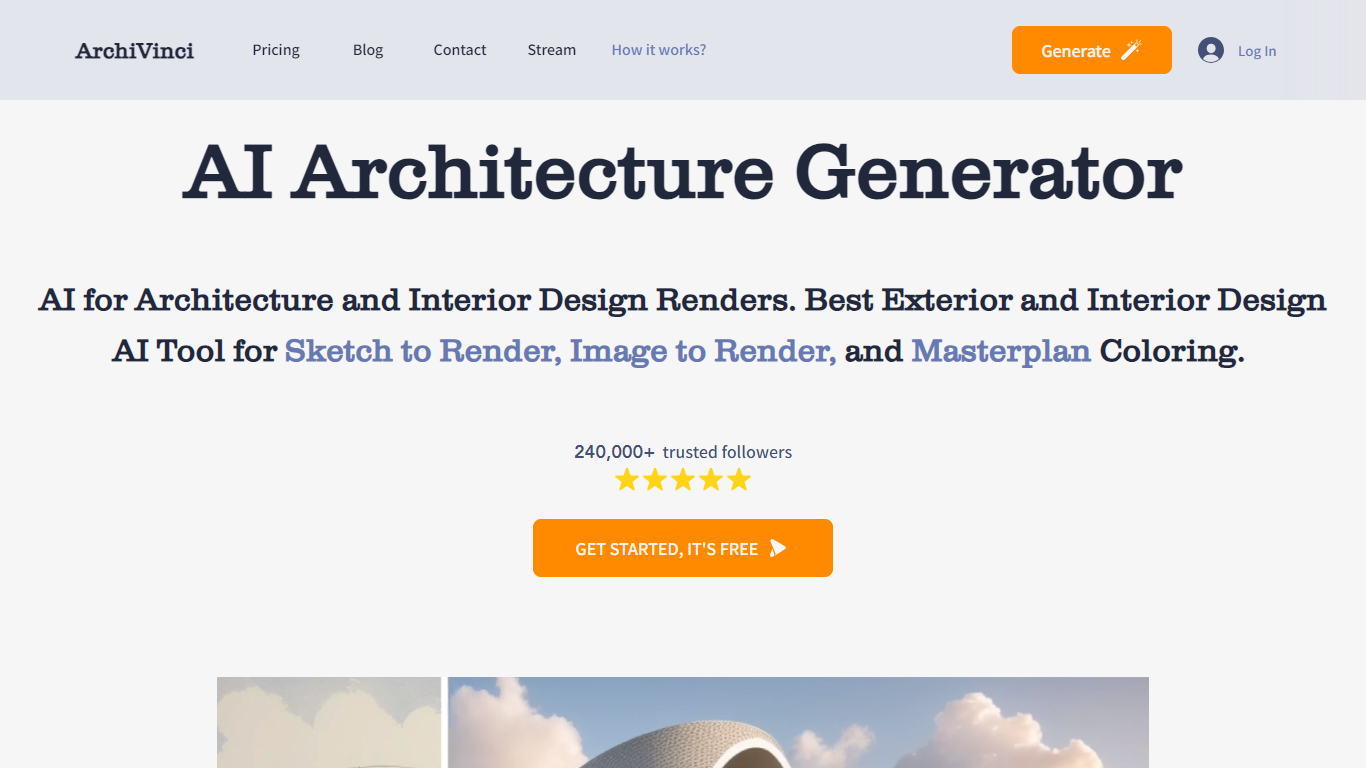
ArchiVinci is a browser-based AI rendering platform for architects and interior designers. It turns sketches, photos, floor plans, elevations, and 3D model screenshots into photorealistic architectural visuals in seconds without local GPU setup.
The platform covers render, edit, plan, and video workflows in one place. Modules include interior and exterior rendering, floor plan to 3D conversion, landscape design, masterplan coloring, room furnishing, material edits, relighting, and render-to-video animation.
ArchiVinci 4.0, released in 2026, focuses on geometry preservation and material fidelity so outputs stay faithful to the source design. The company is headquartered in London and reports more than 750,000 registered users and over 5 million client-ready renders across 165+ countries.
Magic Brush AI

What is Magic Brush AI?
Magic Brush AI introduces an innovative AI-powered plugin specifically designed for Figma users who wish to enhance their design process. The Magic Brush AI plugin seamlessly integrates with Figma, allowing designers to generate and edit images directly within the application. If you're looking to speed up your design workflow and leverage artificial intelligence in your projects, Magic Brush AI offers a simple yet powerful solution. With easy installation and a user-friendly interface, Magic Brush expands creative possibilities without ever leaving your favorite design platform. Additionally, the community aspect is emphasized with an invitation to join their Discord, suggesting a focus on user engagement and support. Designed by Elie Toubiana from sunshine-filled Los Angeles, CA, Magic Brush AI is poised to transform how creatives interact with Figma and image editing.
ArchiVinci Upvotes
Magic Brush AI Upvotes
ArchiVinci Top Features
Generate interior, exterior, landscape, and masterplan renders from sketches, photos, plans, or model screenshots
Edit renders with tools for materials, furniture, relighting, cleanup, and alternate viewpoints
Convert 2D floor plans and site plans into presentation-ready 3D visuals
Runs in the cloud with no GPU, plugin, or installation required
Offers geometry-aware rendering with alerts when prompts may distort the original structure
Magic Brush AI Top Features
AI Powered Plugin: A convenient Figma plugin that utilizes AI for image generation and editing.
Seamless Integration: Integrates with Figma for a streamlined design workflow.
Easy Installation: Simple process to install the plugin directly on Figma.
Community Support: Access to a Discord community for networking and support.
Frequent Updates: Continual improvements and feature additions to enhance user experience.
ArchiVinci Category
- Design
Magic Brush AI Category
- Design
ArchiVinci Pricing Type
- Freemium
Magic Brush AI Pricing Type
- Freemium